

A ping reply confirms an ICMP exchange for that probe. Your application also needs the correct destination, TCP port, listener and permitted network path. Test the actual application name and port from the affected computer, then compare the server listener and a second client before changing policy.
This guide uses Windows PowerShell 5.1 on Windows 11 and Windows Server 2022/2025. Commands are operational examples based on Microsoft documentation, not measurements from your environment. Test only a single authorized destination.
Establish the target and scope
Ask the application owner for the hostname, transport protocol, actual port and expected server address. Record the failure time, client subnet, VPN state and original application error. The following addresses are documentation examples; replace them before running anything. Port 443 is the HTTPS example here, not a universal application port.
Application name: portal.example.com
Expected server: 192.0.2.80
Transport: TCP
Port: 443
Test location: the affected Windows client
Search Start for Windows PowerShell. An ordinary client TCP probe generally does not require elevation; server listener and policy inspection belongs to an authorized administrator. If the command is missing, verify the built-in Windows environment and NetTCPIP module rather than downloading an unknown utility.
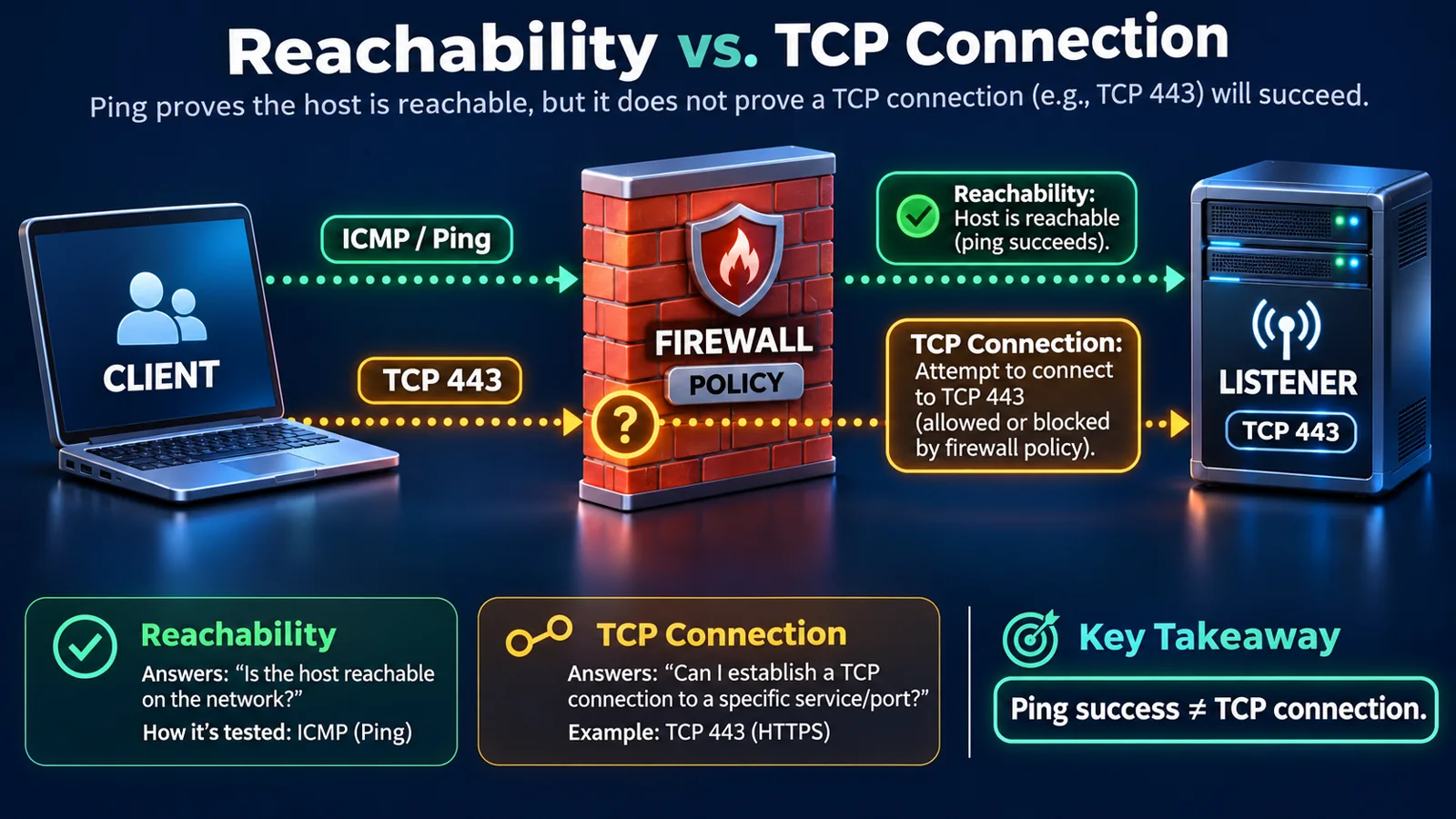
1. Test the actual application TCP port
Run on the affected client:
Test-NetConnection -ComputerName portal.example.com -Port 443 -InformationLevel Detailed
Record the remote address and port, source address, interface and TCP result. This is an illustrative output layout, not a captured test:
ComputerName     : portal.example.com
RemoteAddress    : 192.0.2.80
RemotePort       : 443
InterfaceAlias   : Ethernet
SourceAddress    : 192.0.2.25
TcpTestSucceeded : False
True means this TCP connection attempt succeeded. It does not validate TLS, HTTP, authentication or application behavior. False alone cannot identify a dropped packet, rejection, absent listener or routing failure. An ICMP warning is also distinct from the TCP outcome: some hosts reject ping while serving applications normally.
2. Check that the selected address is correct
A hostname may resolve to multiple IPv4 or IPv6 addresses; VPN and split DNS can change the answer. Inspect resolution, then test an address confirmed by the application owner:
Resolve-DnsName -Name portal.example.com
Test-NetConnection -ComputerName 192.0.2.80 -Port 443 -InformationLevel Detailed
Compare the first probe's selected remote address with the intended destination. If a hostname probe fails while a particular IP works, investigate DNS answers, address family, load balancer backends and path differences. A successful IP probe does not validate HTTPS by name: an IP URL may change certificate checks, SNI and virtual-host routing.
Record each relevant address separately. Do not delete DNS records or make permanent hosts-file edits as a diagnostic shortcut. If the expected address is unknown, pause policy changes and ask the application owner to confirm it.
3. Inspect the server listener
On the Windows server actually hosting this service, an authorized administrator can inspect the example port:
Get-NetTCPConnection -State Listen -LocalPort 443 |
    Select-Object LocalAddress, LocalPort, State, OwningProcess
No matching result, including a no-matching-object message, means this query found no TCP listener for that port. Check service state, configured port and application logs before investigating permission changes. A firewall allowance cannot create a missing listener.
When a listener exists, check its local address and owning process. Loopback binding serves only the local host. A wildcard binding describes the relevant address family; it does not prove both families, every interface and policy are correct. If a Linux host, container, reverse proxy or load balancer terminates the connection, its owner must inspect that actual endpoint.
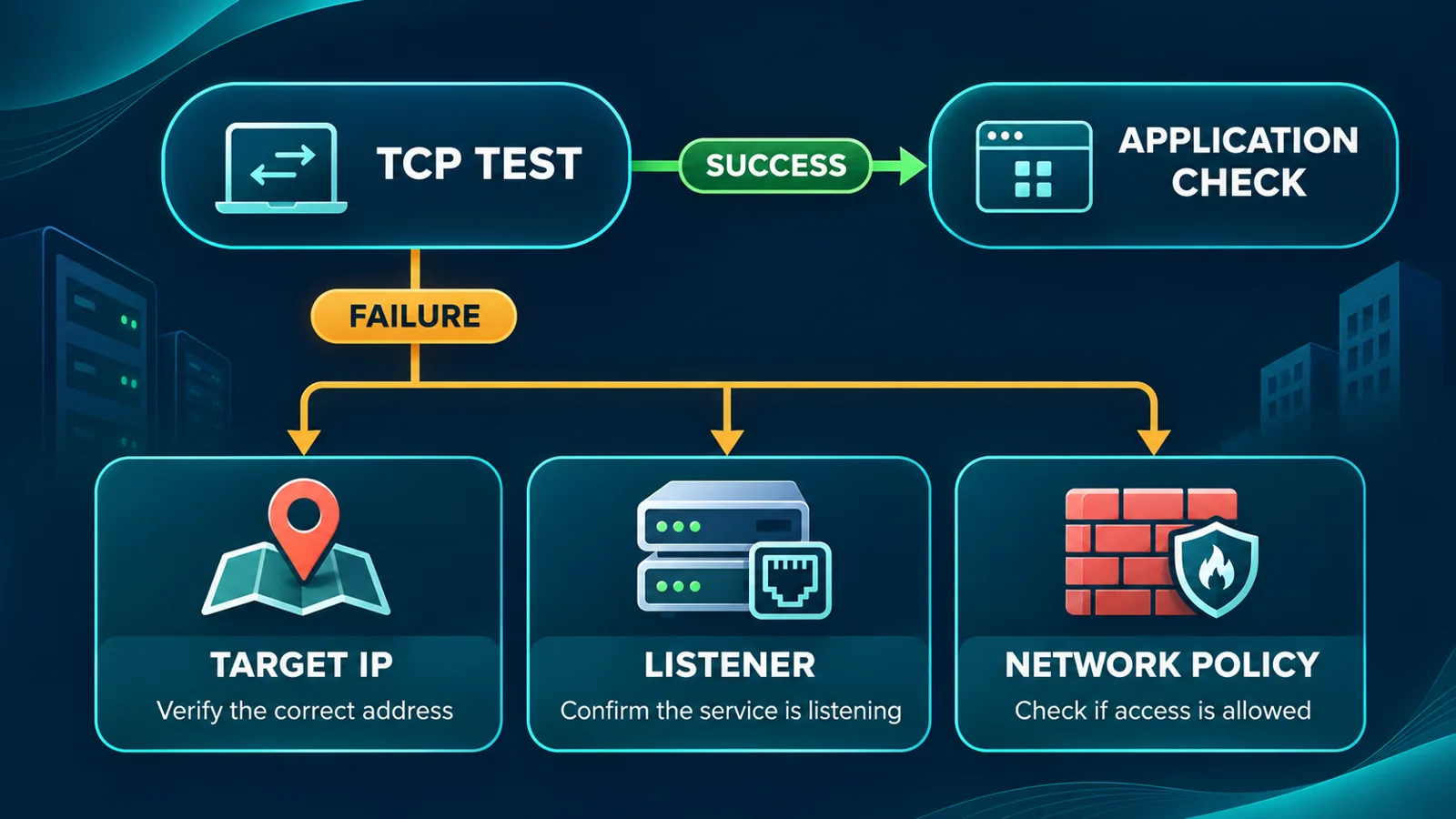
The diagram organizes the investigation and does not replace measurements.
4. Compare controlled tests before changing policy
Use the same destination address and port from the server itself and a known-good authorized client. A successful server-local probe is supplementary evidence; it does not test the remote inbound path.
| Observation | Investigate first | What it does not prove |
|---|---|---|
| No listener | Service state, binding, configuration and logs | A firewall is blocking the connection |
| Local works; all remote clients fail | Host inbound policy, subnet ACL, NAT and return path | The firewall must be disabled |
| Same subnet works; VPN fails | VPN route, source address and segmentation policy | The server application is broken |
| TCP succeeds; browser fails | TLS, proxy, HTTP, authentication and application logs | The application is healthy |
On the server, open Start → Windows Administrative Tools → Windows Defender Firewall with Advanced Security → Inbound Rules, or search Start for that console if the menu differs. Inspect the relevant rule's enabled state, program or port, active network profile, remote-address scope and centrally managed policy. A domain-managed environment requires confirmation of effective policy; one local rule is insufficient evidence.
If the blocking point is unclear, give network and security administrators the source and destination addresses, protocol, port, timestamp and both endpoints' results. Request only an approved, narrowly scoped change, recording the original setting and rollback. Do not disable protection as a shortcut.
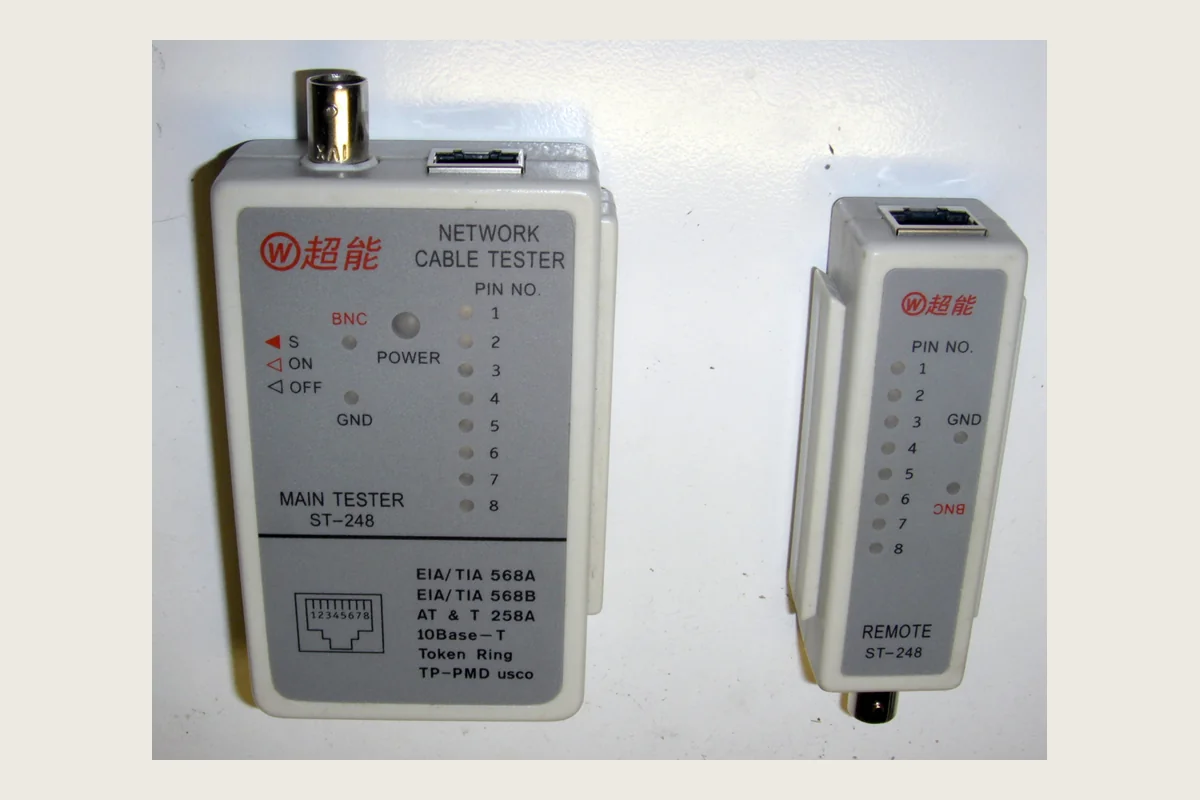
Photograph: George Shuklin, 2007-06-05, Public Domain; see image credits. A cable tester checks physical continuity and cannot prove TCP port or application health. This is not the site of this article.
To identify a confirmed owning process on the server, replace the illustrative ID below with the actual returned ID:
Get-Process -Id 1234 | Select-Object Id, ProcessName, Path
The executable path may be unavailable without sufficient rights. Ask an authorized administrator to verify ownership; do not terminate a process based on this example.
5. Verify the original application
After a fix, repeat the first probe from the original client and preserve before-and-after results for the same target. Then use the original hostname in the browser or business client and complete an authorized application operation. Record proxy use separately: a direct TCP probe may follow a different path from the application.
Acceptance requires the expected destination, a successful TCP connection to the specified port, restored application access, no new failures on other authorized clients and removal of temporary test policy under the change record. If TCP succeeds but the application still fails, move to application-layer evidence rather than widening network access.
Frequently asked questions
Does this test UDP?
No. The port probe here establishes a TCP connection. UDP applications require an appropriate protocol query or approved packet capture, with requests and replies interpreted by the service owner.
Does TCP success validate the HTTPS certificate?
No. Validate certificate names, trust, SNI, proxies and the application response using the original application. TCP connectivity is only one prerequisite.
Why does another colleague succeed?
Compare selected remote address, source address, interface, VPN and proxy state before inspecting user or device policy. Results from different destinations or paths are not controlled comparisons.
Official references and image credits
- Microsoft: Test-NetConnection parameters and results.
- Microsoft: Get-NetTCPConnection states and listeners.
- Microsoft: Resolve-DnsName.
- Microsoft: Get-Process by process ID.
Figures 1 and 2 illustrate the investigation sequence and are not packet captures. Photograph by George Shuklin, 2007-06-05, Public Domain; original page and license. The complete photograph was proportionally resized onto a landscape canvas.

Related support and reading
For an incident crossing VPN, firewall and application ownership, Yuqi technical support can help organize endpoint evidence and a limited change.
Related reading: DNS negative-cache troubleshooting and Gigabit LAN throughput troubleshooting.