
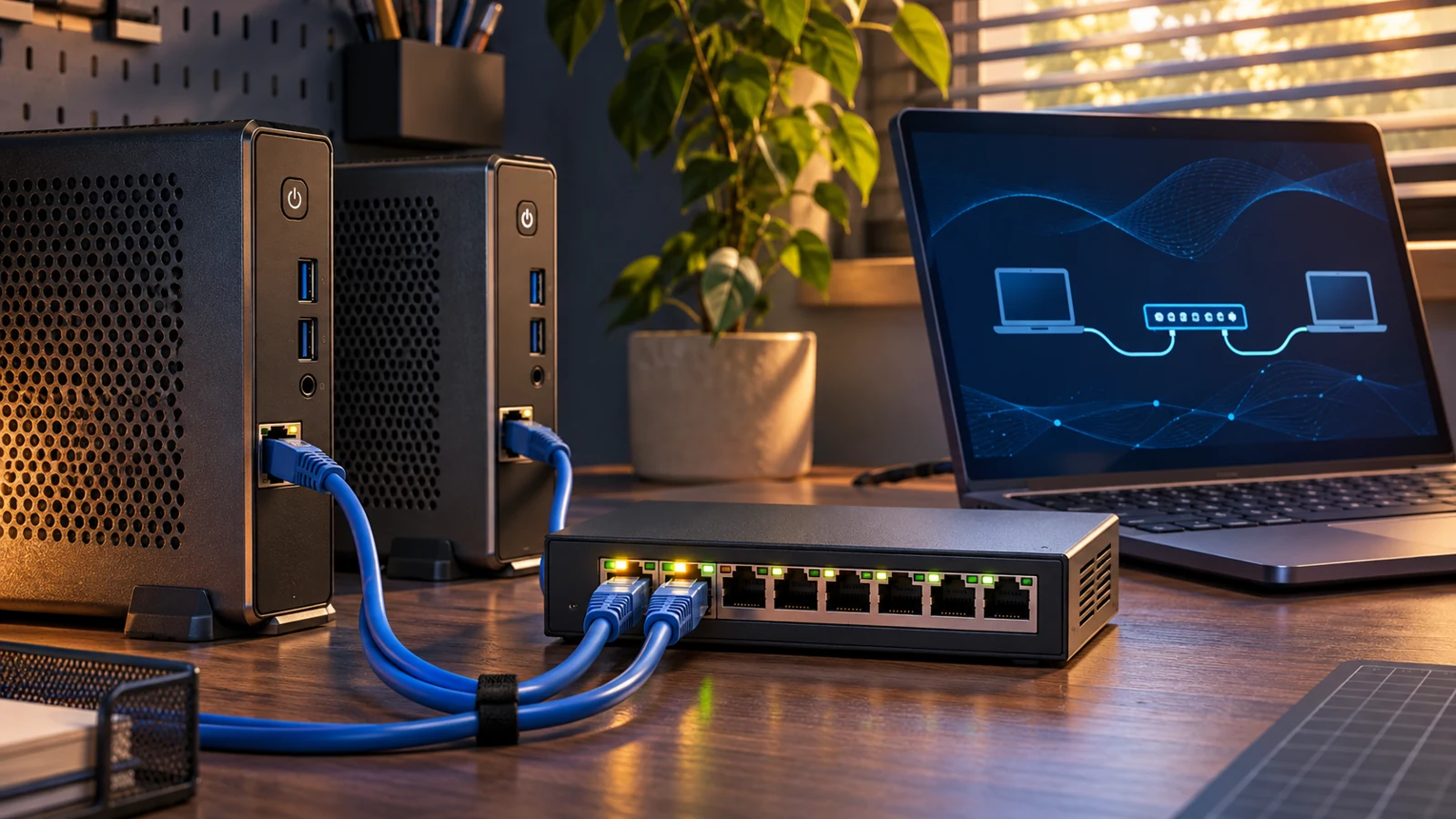
A PC and switch both report a 1 Gbps link, yet copying a file feels slow. Before changing MTU or buying hardware, separate the network path from storage and file-sharing behavior, then compare directions and endpoints.
Start here: during an approved maintenance window, use two wired Ubuntu hosts. Run A-to-B single-stream TCP, B-to-A single-stream TCP, and A-to-B four-stream TCP in sequence. Keep receiver summaries, retransmissions, endpoint CPU observations and interface counter changes. Healthy iperf3 results with slow file copies point toward further storage or application checks; poor results in both require endpoint and path comparisons.
What this procedure measures
The example environment uses two Ubuntu 24.04 LTS hosts on an authorized wired gigabit path and the distribution's iperf3 package. Record both installed versions; the online manual currently identifies itself as 3.22, while the installed help determines available options. These are documented operating examples, not a customer deployment or measured performance claim.
By default, iperf3 generates test data and discards it at the receiving end. This memory-to-memory comparison does not include ordinary shared-file reads and writes. It cannot certify storage, SMB, backup applications, internet service or every business workload. Use iperf3 at both ends: iperf2 and iperf3 are incompatible. See ESnet's tool overview.
Dividing 1 Gbit/s by eight gives 125 MB/s before protocol overhead. That conversion is not a promised file-transfer rate. Keep Mbit/s, MB/s and MiB/s distinct. A familiar figure such as 940 Mbps should not become a universal acceptance threshold; compare equivalent hardware, direction, parameters and a known-good baseline.
1. Prepare the hosts and a test window
| Item | Example | Check before testing |
|---|---|---|
| Host A, client | 192.0.2.10 | Wired and authorized to reach B |
| Host B, server | 192.0.2.20 | Wired, idle, with console access |
| Test port | TCP 5201; add UDP 5201 only for UDP testing | Restrict source to A; no internet exposure |
| Interface | enp1s0 | Replace with the actual interface |
| Measurement | 30 seconds per run, in sequence | Maintenance window and business monitoring |
The 192.0.2.0/24 range is for documentation. Replace every example address and interface with verified values; do not assign this range to the production LAN. Record virtual machines, USB adapters, VPNs and Wi-Fi as measurement variables rather than grouping their results with bare-metal wired tests. Keep an operator available and avoid using endpoints carrying critical workloads.
Install on both hosts and inspect the help. If package installation asks about starting a persistent service, decline; this procedure uses a temporary foreground server. If another task already owns port 5201, coordinate a different port and change every related command consistently.
sudo apt update
sudo apt install iperf3 ethtool
iperf3 --version
iperf3 --help
ip -br address
Do not obtain an arbitrary Windows iperf3 executable from an untrusted download site. The ESnet FAQ states that Windows is not an officially supported iperf3 platform. Use approved Linux test endpoints or design a separate Windows test plan. WSL, virtual switches and host networking add variables that must be recorded.
2. Check negotiation and routing first
Run the following interface checks at both ends, and inspect A's route to B. Multiple adapters and VPNs can send the test along an unintended path. Resolve unexplained routing before drawing throughput conclusions.
ip -s link show dev enp1s0
sudo ethtool enp1s0
ip route get 192.0.2.20
Check Speed, Duplex and Link detected, plus interface error/drop counters. If a supposed gigabit connection negotiates at 100 Mb/s, compare a known-good short patch cable or port before retesting; do not force duplex for the benchmark. Compare counter deltas before and after each test. Historical nonzero counters alone do not establish a new fault, and counter meanings depend on the driver.
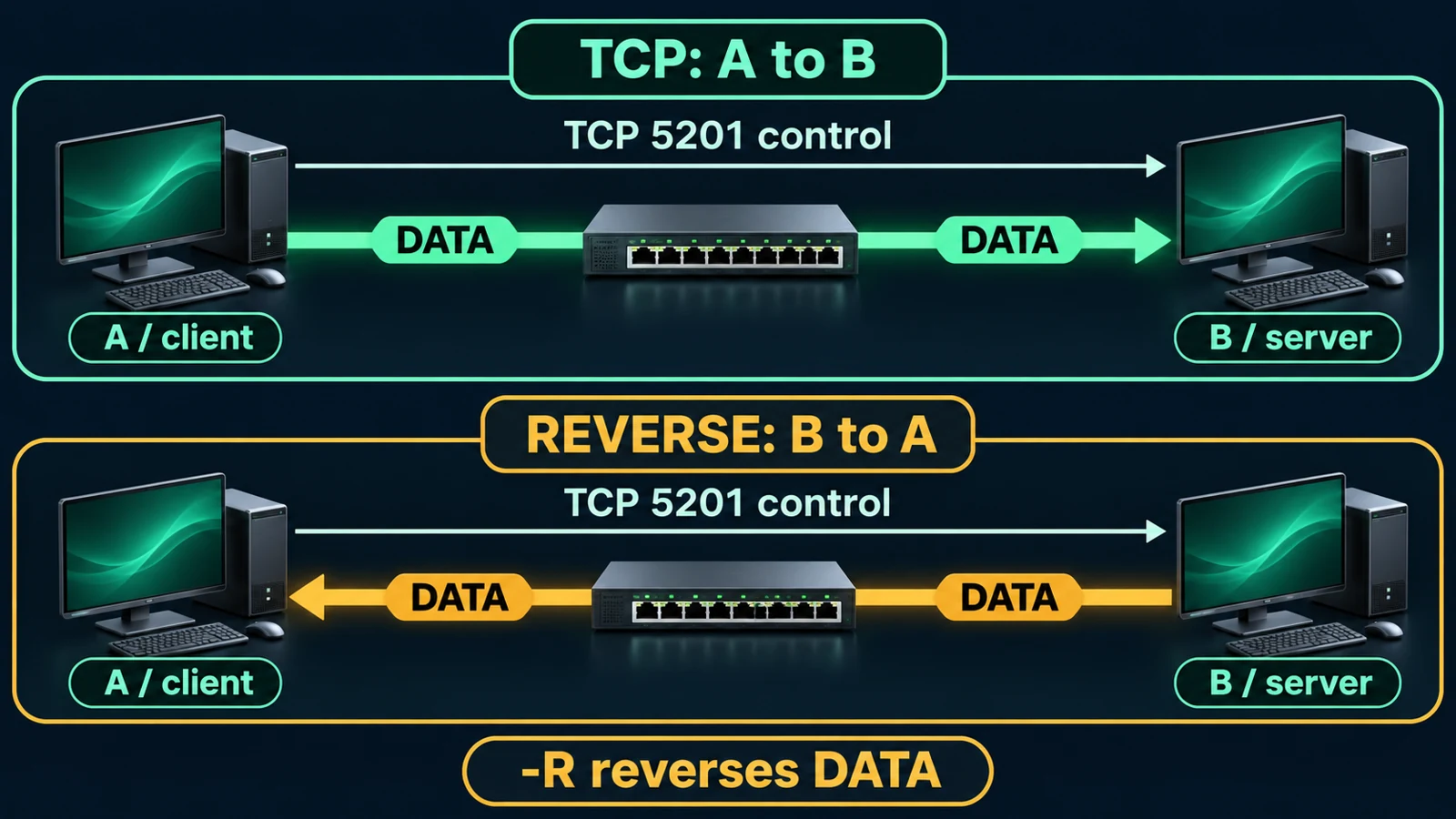
Start one foreground service on B, bound to its verified test address. Binding reduces accidental exposure but does not replace source restrictions in the firewall.
iperf3 -s -B 192.0.2.20 -p 5201
Use the existing firewall management method to permit A to B on TCP 5201. The optional UDP test additionally needs UDP 5201 from the same source; it still uses the TCP control connection. Do not disable the firewall or expose the service publicly. Record the exact temporary rule and its removal procedure.
3. Run forward, reverse and four-stream TCP
On A, run each command only after the previous one finishes. Keep the output files so the same summary fields can be compared; do not launch all three simultaneously.
mkdir -p iperf3-results
iperf3 -c 192.0.2.20 -p 5201 -t 30 -O 3 -i 1 --get-server-output | tee iperf3-results/a-to-b.txt
iperf3 -c 192.0.2.20 -p 5201 -t 30 -O 3 -i 1 -R --get-server-output | tee iperf3-results/b-to-a.txt
iperf3 -c 192.0.2.20 -p 5201 -t 30 -O 3 -i 1 -P 4 --get-server-output | tee iperf3-results/a-to-b-p4.txt
The first test sends A to B. The -R test sends B to A, although the command is still issued on A. The third uses four TCP streams: use the final receiver [SUM] rather than one stream's number. -O 3 excludes the first three seconds of statistics; the run also includes warm-up and connection time beyond the 30-second measurement. See the iperf3 option reference.
At both ends, open another terminal and run top; press 1 to inspect individual CPU cores. Record idle and test-time utilization, and stop the test if a core becomes saturated.
For each run, preserve the final receiver summary and measurement period, sender Retr where reported, CPU observations at both ends and interface counter deltas. Do not compare a one-second peak with another run's full-period average. For structured evidence, repeat equivalent conditions using JSON; this creates another measurement rather than converting the previous text file.
iperf3 -c 192.0.2.20 -p 5201 -t 30 -O 3 -J > iperf3-results/a-to-b.json
python3 -m json.tool iperf3-results/a-to-b.json > /dev/null
A file written through tee does not establish that iperf3 succeeded. Valid JSON syntax is also insufficient: check for a top-level error and a complete ending summary. Keep interrupted or failed runs as failure evidence rather than completed performance samples.
A failed connection requires checking the listener, destination address, control port, firewall and route. It is not a zero-throughput measurement. If the server is busy, identify the other legitimate test rather than terminating somebody else's process.
4. Use comparisons to narrow the fault
| Observation | Next comparison | Conclusion to avoid |
|---|---|---|
| iperf3 matches the baseline but file copies are slow | Same direction: storage, SMB signing/encryption, antivirus and application CPU | All application networking is healthy |
| A-to-B is poor but B-to-A is healthy | A transmit/B receive CPU, NIC, driver and directional policy | A's NIC must be defective |
| Four-stream aggregate is much better than one stream | Single-flow CPU, TCP path and QoS, using equivalent parameters | The business application will also get faster |
| Both directions are poor with new error counters | Change one patch cable or port, then repeat | Retransmissions alone prove a bad cable |
| Replacing B restores performance on the same path | Original B's resources, driver and virtualization layer | The switch must be replaced |
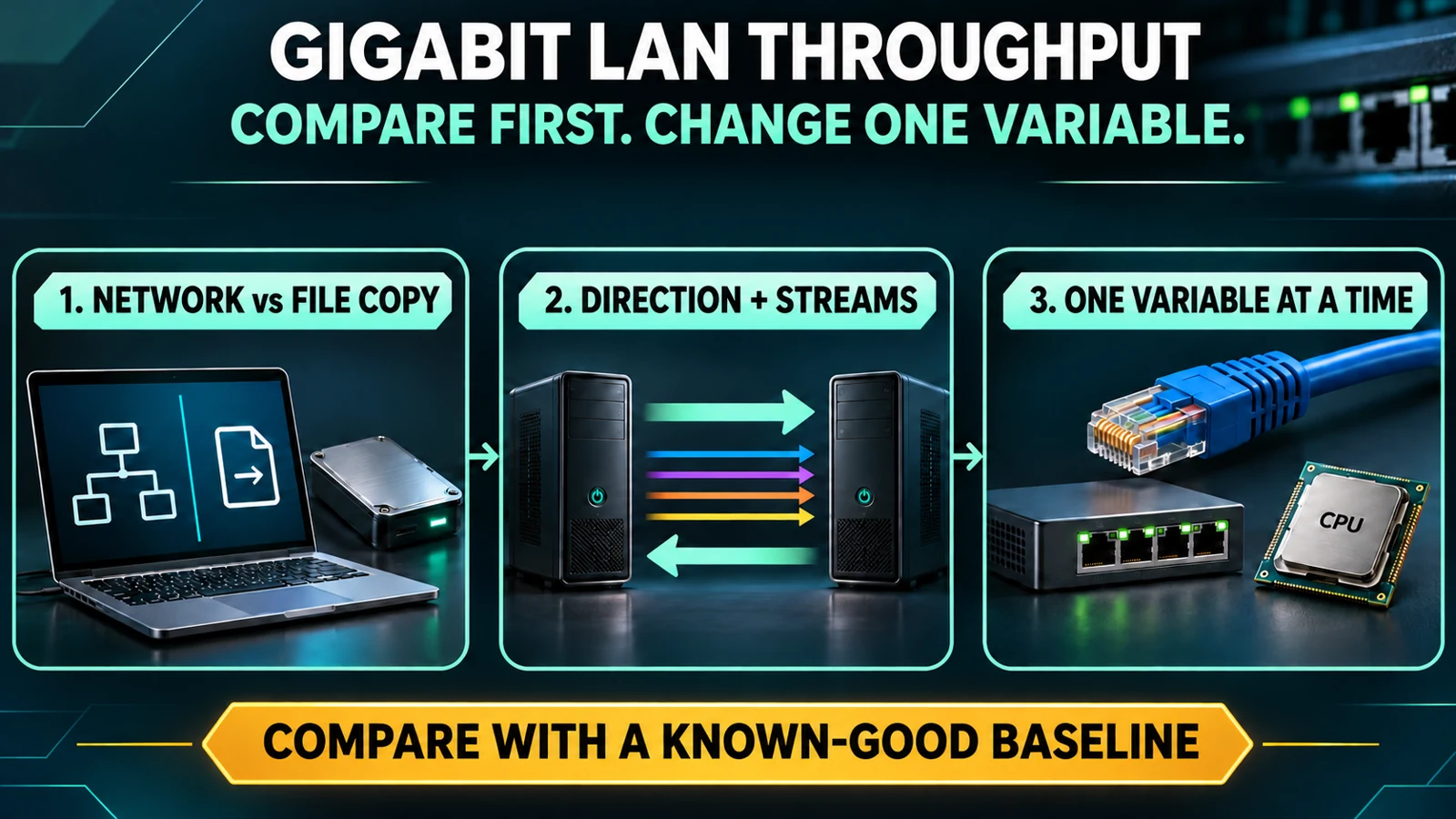
These are hypotheses and next checks, not one-to-one fault diagnoses. Change one variable at a time. Keep the endpoints fixed while establishing a known-good short-path baseline, then add the original path segments. Treat switch uplinks, inter-VLAN routing, firewalls and VPNs as distinct variables. Bypassing a security boundary requires authorization.
Since iperf3 3.16, test streams can use separate threads; older versions differ. Do not repeat the outdated claim that iperf3 is always single-threaded. A saturated CPU core is a reason to investigate endpoint and test limitations rather than assigning the entire throughput deficit to network equipment.
5. Optional low-rate UDP check
Only after confirming the TCP path, endpoint headroom and test window, try a rate-limited UDP run. A still starts the test and B uses the same server. This 10 Mbit/s probe is not a gigabit stress test and is not guaranteed harmless to every workload.
iperf3 -c 192.0.2.20 -p 5201 -u -b 10M -l 1200 -t 10 -i 1 --get-server-output | tee iperf3-results/udp-10m.txt
Keep receiver Lost/Total Datagrams, loss percentage, Jitter and actual received rate. Jitter is not round-trip latency. A requested sending rate is not a received rate, and loss can also come from endpoint buffers or CPU limitations. Do not start with unlimited UDP or mistake overload caused by the test for a pre-existing production fault.
6. Physical checks and their limits
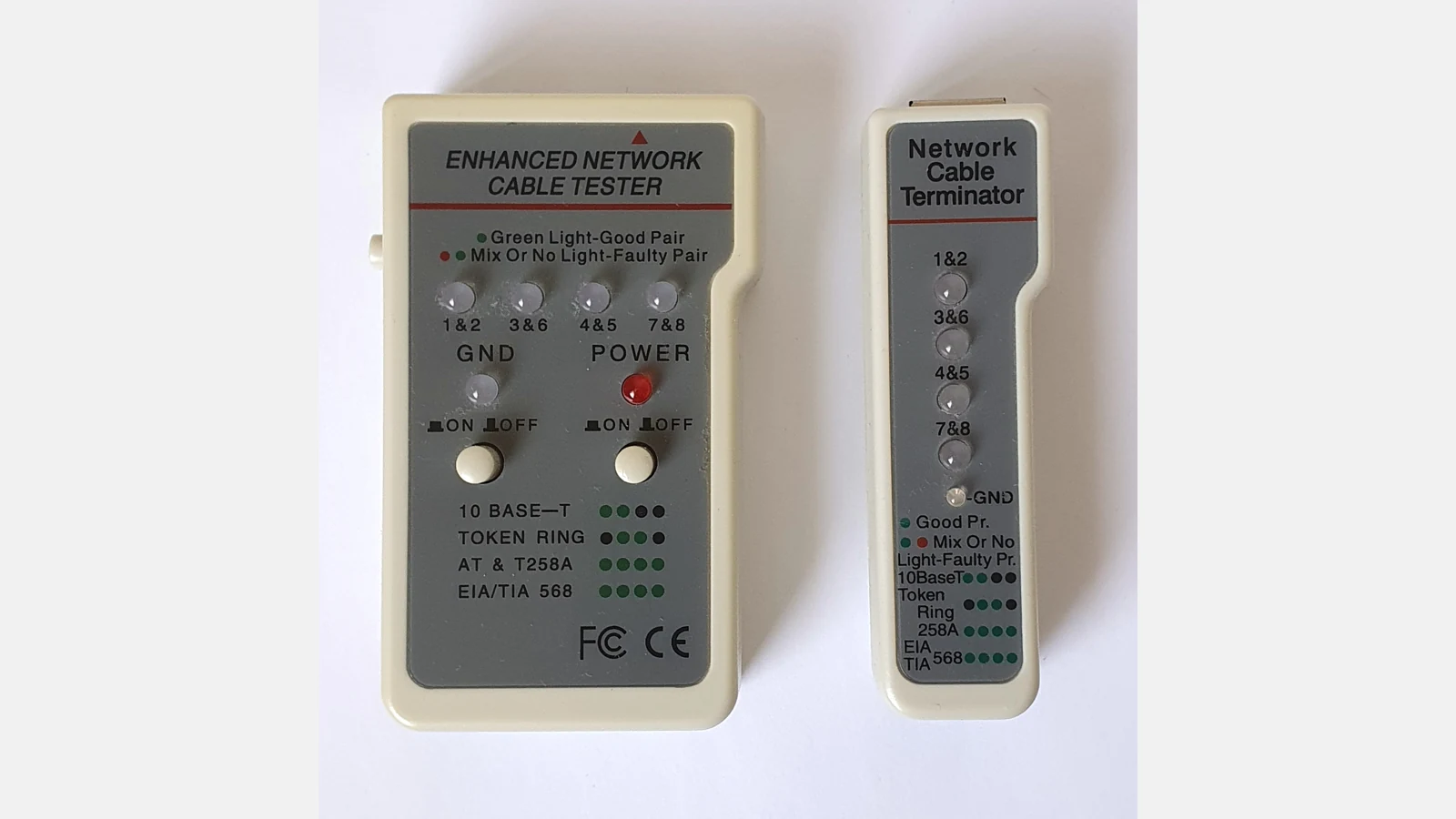
Photo: Reise Reise, 29 May 2026, Wikimedia Commons original, CC BY-SA 4.0. The square photo was resized onto a landscape canvas and encoded as WebP; this derivative has the same license. It is not a photograph from this procedure's site. The pictured general cable tester illustrates continuity checks, not iperf3 measurement; the photograph does not establish Cat6 certification capability.

A link LED, a successful ping or a basic continuity check cannot certify error-free operation at the intended rate. Check the negotiated speed and switch-port error/discard deltas, then select appropriate certification equipment or replacement comparisons. If an optical link never comes up, start with 10G fiber link troubleshooting rather than repeatedly running throughput commands.
7. Stop, restore and report
Stop the current client with Ctrl+C if business latency rises, alarms appear, links flap or either endpoint becomes CPU-bound. Record the time and observation; do not wait for every planned run. Restore temporary path or port substitutions. Poor results do not justify unplanned MTU, offload or global TCP changes.
When finished, press Ctrl+C in B's foreground server terminal and confirm that this listener has exited. Avoid broad process-killing commands. Remove only the temporary firewall rules recorded for this test.
ss -ltn 'sport = :5201'
The test listener should no longer appear. If another service remains, establish ownership rather than closing it. The handoff should include date, versions, endpoint CPU/interfaces/link rates, path, forward/reverse receiver summaries, four-stream SUM, retransmissions and counter deltas, UDP conditions if used, stop events, before/after results for a single changed variable and cleanup evidence. Redact internal hostnames, addresses and topology before external sharing.
Frequently asked questions
Why can file copies be slow when ping is low?
Ping assesses reachability and round-trip timing for small probes. It does not measure sustained throughput. Compare iperf3 and file copies in an authorized window, then investigate the storage and application path separately.
Does a fast four-stream result make a slow single stream acceptable?
No. A single-connection workload may remain constrained. Keep both results and accept performance against the application's connection model.
Can I point the test at a public company address?
This procedure covers two authorized LAN endpoints. Do not expose the listener, test somebody else's system or load a production boundary without a separate plan for permission, traffic and protection.
Does one successful run prove the switch is healthy?
It establishes only what happened with those endpoints, direction, path and time window. Intermittent faults, other VLANs, queues and applications require their own evidence.
Related solutions and reading
For a scoped office connectivity investigation, visit Yuqi Intelligent Technology and provide the endpoint and test records before agreeing a site investigation. For name-resolution failures, see Windows Server DNS forwarder troubleshooting; DNS and the throughput of an already established stream are separate checks.
References: iperf3 manual, ESnet FAQ, ESnet testing overview.