
Storage virtualization
Storage Virtualization
Yuqi plans hardware selection, deployment, migration, validation and handover around the storage model.
01 / Resource pool
From hardware to storage services
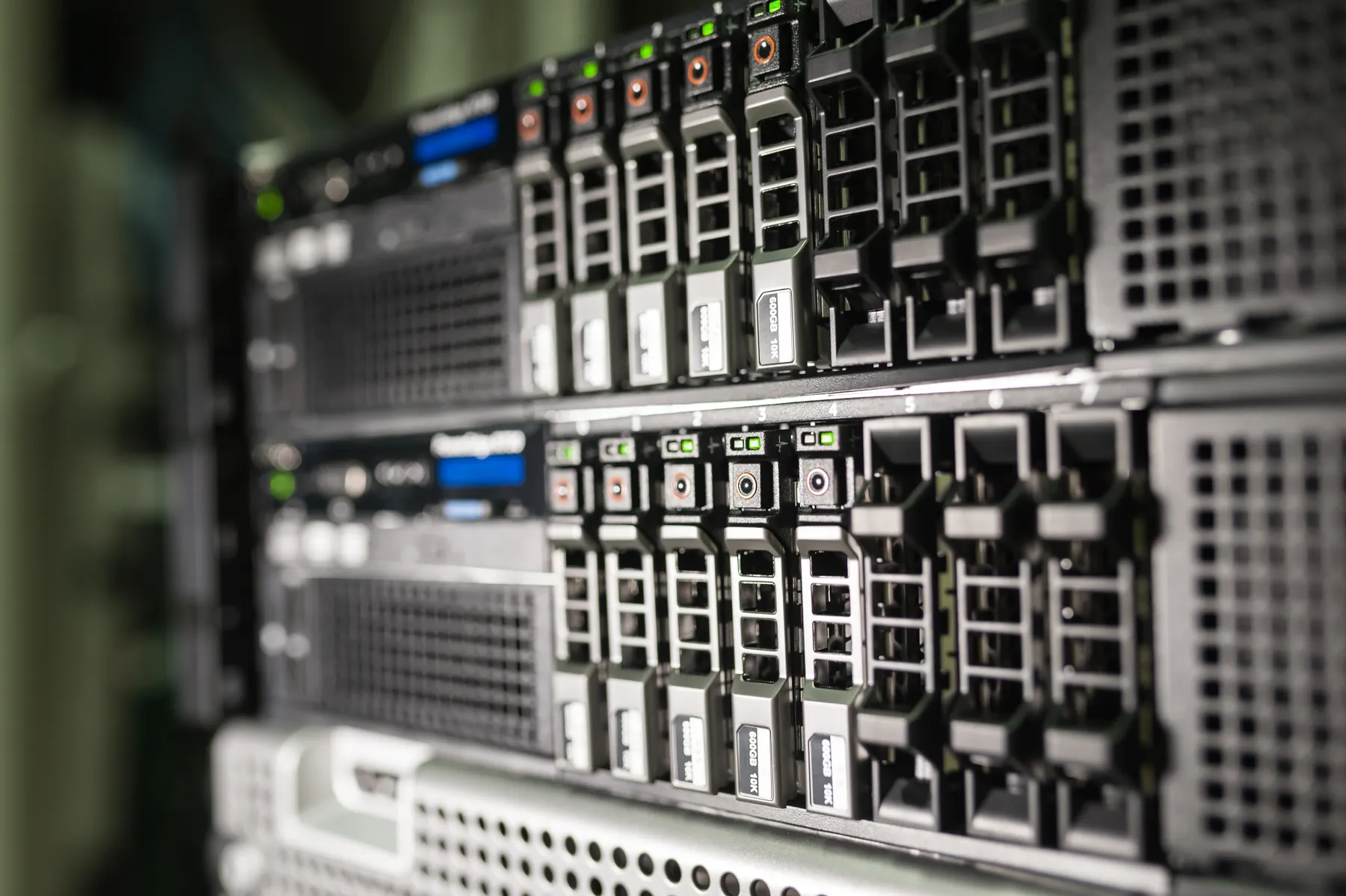
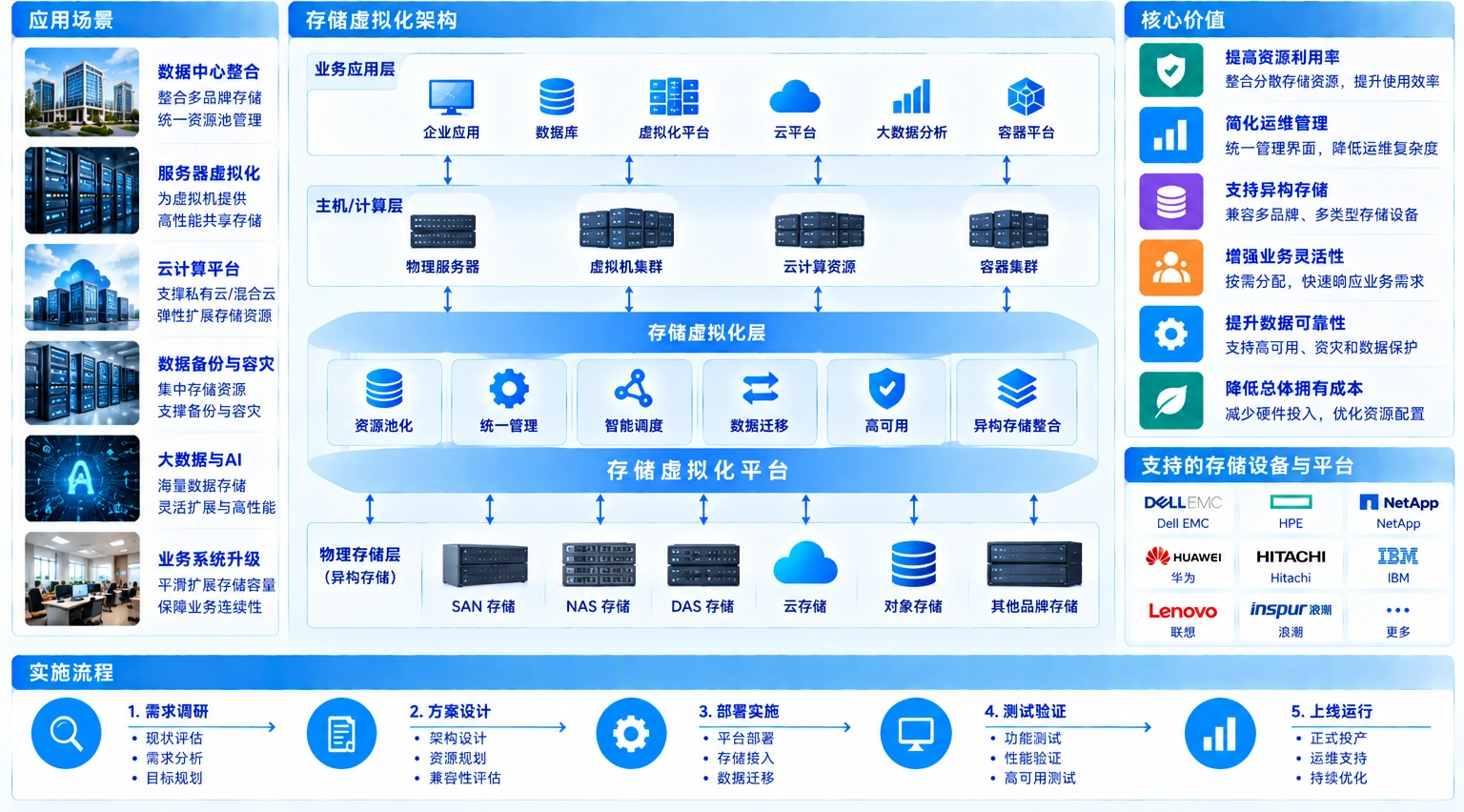
Map hosts, storage devices, network paths and workloads before building the pool. Confirm hardware compatibility, device types, node distribution and capacity growth for the selected architecture.
Architecture note: OSA uses disk groups with separate cache and capacity tiers; ESA uses a single-tier pool without dedicated cache devices. Confirm the selected version and compatibility list.
Each workload policy must map to physical resources and network paths. Disk-group and cache checks apply where the selected architecture uses them.
- Hosts and storage devicesCheck host count, device types, node distribution and capacity; include disk groups and cache tiers when applicable.
- Workload placementSet resource policy around virtual machines, databases, files and backup workloads.
- Growth and headroomInclude data growth, rebuilds and maintenance windows in capacity planning.
02 / Storage policy
Select for the workload
Workloads differ in performance, availability, space-efficiency and recovery needs. Storage policy must stay consistent through design, deployment, migration and acceptance instead of being configured once at go-live.
Policy gives operations a reasoned basis for why each workload uses a specific replica, protection level and capacity boundary.
- Protection levelChoose replicas, erasure or other protection according to workload importance.
- Performance tierValidate IOPS, latency, throughput and peak access within the policy.
- Space efficiencyConsider usable capacity, protection overhead, rebuild space and growth headroom together.
03 / Network and failure domains
Network and failure boundaries
Reads, writes, synchronization and rebuilds depend on a stable storage network. Check bandwidth, latency, MTU, link redundancy, switching, isolation and rack failure domains to judge whether the pool stays within workload boundaries during faults.
Networking is not an accessory outside storage virtualization; it determines whether the pool can rebuild and continue serving workloads.
- Connectivity and redundancyConfirm multipath relationships among hosts, switches, nodes and management.
- Traffic isolationSeparate storage, management, workload, migration and backup traffic.
- Failure radiusInclude node, rack, switch, link and room-level failures in validation scenarios.
04 / Operations handover
Accept, observe, hand over
After go-live, monitor capacity, nodes, device health, networking, alerts and rebuilds. Monitor disk groups and cache where applicable. Handover includes policy, thresholds, operating order, replacement procedures and data-protection boundaries.
Translate platform state into executable checks so expansion, node maintenance and disk replacement do not depend on one person’s memory.
- Capacity trendRecord used, available, reserved, protection overhead and growth rate.
- Nodes and disksTrack health, failures, rebuilds, replacements and maintenance.
- Policy and handoverHand over capacity, policy, alerts, changes, backup and recovery guidance.