
Every door,
Make every decision traceable.
Yuqi serves office buildings, campuses, server rooms and operational sites with support fromIdentity · door-zone access · attendance records · video surveillance · linked alerts, throughNetwork, power and daily operationsintegrated system. Per project, Yuqi coordinates equipment selection, supply, installation, commissioning and handover; site scope, service windows and acceptance criteria are agreed for each project.
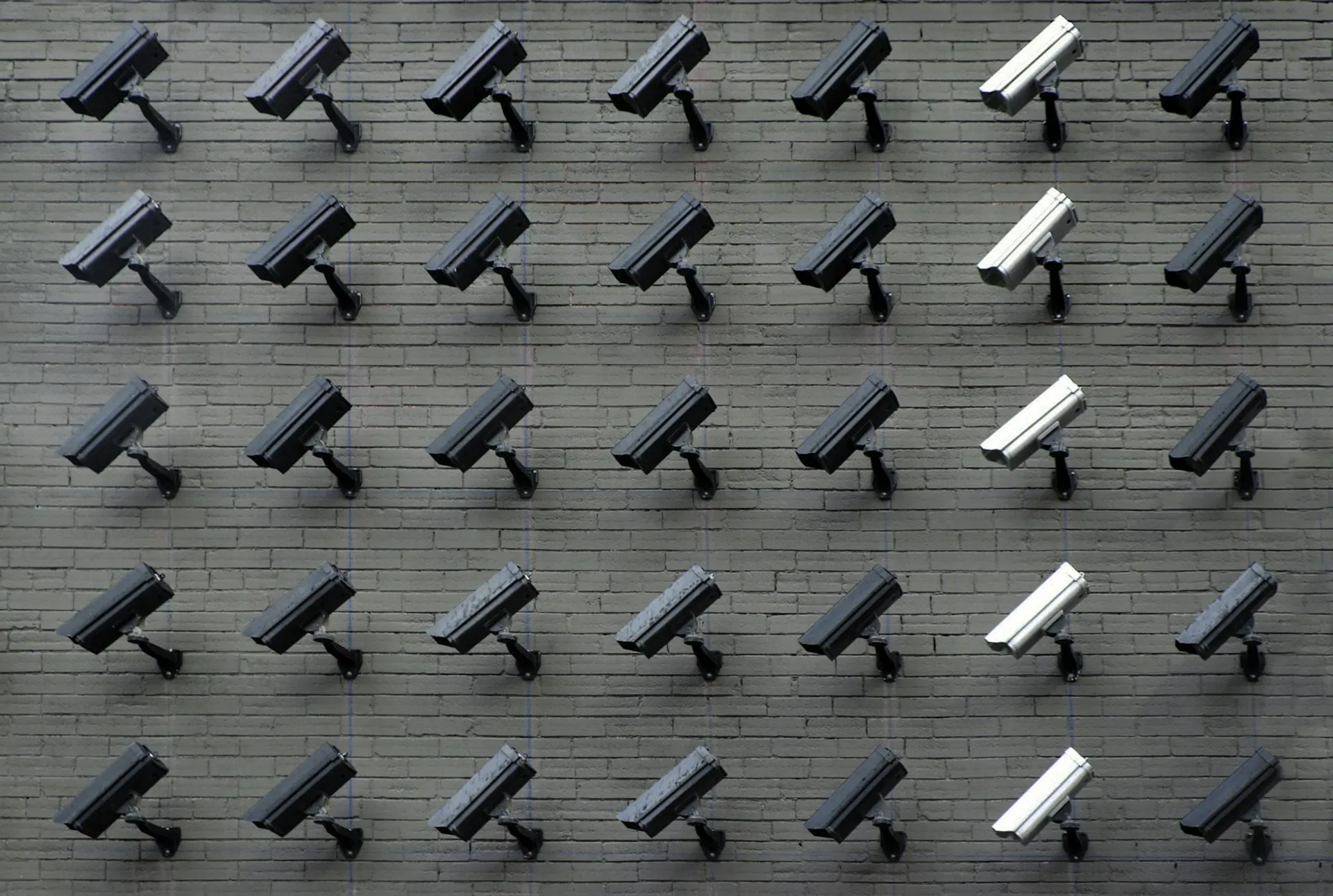
Bring security and access control
is divided into seven parts that you can accept one by one.
A security project is more than buying cameras. Yuqi structures it around identity, door access, attendance, video surveillance, linked alerts, networking and power, and daily management — seven independently verifiable capabilities coordinated through one platform.
Identity verification
Face, QR code, IC card, identity card, fingerprint and finger-vein recognition can be combined; grant tiered access by door and distribute allowlists and blocklists remotely.
Tiered door-zone permissions
Set access rules by department, role, project and time; apply two-factor verification at critical doors, anti-passback, anti-tailgating and tiered schedules.
Attendance records and scheduling
Use access events for attendance, automatically summarizing hours, lateness and missed scans; integrate with HR and payroll and generate monthly or project attendance reports.
Video surveillance and video wall
4K / 8 MP cameras, distributed video walls and multi-source display; supports integration of analytics such as intrusion, crowd-density and smoke/fire detection.
Linked alerts
Unauthorized door opening, forced entry, offline devices and video boundary alerts — route events from multiple sources to alarms, text messages, calls and on-call phones.
Networking and power
PoE access, fiber backbone, UPS and dual power feeds are designed for the site load; backup runtime is based on calculations and acceptance records.
Daily management and operations
Remote equipment health checks, pre-positioned spares, regular inspection tickets, operator SOPs and annual exercises make security a verifiable part of daily operations.
Installation and commissioning
Site marking, trays and cable routing, equipment installation and wiring, power-on and commissioning, subsystem and system-level testing, and acceptance — each milestone has screenshots and sign-off.
Use and maintenance
Operator training, SOP and access handover, work-order response as agreed, regular inspections and health checks, firmware and vulnerability remediation, pre-positioned spares and emergency support — keeping the system operational.
One access event,
Verification in five steps.
From an employee approaching the gate through access verification, gate opening and record upload — timing varies by door zone, equipment and policy. The replay below is illustrative, not a project measurement.
-
01
Approach the recognition zoneInfrared sensor triggers; camera warms up
-
02
Face liveness checkIllustrative policy · verify with site equipment and project testing
-
03
Gate opensGate retracts after permission is verified
-
04
Pass through the gateAnti-tailgating + anti-passback
-
05
Record uploadedIncludes time · location · employee ID · passage
Four-layer architecture
One connected workflow, from camera to platform.
We use four IoT layers — endpoint, network, cloud and application — so every device's location, protocol and role are clear instead of delivering a black box.
Perception
Front-end cameras, face terminals, gates, smoke detectors, door contacts and video intercom use coordinated protocols and power.
Transport
PoE access, fiber backbone and campus wireless backhaul; dual mains feeds and UPS are designed for the site load, with backup runtime based on calculations and acceptance records.
Platform
A unified video, access-control, alert and AI platform, with a central event hub and policy-based video storage.
Applications
Manage the operations app, employee access, visitor appointments, HR attendance, alerts and command display from one screen.
Clear images, reliable storage,
Findable. Responsive.
Surveillance is more than mounting cameras. Camera placement, backlighting, retention, viewing permissions and alert integration all need verifiable acceptance criteria.
Front-end collection and camera-location design
Select bullet, dome, PTZ or panoramic cameras by scenario. Document field of view and lighting at each entrance, perimeter, elevator, server room and loading area; deliver location and coverage drawings.
Transport and power
PoE power + fiber backbone, with video, access control and office networks logically separated; low-voltage cabling follows shared trays so a single-point fault does not spread.
Storage and video recording
NVR + disk array; configure video-retention periods by camera count, storage capacity and project policy. Where supported, integrate offline buffering and upload, dual-recording backup and the GB/T 28181 standard.
AI analytics
Face capture and matching, license-plate recognition, intrusion and boundary-crossing detection, crowding and unattended-post alerts, abandoned-object detection, and hard-hat and uniform recognition.
Video-wall display and command
Distributed LED / LCD video wall; bring IP cameras, NVR, access events, alarm panels and business systems together on screen, with scenario rotation, movable windows and KVM collaboration.
Search, playback and compliance
Search by event tags and lock/export recordings; use tiered viewing access, operation audit logs and privacy masking. Verify applicable MLPS 2.0 requirements against project security boundaries.
Four scenarios,
Shape the solution around site conditions.
Office buildings, campuses, server rooms and operational sites have different needs. For each project, we coordinate a dedicated equipment list and acceptance checklist.
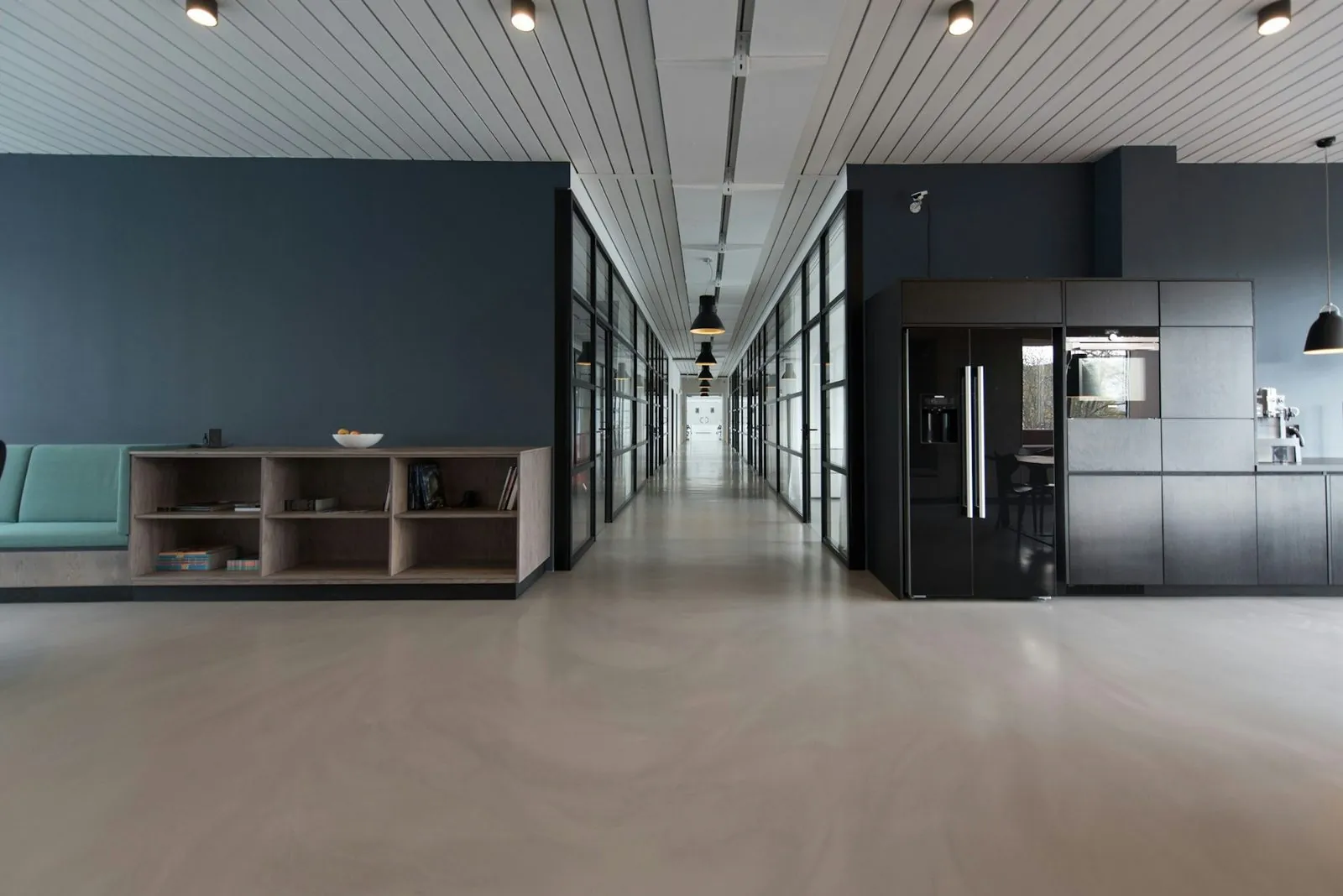
Office building · lobby and floors
Match visitors to identity documents, enable frictionless employee access, set floor-based permissions and integrate with building automation; verify peak-load performance against site acceptance criteria.
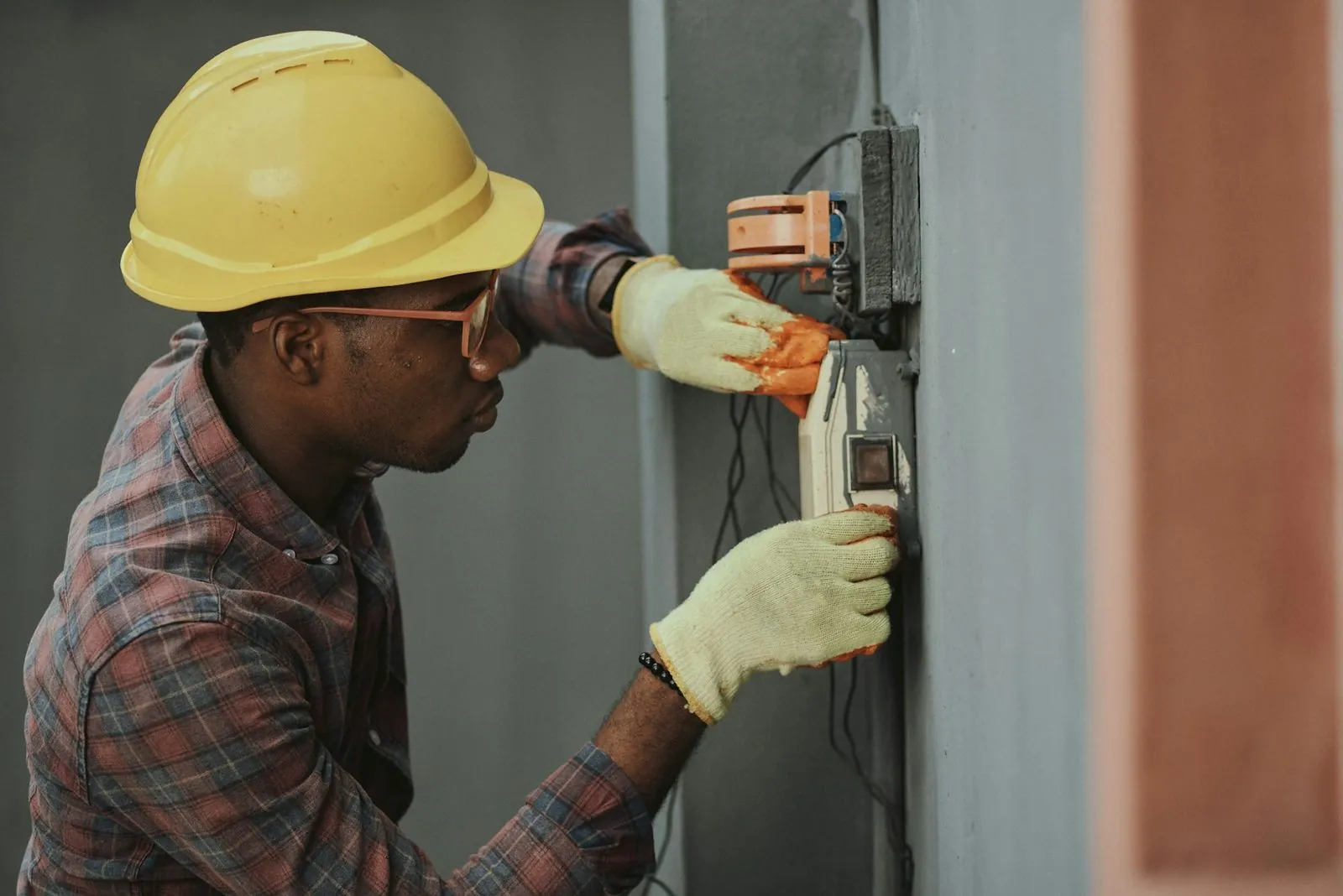
Campus · vehicle and pedestrian entrances
License-plate barriers, face-recognition lanes, campus perimeter protection and electronic patrols; tiered permissions are linked and anomalies reported.

Server room · access and power/environment
Combine two biometric checks, electronic fencing, server-room power and environmental monitoring, temperature/humidity, smoke and water-leak sensors, with alerts sent directly to the on-call phone.
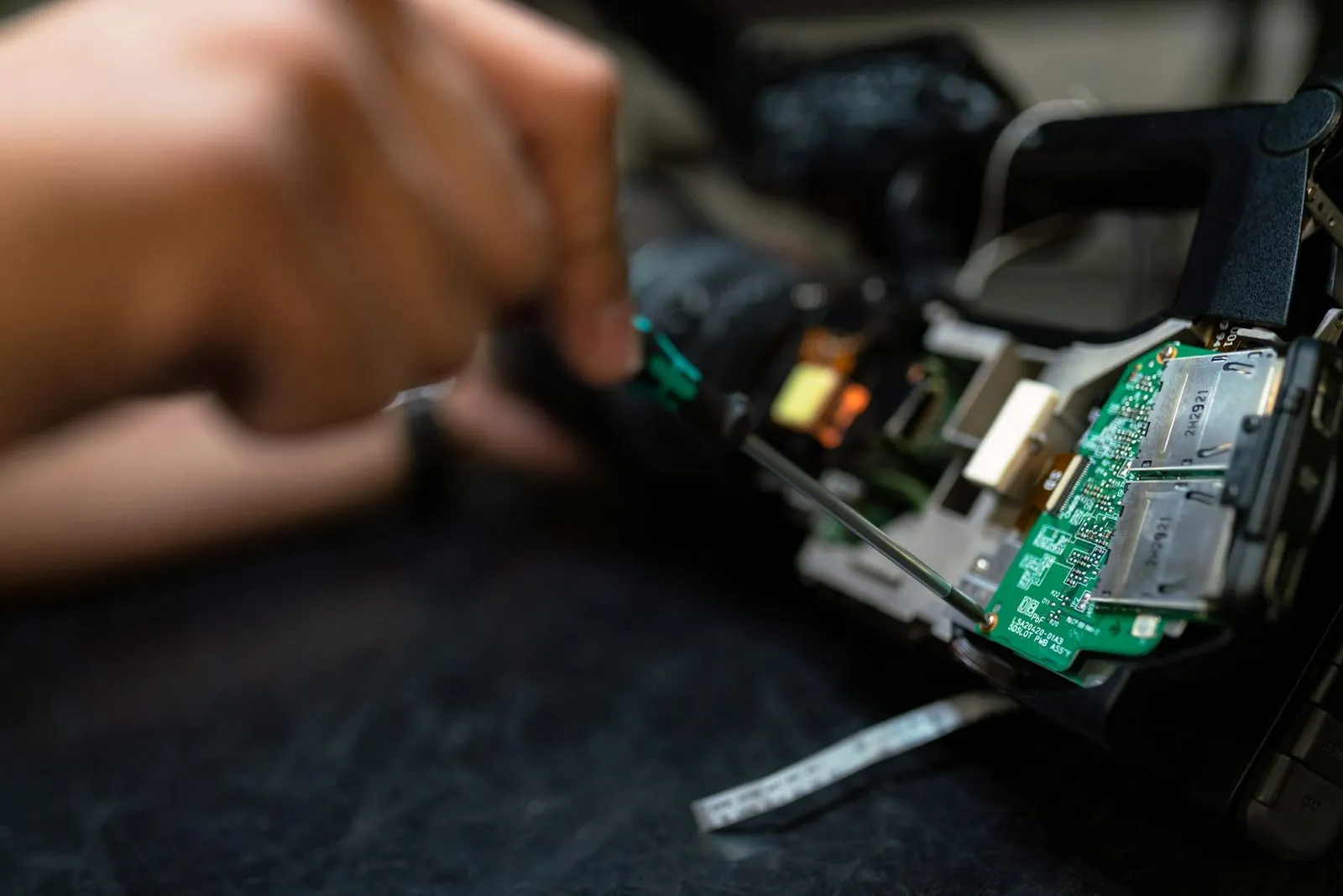
Operational site · production and warehousing
Workshop occupancy management, restricted-area alerts, raw-material warehouse traceability and night-time infrared arming.
Six-step delivery
Every step has a deliverable.
Security-project delivery boundaries are usually confirmed during the initial survey and drawing stage. Each step produces reviewable paper or digital deliverables; work proceeds after stakeholder confirmation, according to the project schedule.
Site survey
Survey entrance counts, pedestrian flows, cabling conditions, server rooms and low-voltage risers, then issue a site-survey report.
Solution design
Prepare equipment lists, installation drawings, network topology and quotes for the scenario; coordinate sign-off with the owner, property manager and general contractor.
Equipment received
Supply coordination and receiving inspection: coordinate equipment, delivery batches and on-site handover against the project list; replenishment and repairs follow the contract.
Installation and commissioning
Project installation and integration: complete cabling, equipment installation, platform integration and site records according to the construction plan.
Acceptance and handover
Check off each acceptance item and provide acceptance forms, operating manuals, training records and as-built drawings.
Operations service
Operations handover and support include inspection recommendations, issue records, spare-parts coordination and upgrade recommendations; response windows follow project service terms.
Quality assurance,
Not a marketing slogan.
Yuqi organizes equipment selection, supply coordination, installation, platform integration and documentation handover around site conditions, giving each task an owner, checklist and record.
Equipment and delivery coordination
Verify equipment models, interfaces, delivery batches and installation conditions per project. Images are illustrative and do not depict a supplier's factory as a Yuqi-coordinated production line.
Calculated for the site
Calculate equipment and implementation scope based on device locations, network, storage, door zones and site conditions. Pricing and warranty follow the project list and contract.
Project delivery coordination
Yuqi coordinates the project lead, installation and integration resources. Staffing, site scope and service windows are confirmed based on project size and contract.
Security-boundary verification
Complete access controls, logs, network isolation and acceptance records per project. Confirm MLPS, certification and insurance requirements against the client's system boundary and contract.
Put delivery back into
in the actual operating environment.
Control room · 24-panel video wall
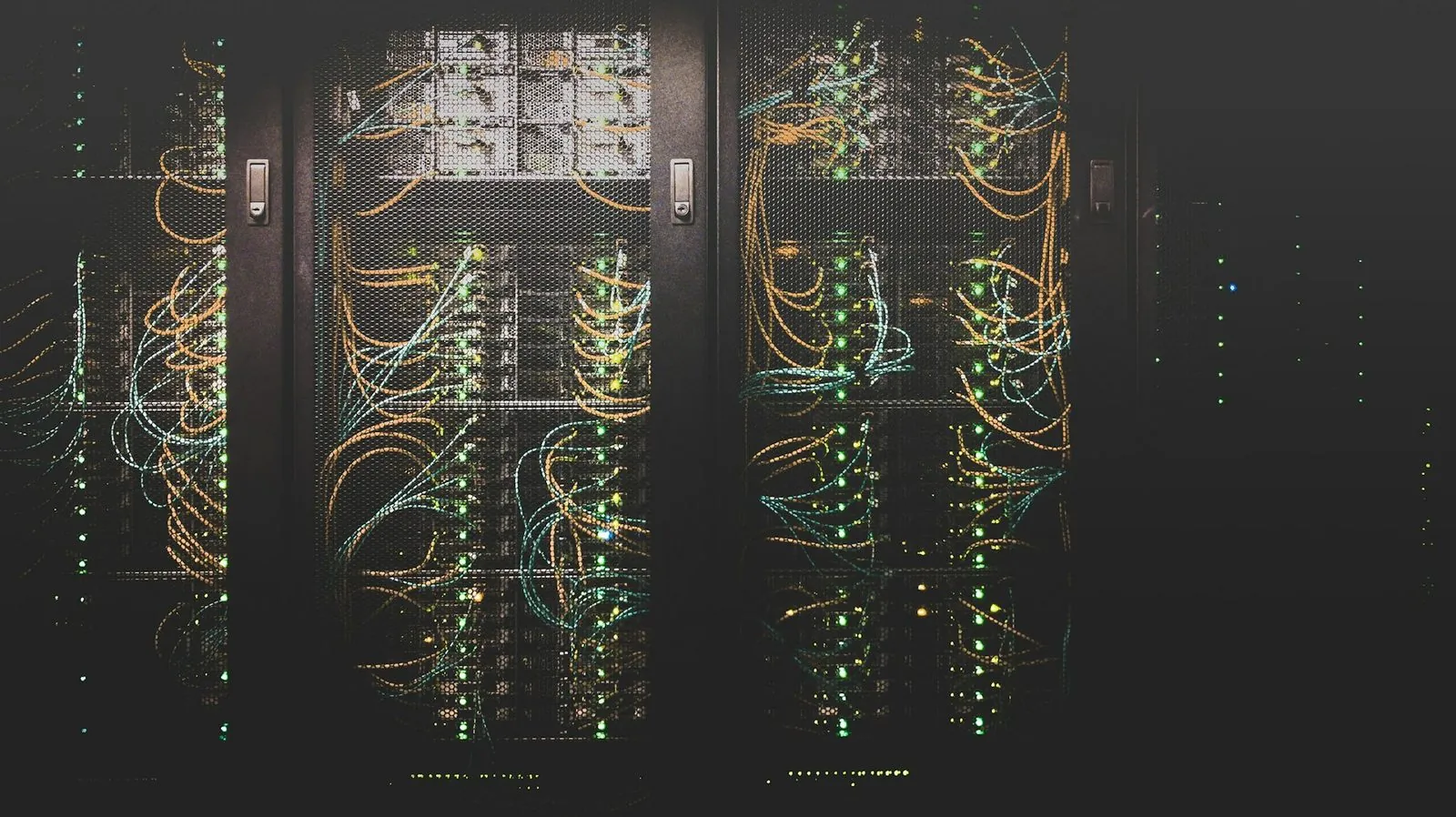 Server-room rack
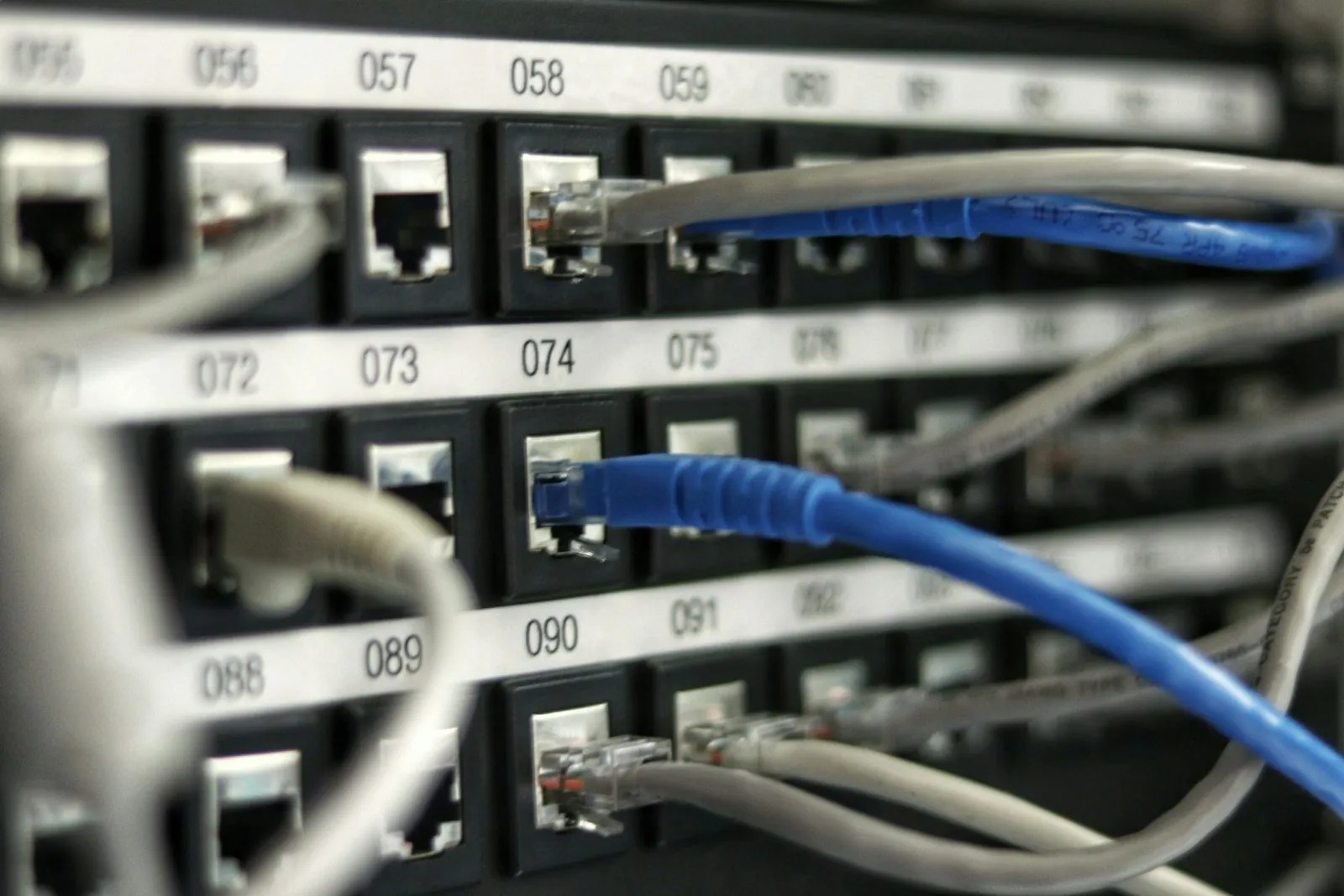 Network backbone
Installation and commissioning
Equipment and delivery coordination
Network backbone
Installation and commissioning
Equipment and delivery coordination
Client · property management · security
Frequently asked questions.
We are an office building / campus with existing cameras and access control. Can they be integrated?
Are project quotes based on device locations or area? What is the approximate budget?
How do you differ from brands such as Hikvision, Dahua and SenseTime?
What are the operations response times? How are nights and holidays handled?
How do you protect data and privacy? Could video recordings be exposed?
Can we start with a pilot in one door zone before deciding whether to expand?
Put your site into a drawing,
not just a quote.
Provide the project address and contact. At a mutually agreed time, we will survey the site and prepare a survey report, equipment list and preliminary quote, with no upfront fee.