
Run language models
on your infrastructure
Yuqi uses Ollama for local deployment, integration and custom development: run models on customer-controlled compute and connect chat and model APIs to existing business systems. Define capabilities, licenses and network boundaries first.
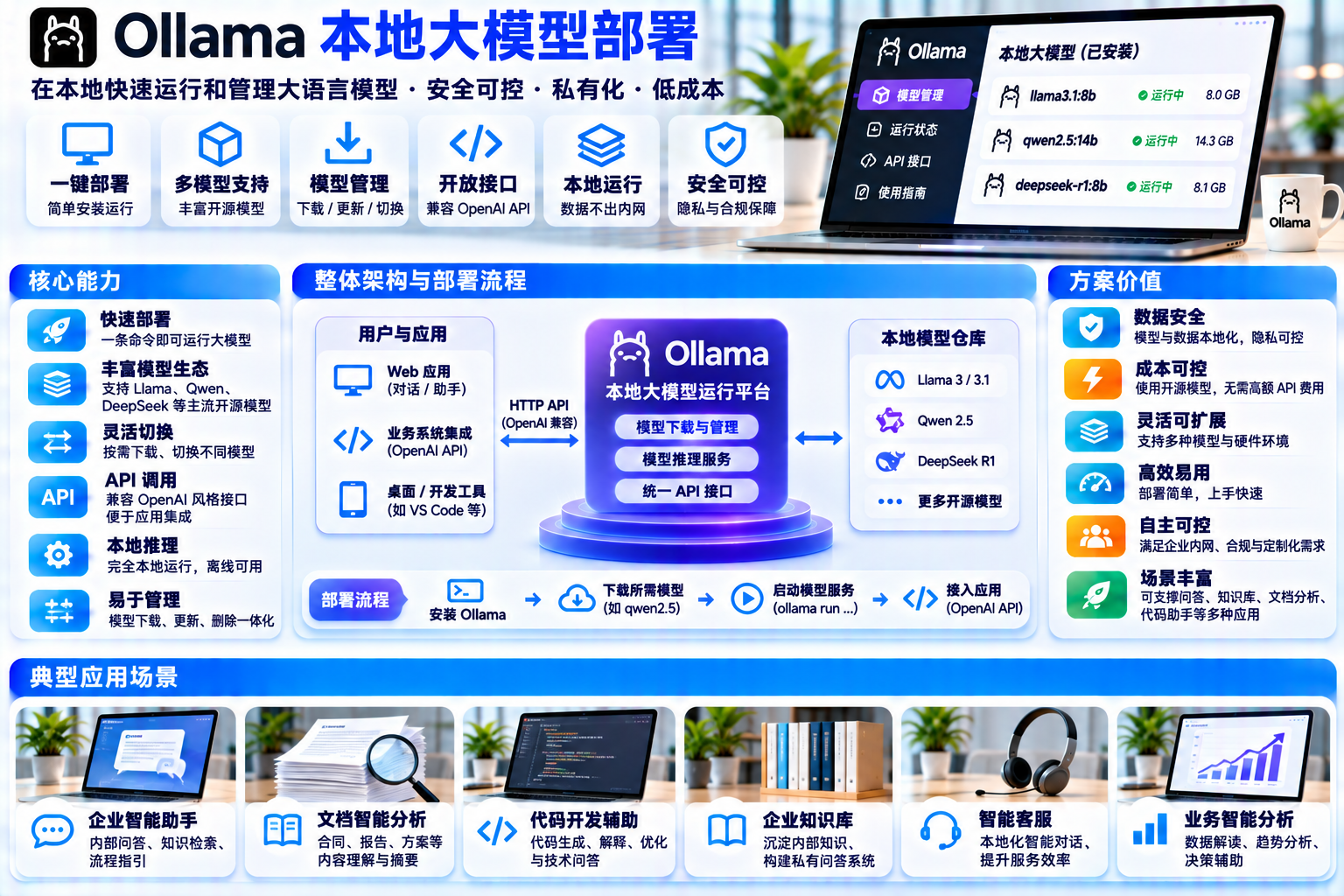
Interfaces, figures and prices are examples. Actual features, licensing and delivery scope are confirmed for each project.
What you receive, what Ollama provides and what we implement
A local inference service and a complete enterprise AI platform have different scopes. Separate customer deliverables, engine capabilities and custom implementation before estimating work and operations.
An operable private inference service
- Ollama in a customer-controlled environment with model files, startup configuration and service identities
- Enterprise chat : A chat interface, model selection and conversation records behind agreed authentication
- Model APIs : Native REST and compatible OpenAI endpoints for business applications
- Model inventory & operating guide : Versions, sources, weight licenses, upgrades and rollback
- Tests & handover documents : Functional checks, failure handling, monitoring and acceptance criteria
Model runtime & inference foundation
- Model retrieval & execution : ollama pull / run / pswith local weight storage
- REST API: /api/chat、/api/tags with streaming for supported generation endpoints
- OpenAI compatibility : /v1/chat/completions(a documented subset of the API)
- Scheduling & memory management : Queues, model loading, CPU/GPU allocation and configured context lengths
- Model configuration : Modelfile parameters, quantized variants and official Python / JS SDKs
Turn the runtime into a business service
- Identity, organization & permissions : Authentication, roles, visible models and quotas
- Knowledge & retrieval : Parsing, chunking, vector storage, RAG orchestration and citations
- Audit & data governance : Conversation records, sensitive-data policies, exports and retention
- Multi-user governance : Session isolation, rate limits, queue feedback and usage accounting
- Integration & operations : Adapters, proxies, TLS, monitoring and recovery
Ollama does not constitute an enterprise identity, role, audit or knowledge-base platform by itself. These are proposed implementation boundaries. All interfaces and descriptions are illustrative.
Connect infrastructure to daily work
Local deployment decisions concern where inference runs, who can access it and how it connects to business work. Photos illustrate general settings, not Yuqi or customer installations.
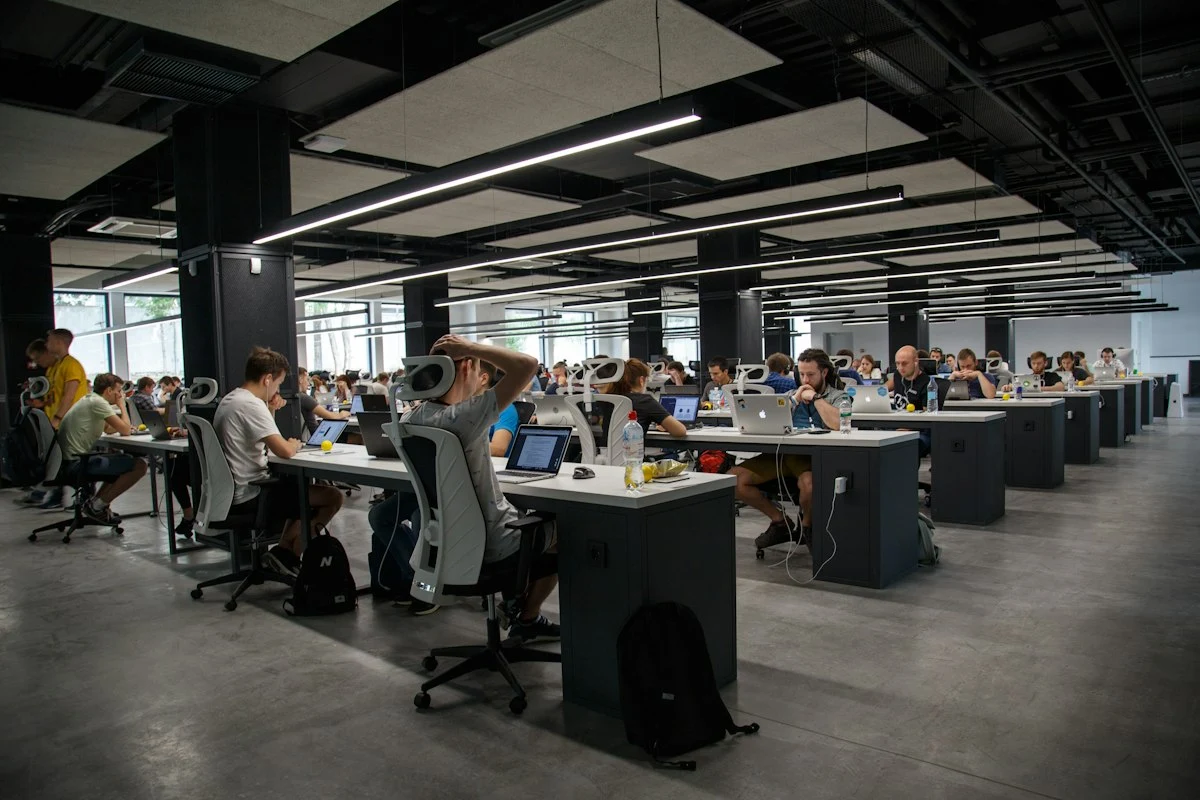

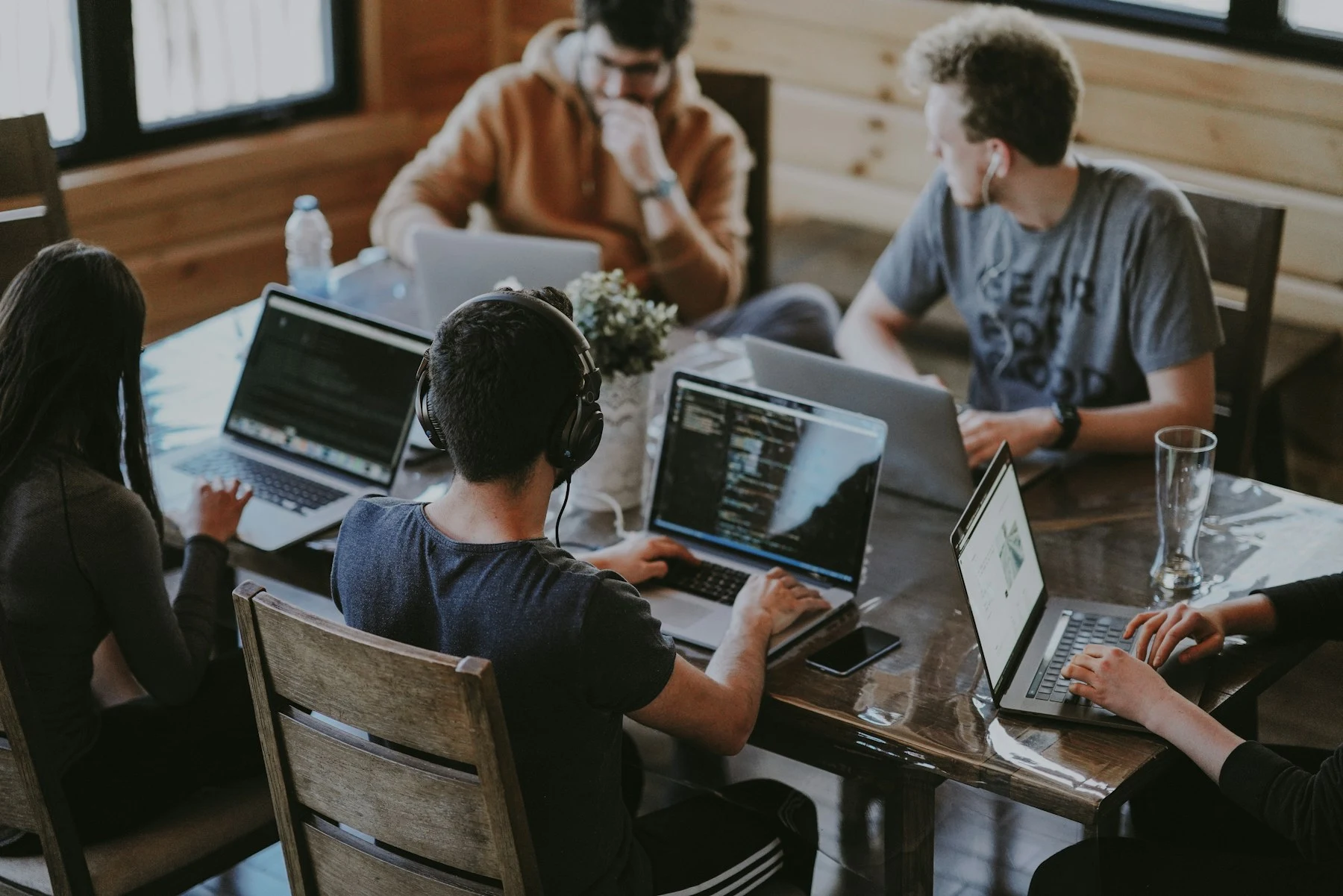
Entry points → Applications & access → Ollama inference → Models & compute
Select a layer to distinguish runtime capabilities from custom development. Cyan identifies the engine foundation; amber identifies project-specific work.
User entry points
Employees, business systems and internal applications initiate chats or API calls. The entry point informs authorization and audit design.
Applications / Access control
Authentication, roles, quotas, sessions and audit records. Place local inference behind an appropriately controlled application gateway.
Ollama inference
Accept requests, queue work, load models and return streamed output where supported. The default listener is local: 127.0.0.1:11434.
Models & compute
Weight files, quantization and licenses. CPU/GPU memory, context length and concurrency must be assessed together.
From question to response, one step at a time
Run a simulated request to explore the proposed path. Nodes, logs and ordering are illustrative simulations that explain responsibilities, not real timing or performance.
Model management: versions, licenses and states in one workspace
Switch categories, search, select a row and try loading or unloading. File sizes are examples from official library entries, not measurements from this solution . All runtime states and operations are simulated.
| MODEL | Parameters | File size | Weight license | State |
|---|---|---|---|---|
| qwen3:8b | 8B | 5.2GB | Apache 2.0 | Unloaded |
| llama3.1:8b | 8B | 4.9GB | Meta Community License | Unloaded |
| deepseek-r1:8b | 8B | 5.2GB | Weights MIT* | Loaded |
| gemma3:4b | 4B | 3.4GB | Gemma Terms | Unloaded |
Official tags list download sizes, for example about 4.9–5.2 GB for these 8B variants, 43 GB for the 70B example and 404 GB for the 671B example. Runtime memory must also cover context and KV cache.
The FAQ describes memory growth with parallelism and context length and gives a default of 4096 tokens. Confirm the selected release and configuration; queued requests depend on resource availability.
The hardware documentation covers NVIDIA compute capability 5.0+ with applicable drivers, AMD ROCm, Apple Metal and Vulkan. Validate the actual device and supported release.
No tokens/s, response latency, universal capacity or hardware recommendation is claimed. Selection depends on the target model, concurrency and real-machine validation.
Two API paths, one local port
These examples follow official API and CLI structures. Switch between REST, compatible OpenAI calls and CLI commands. They are illustrative and are not executed here.
curl http://localhost:11434/api/tags
Local port & default binding
The default listener is 127.0.0.1:11434. Access from other hosts requires configuring OLLAMA_HOSTand appropriate proxy, TLS and access controls.
Local API access does not require authentication
The compatible-client example describes local api_key as required but ignored. Do not expose port 11434 directly to untrusted networks ; enforce authentication at the gateway and server, beyond interface controls.
Compatibility covers a subset
Official documentation: "Ollama supports a subset of the OpenAI API". Existing SDKs can use a changed base_url, but features relying on broader OpenAI semantics require individual validation.
Connect model capabilities to business actions through defined interfaces
Ollama provides inference APIs, rather than these business-system connectors. Each example needs source-system adapters, permission mapping and failure handling.
Internal documents & knowledge
Question answering over policies, manuals and templates. Parsing, chunking, vector storage and source citations require additional implementation.
Tickets & support
Draft suggested replies, classifications and summaries within an existing ticket system, using its interfaces and authorization.
Spreadsheets & ERP
Map language requests to controlled queries, enforcing authorization before returning data.
Development & code
Assist with code suggestions, reviews and internal conventions within repository access and sensitive-data rules.
Reports & BI
Draft interpretations for existing dashboards through controlled model calls, with existing source definitions.
Portals & messaging
Provide an enterprise portal or IM entry point, with designed identities, sessions and message records.


What the runtime includes, and what needs implementation
The left group describes engine functions. The right group requires its own design, development and acceptance work, rather than appearing automatically after installation.
Engine capabilities · Ollama
Based on the official README, API, FAQ and hardware documentation
Custom implementation · Yuqi
These are not included enterprise platform modules
Six stages, each with reviewable outputs
This illustrates a delivery approach, without project schedules, prices or performance commitments. Hardware and model decisions require real-machine validation.
Hardware assessment
Review model size, context, concurrency and GPU compatibility, then record validation on the target device.
Output: hardware assessmentDeployment
Install Ollama in the agreed environment, with service identities, model storage, listener and network policy.
Output: deployment configurationModel selection
Compare models for the scenario and review each tag's weight license, quantization and context capabilities.
Output: model & license inventoryAPI integration
Implement chat, gateways, authorization and business adapters, with separately scoped knowledge integration where required.
Output: operable applicationTesting
Validate functional paths, queues, failures, authorization and outbound network behavior.
Output: test reportOperations handover
Hand over monitoring, logs, audit arrangements, recovery, upgrade rollback and operating guides.
Output: operating guide & acceptance checklist
The engine is MIT; model weights have their own terms
Software and weight licensing are separate. These examples were reviewed against official repositories and model entries on 2026-11-15. Before commercial delivery, review every selected tag again against its actual files and terms.
The software license permits use, modification and distribution subject to its notices and terms, without warranty. It does not license model weights.
The Qwen3 README states Apache-2.0 for its open weights and directs users to the individual model repositories for license files.
Llama 3.1 uses Meta's Community License, including its additional commercial threshold, acceptable-use rules and applicable attribution and notice requirements.
DeepSeek states MIT for its weights, while derived variants need review of the actual base, model card and applicable terms. Different tags in one family can have different obligations.
Gemma models use Google's Gemma Terms of Use, rather than the MIT or Apache-2.0 license.
Define offline and outbound-data boundaries precisely
- Remote retrieval needs connectivity; offline provisioning needs a separate plan Remote pulls and updates access a registry. Controlled offline provisioning requires source, integrity and license checks.
- The default listener is local The default binding is 127.0.0.1:11434. Cross-host access requires explicit listener and network configuration.
- Local-only mode is not a firewall OLLAMA_NO_CLOUD=1 disables cloud models and web search; it is not documented as blocking every outbound request.
- Cloud features change data paths Cloud-hosted inference processes prompts and responses and has its own usage-metadata and privacy arrangements.
- Review third-party components separately Integrations, monitoring, updates, DNS, log shipping and plugins may create outbound connections.
- Verify during handover Record egress rules, allowlists, cloud settings, logs and model sources in acceptance criteria, rather than relying on a blanket offline claim.
→ These statements describe local execution and cloud settings; they do not guarantee that data never leaves under every configuration .
No customer cases, business results, tokens/s or latency measurements are represented. Interfaces, answers, metrics, logs and flows are simulated.
Agree scope, licensing and hardware first
Start with users, connected systems, network policy and model terms, rather than the largest model. This page introduces a proposed approach and performs no deployment.
This local demonstration installs no software, retrieves no models, starts no inference service, connects no backend and performs no deployment.