
Environment and facilities
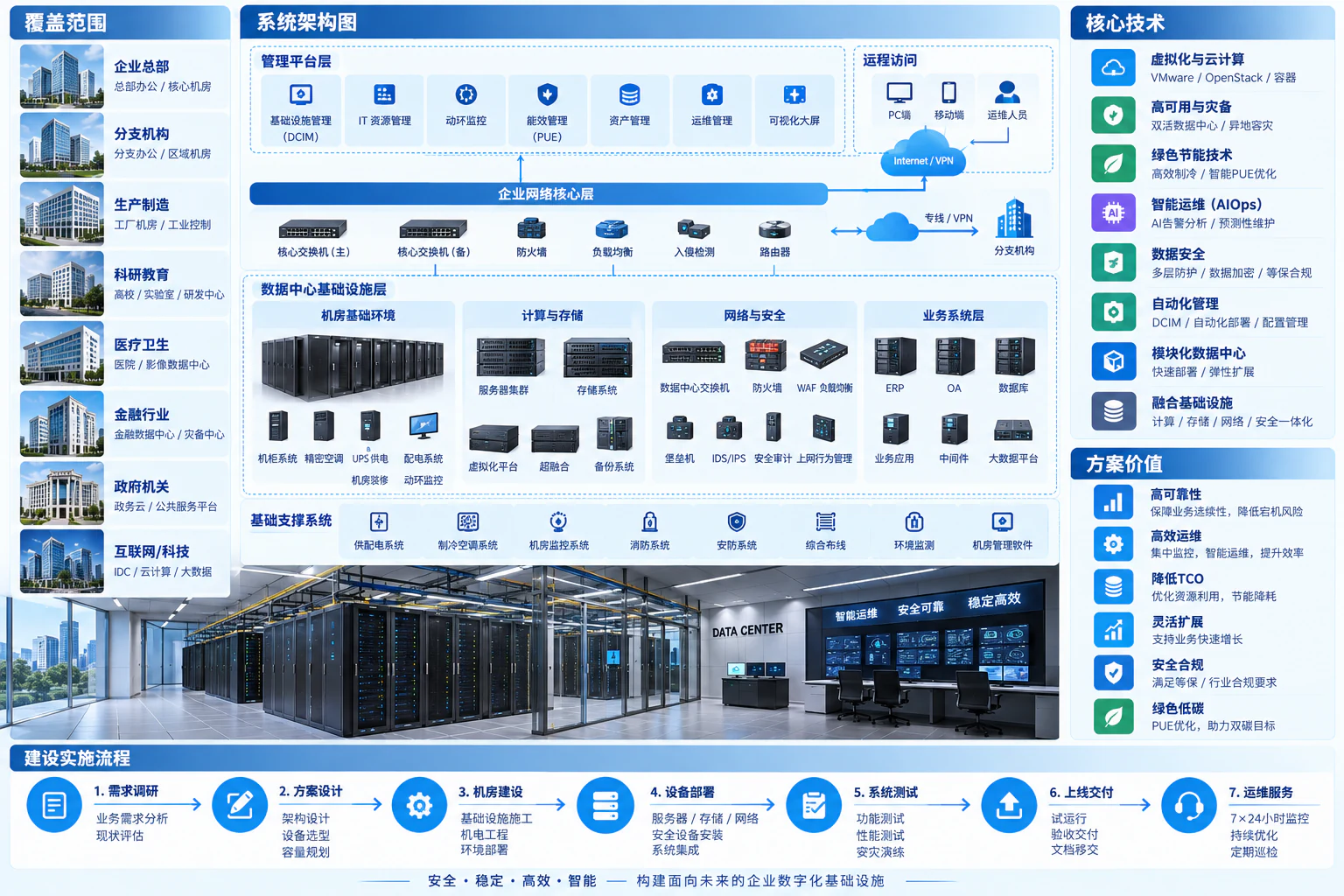
Power distribution / UPS / Cooling / Racks
Cable labels / Leak, temperature and humidity monitoring
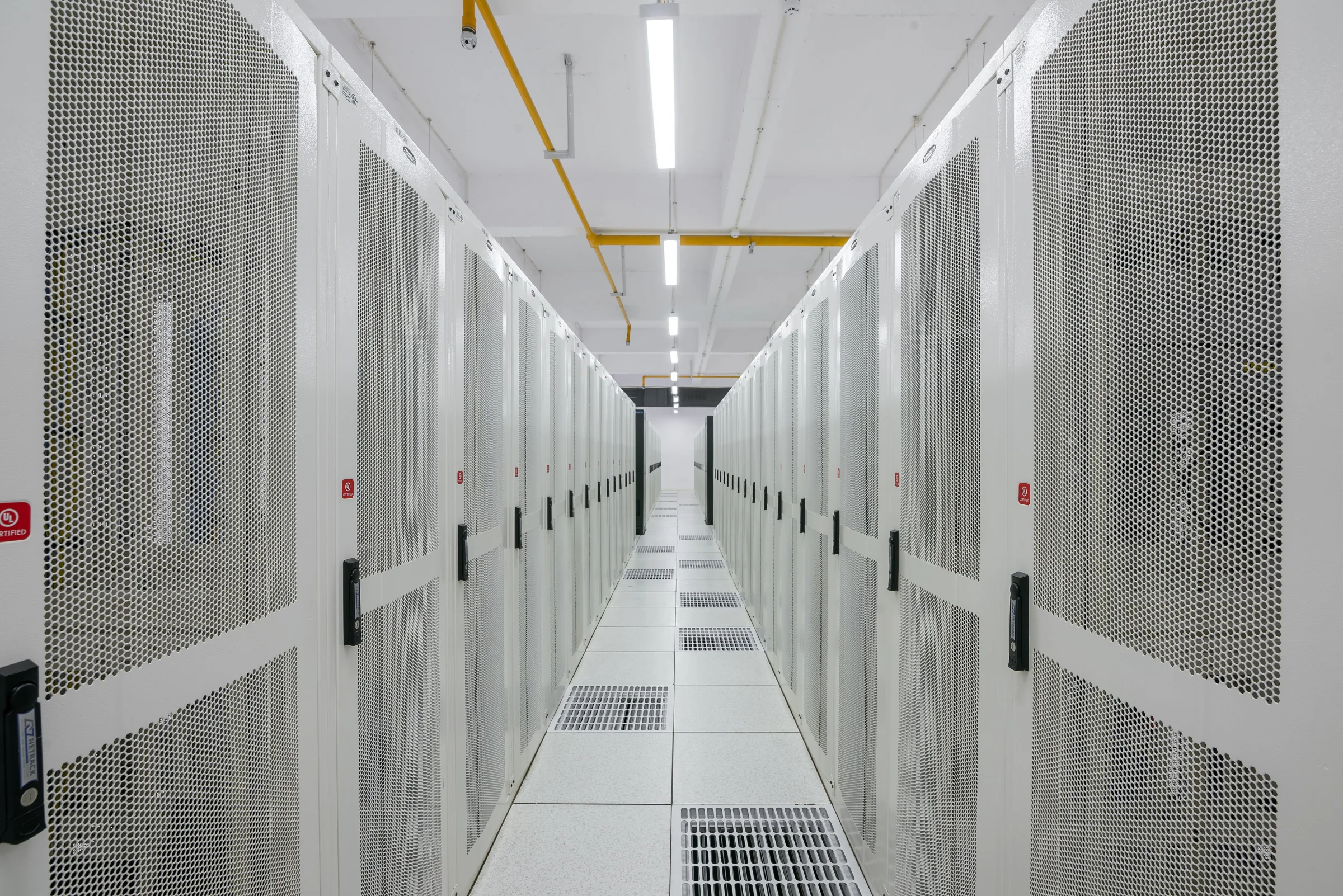
Low-voltage and intelligent systems / Enterprise server rooms
A server room is more than a place for servers. Yuqi Intelligent plans racks, power, cooling, networking, compute/storage and environmental monitoring around business needs, delivering equipment, deployment, integration, migration and ongoing maintenance.
Define workload and recovery requirements before matching facilities, equipment and operating responsibilities.
Why it matters
An enterprise server room is the physical and technical foundation for business systems. Power and cooling support equipment; racks and cabling organize connections; network security defines access; servers and storage run applications; monitoring and operations track state.
Available space does not prove sufficient power or cooling, and redundant servers do not guarantee reliable power, networking or recovery. Review loads, dependencies, maintenance windows and expansion plans in one implementation checklist.
How the architecture works
Power, cooling, racks and cabling support IT equipment; networking and security connect compute, storage and applications. Monitoring collects equipment and environmental state through management interfaces rather than acting as a mandatory business-traffic transit point.
Power distribution / UPS / Cooling / Racks
Cable labels / Leak, temperature and humidity monitoring
Switching and firewalls / Segmentation
Servers / Virtualization / Storage
Enterprise applications / Databases / File services
Environmental alerts / Asset configuration / Incident response
Environmental and equipment state → Alerts → Operations review → Treatment records. Keep independent backups and test recovery; monitoring does not replace business networks or local protection.
Design backup and recovery environments with independent boundaries. Dual power, paired systems and off-site recovery depend on objectives and budget, not device counts alone. Electrical, fire-safety and structural work remains with the relevant specialists. Animation shows relationships, not measured speed or performance.
Capacity and dependencies
A server room combines power, cooling, cabling, networking, compute and storage. Check bottlenecks along that dependency chain before adding servers.
| Capacity dimension | What to review | Typical impact |
|---|---|---|
| Power and cooling | Per-rack load, power paths, UPS headroom, hot aisles and cooling capacity | Equipment fits, but power or cooling is insufficient at full load |
| Networking and connectivity | Ports, link speeds, uplink headroom, management and business networks | Storage/backups compete for links; remote management loses independent access |
| Compute and storage | Actual peaks, growth and resources available after failure | Normal capacity is sufficient, but maintenance or failover leaves a shortage |
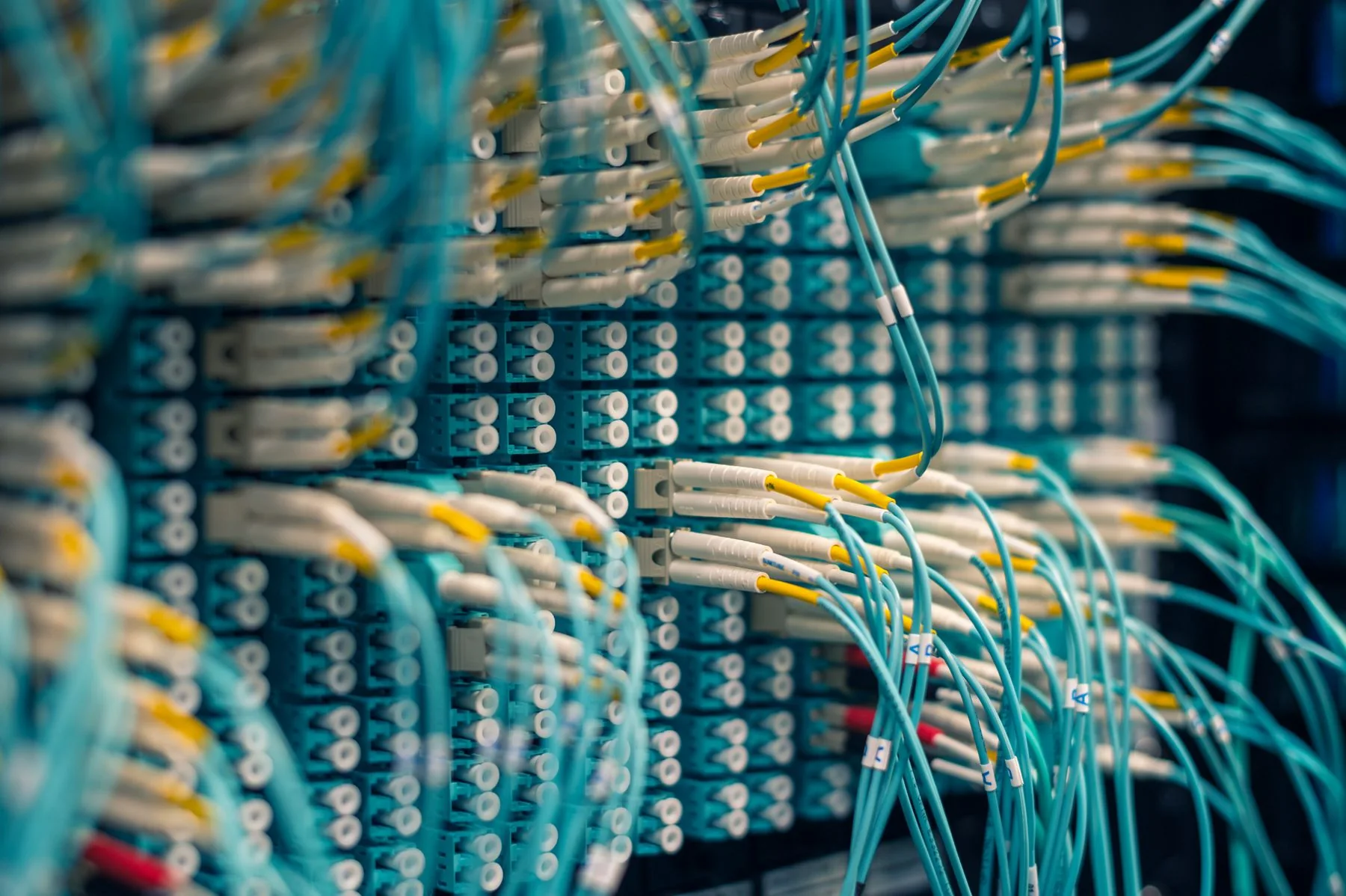
Map rack positions, equipment IDs, power circuits, network ports and cable labels so faults can be traced from a business service to a host and its physical connections.
Two devices do not automatically provide high availability. Check shared power, switches, storage and uplinks, and define how business continues during maintenance or failure.
Frequently asked questions
No. Review business interruption impact, equipment load, space and maintenance, then define racks, UPS, cooling, network redundancy and monitoring. Avoid both overbuilding and missing critical support.
Scope follows the survey and contract. Yuqi Intelligent performs agreed IT and low-voltage integration and coordinates specialist interfaces. Qualified responsible parties design, install and accept structural, electrical and fire-safety work.
Assess health, capacity, compatibility, support lifecycle and migration risk. Retain equipment that passes testing and expand or replace bottlenecks rather than repurchasing everything unnecessarily.
Not before site conditions and design are established. Targets depend on load, airflow, redundancy, applications, replication and test results. Diagrams show possible directions, not performance guarantees.
Yuqi Intelligent handles new rooms, relocations, expansions and upgrades, supplying/integrating racks, networking, servers and storage while coordinating power, cooling, cabling and monitoring. Handover targets usable business services, clear configuration and maintainability.
Review site conditions, racks, equipment weight, power, heat, cabling and maintenance space alongside dependencies and growth. Produce rack layouts, capacity calculations, topology, equipment lists and an implementation plan.
Supply racks, security/network equipment, servers, storage and agreed monitoring devices. Rack, label, segment and configure systems, coordinating capacity, interfaces and acceptance responsibilities with power/cooling specialists.
Deploy compute, storage, virtualization and management networks. Agree migration windows, backups, rollback conditions and business reviewers. Validate access, performance baselines, recovery and alerts step by step; do not cut over without approval.
Review environmental alerts, ports/links, hardware and capacity changes; resolve faults and configuration issues. Provide inventories, configuration backups, training and expansion guidance, with remote/on-site response under the service agreement.
Next step / Site assessment
Share room photos, equipment scale, systems and construction/relocation timing so Yuqi Intelligent can define assessment, equipment options, windows and deliverables.
Hero photo: PiDatacenters / Racks Amravati Data Center,CC BY-SA 4.0, resized and compressed; not a Yuqi Intelligent customer case.
