
One workspace for
your business data:
Query · Enter · Analyze
Built on Appsmith's open-source low-code platform with custom development. Connect existing databases, APIs and business systems through role-aware admin pages, queries, forms and dashboards. Keep existing data sources and implement your business workflow .
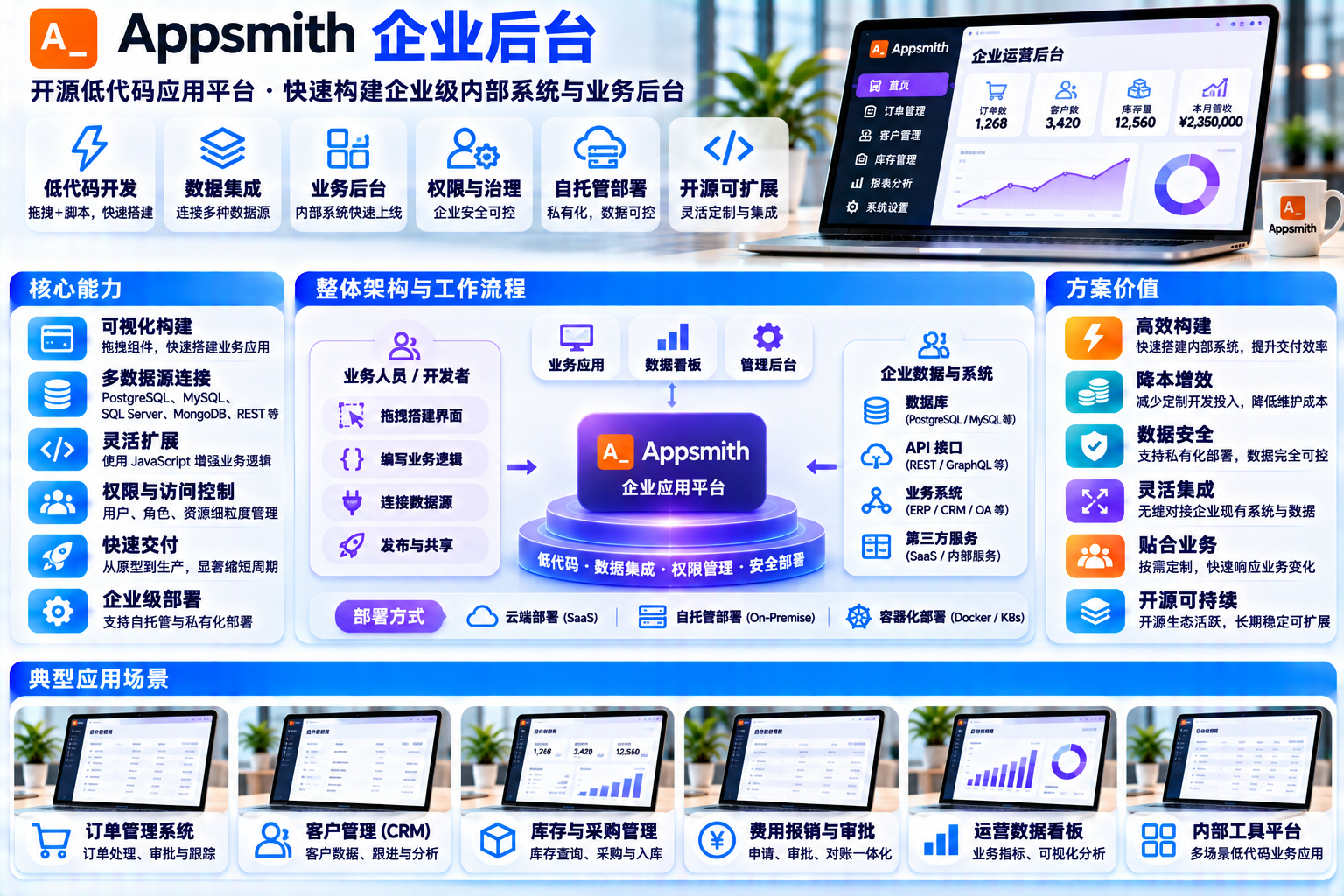
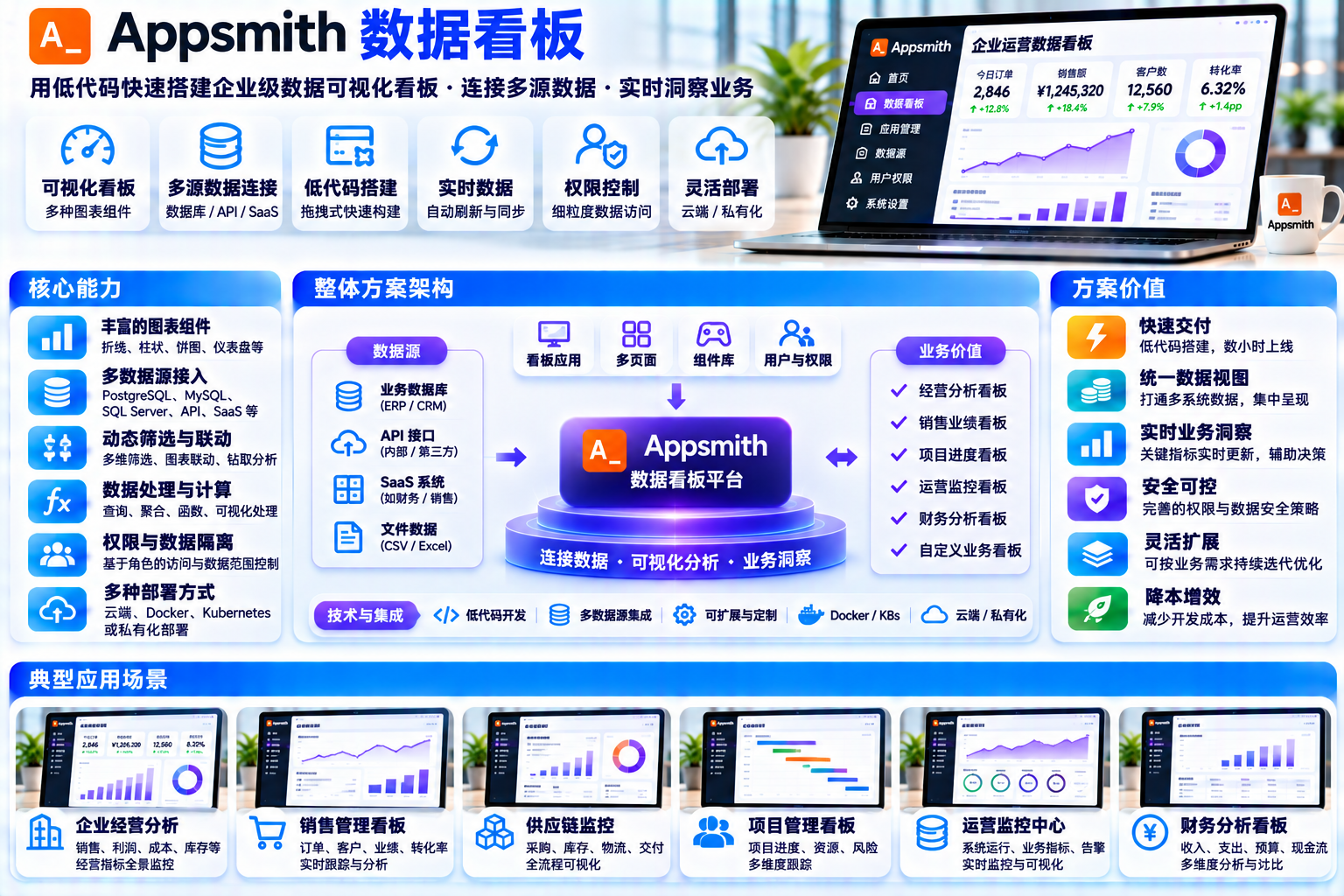
Interfaces, figures and prices are examples. Actual features, licensing and delivery scope are confirmed for each project.
Data still moves through manual work
Existing systems need a connecting layer: role-specific access, consistent entry forms and understandable reports. These are illustrative situations, not customer cases.

Data sits in applications, spreadsheets and messages, with definitions confirmed verbally.
→ Query it through one workspace
The same information is entered repeatedly, with inconsistent formats and required fields.
→ Validated forms with defined writes
Export, combine and chart data, then start again the next week.
→ Dashboards backed by data sources
Databases, APIs and files use different definitions; even one new field needs coordination.
→ Registered and mapped data sourcesThe engine is the foundation ; business needs implementation
Separate Community features, licensed plans and project customization. The following scope was reviewed against the official README, pricing and documentation on 2026-11-15.
- Drag-and-drop interfaces : Tables, forms, charts, containers and widget bindings
- Data sources & queries : Database, REST and GraphQL connections with SQL and JavaScript logic
- Application delivery : Workspaces, application publishing, sharing and Git version control
- Deployment options : Official Docker, Kubernetes and cloud platform installation paths
- Community support : Documentation, forums and Discord without a commercial SLA
- Business: Custom roles and permissions, audit logs, Workflows, branding controls and priority support
- Enterprise: SAML / OIDC SSO, SCIM synchronization, CI/CD and private embedding
- Enterprise add-ons : Managed hosting, airgapped deployment and plan-specific services
- Image selection : appsmith-ee is the Commercial image: start on Free and activate paid features under license; appsmith-ce is the Community image
- Pricing : Refer to the official pricing page; changing prices are not reproduced here
- Business modeling : Source inventory, tables, views, field definitions and identifiers
- Interface implementation : Role-specific pages, queries, forms, dashboards and visual design
- Workflow implementation : Approval state machines, validation, operation records, notifications and receipts
- Authorization implementation : Identity mapping and role-specific page, query and field boundaries
- Operational handover : Deployment configuration, recovery plans, manuals and acceptance criteria
Edition boundaries: verify availability before promising features
Official sources reviewed · 2026-11-15Approval workflows
The Workflows overview marks Human-in-the-Loop, including Approvals, as Coming Soon. It is not promised as an available approval feature. Project-specific approval states, records, authorization and notifications must be separately implemented and tested.
Granular permissions
The Free plan lists 3 predefined roles ; Business and Enterprise list customizable permissions. Community implementations need server-side and database authorization; hiding a widget is not access control.
Audit logs
The official pricing page lists Audit logs under Business and above. A Community project can implement business-operation records, but these are distinct from platform audit logs.
Single sign-on
Authentication documentation covers form login, Google / GitHub OAuth, OIDC and SAML. The pricing comparison assigns SAML / OIDC, enterprise identity providers and SCIM to Enterprise; Google and GitHub OAuth are listed for Free and Business.
Git & CI/CD
The Free plan limits version control to 3 repositories ; Business lists unlimited repositories. CI/CD and branch protection are Enterprise features. A separately engineered release process is distinct from the platform CI/CD feature.
High availability & offline deployment
Kubernetes defaults to one replica. Multi-replica HA needs planning and verification; Enterprise also offers managed hosting and Airgapped (add-on) . Self-hosted availability, recovery and monitoring must be designed for the project infrastructure.
Community self-hosting and the Commercial Free plan are different. Free-plan quotas must not be assumed for every CE release. Verify connectors, permissions, user scale and deployment choices individually. Sources: GitHub README(Apache License 2.0) · Official pricing & edition comparison · Workflows overview · Authentication documentation . Availability follows current official terms. Appsmith is a third-party project; its trademarks belong to their owners.
Data sources can stay in place with configured connections
Appsmith connects existing systems through Datasource and Query, then binds results to widgets. APIs can provide an integration path where no suitable connector exists. This is a conceptual diagram, not a deployed network.
← Scroll horizontally for the full conceptual topology →
Official data-source examples
The reference also lists SaaS and AI integrations. An API can provide a connection path where a connector is unavailable. Check the current connector list and edition requirements. Reviewed 2026-11-15
Customer-controlled hosting · Illustration
Four daily actions, ready to explore
Switch views, filter records, run a query, submit a sample form and explore charts. Interfaces, fields, logs and values are Demo and have no connection to live data sources or real business results.
Business admin · Record list
Unified list / Status filters / Keyword search · Demo
| Record ID | Department | Record type | Items | Status | Updated |
|---|---|---|---|---|---|
| YQ-D-0001 | Operations | Service request | 12 items | Pending | 09:14 |
| YQ-D-0002 | Procurement | Purchase request | 8 items | In progress | 09:32 |
| YQ-D-0003 | Warehouse | Stock movement | 36 items | Completed | 10:05 |
| YQ-D-0004 | Finance | Expense entry | 5 items | Pending | 10:21 |
| YQ-D-0005 | Operations | Customer data update | 19 items | In progress | 11:03 |
| YQ-D-0006 | Administration | Asset entry | 24 items | Completed | 11:47 |
Data query · Combined conditions
Run a query to see the simulated steps and logs
FROM demo_records
WHERE dept = {{ dept }} AND status = {{ state }}
ORDER BY updated_at DESC LIMIT 20;
| Record ID | Department | Type | Items | Status |
|---|---|---|---|---|
| Run the sample query to view results here | ||||
Logs and results are generated by local timers, without network requests . A real implementation uses Appsmith Query to access an authorized data source.
Data entry · Business record
Validate → Write → Receipt · Demo
For Community projects, business records require a custom operation-log implementation , rather than the Commercial platform audit feature. All writes on this page are in browser memory.
Dashboard · Summary view
Simulated metrics and charts, not performance results
CHART / Sample records over 12 periods
TREND / Simulated trend
Every query and submission has a defined path
These animated steps correspond to the prototype. Real queries use Appsmith Query; business writes and operation records are custom implementation. Licensed platform features are identified separately in the edition section.
READQuery path · Demo
Matches the query prototype: highlight steps, append logs and populate a sample table. Real projects must enforce query permissions and result limits.
WRITESubmission path · Demo
Matches the entry prototype: validated submissions return to the sample list with a receipt. Operation records are custom-built for Community projects; approval is a project-specific state machine. Neither is promised as an available native platform feature here.

Define what each role sees, changes and records during requirements discovery. Illustrative situation, not a customer case.
Clear layers, controlled boundaries
This illustrates the path from browser to data sources. A self-hosted deployment runs in the customer's chosen environment. Optional integration services adapt workflows while preserving an upgrade path. Enforce authorization at the server and data source, beyond interface visibility.
Conceptual architecture. The current Docker guide bundles MongoDB, Redis and PostgreSQL and recommends at least 8 GB host RAM. Kubernetes requires separate planning for availability and ingress.
Three delivery paths, chosen by data boundaries
Illustrative deployment options based on the official guides reviewed on 2026-11-15. The Community image appsmith-ce corresponds to the Apache-2.0 edition; appsmith-ee is the Commercial image, which can start on Free; paid features need the applicable license.
Single-host containers can support pilots and appropriately sized workloads. Pin the image to a release tag and assess capacity for the project.
Fits Internal deployment / Review external data flowsThe default is one replica. Multi-replica availability requires shared dependencies, storage, licensing, load balancing and recovery design. Configure ingress and TLS for the environment.
Fits Multiple departments / Planned HAThe installation overview lists several platform options. Managed and airgapped offerings have their own Enterprise terms.
Fits Cloud use / Branch officesversion: "3"
services:
appsmith:
image: index.docker.io/appsmith/appsmith-ce:<version> # Pin a release; select appsmith-ee under the applicable Commercial terms
container_name: appsmith
ports:
- "80:80"
- "443:443"
volumes:
- ./stacks:/appsmith-stacks
restart: unless-stopped
docker-compose up -d # Official guide: open http://localhost to finish initial setup
Scope: This is a local introduction. No Appsmith installation, deployment or data-source connection is performed. The code illustrates a possible delivery configuration.
Delivery targets an operable system with explicit acceptance criteria
Each item corresponds to a reviewable project artifact. Confirm the final scope before implementation. This list does not claim a completed customer project.
Data-source inventory & field mapping
Record tables, APIs, field definitions, refresh cadence and owners, with explicit read and write scope.
Acceptance documentViews & API adapters
Create views, indexes and API aggregation where required, reducing coupling to underlying tables.
DDL / API configurationAppsmith application project
Pages, widgets, queries, JS objects and data-source configuration, with import and versioning arrangements.
Application & configurationPrototype & brand theme
Admin pages, queries, forms and dashboards with shared visual rules and responsive layouts.
Interactive prototypeIdentity & permission matrix
Map roles to pages, queries and fields; implement visibility and write boundaries using the selected edition and backend controls.
Permission inventoryApprovals & operation records
Implement states, decisions, operation records and receipts; identify custom work and licensed dependencies.
Workflow implementationDeployment & recovery plan
Compose / Helm configuration, pinned tags, domain and TLS, recovery and upgrade procedures.
Operational handoverManuals & acceptance checklist
Role-specific instructions, training material, testable acceptance items and known issues.
Documentation & training

From asking and copying to connected answers
The proposed change is a better workflow. This comparison illustrates intended behavior, without measured efficiency claims or customer results.
 BEFORE / Illustrative starting point
- Find scattered information across applications and spreadsheets
- Data-entry formats rely on convention; errors depend on manual checks
- Messages carry status updates, with little traceability
- Reports are rebuilt every week, with inconsistent definitions
 AFTER / Illustrative target
- Query through one workspace, with results from authorized sources
- Use required fields and validation, with defined writes
- Record states and operations, with traceable responsibilities
- Read source data into dashboards, using mapped field definitions
First agree data sources and access boundaries ,
then plan deployment and interfaces
Where is the data, who can access it, and how should the workflow operate? These answers inform implementation effort and edition selection. Use the local checklist to prepare.
Three things to prepare
This checklist is local only. It does not submit or store information.
Technical foundation, licensing & sources
This solution proposes business applications, API integrations and custom development on Appsmith, rather than claiming upstream software as wholly proprietary work. Community uses Apache-2.0. Preserve applicable licenses, copyrights and NOTICE files, and identify source modifications. Review Commercial components, connectors, dependencies and trademarks separately.
Plan platform services separately from business databases. Self-hosting does not automatically mean airgapped operation or no outbound data. Production delivery requires tested TLS, authorization, least-privilege source access, persistence, recovery and upgrades. This page has no Appsmith backend; queries, submissions, receipts and charts are local simulations. Photos illustrate work settings; the background is conceptual artwork.