
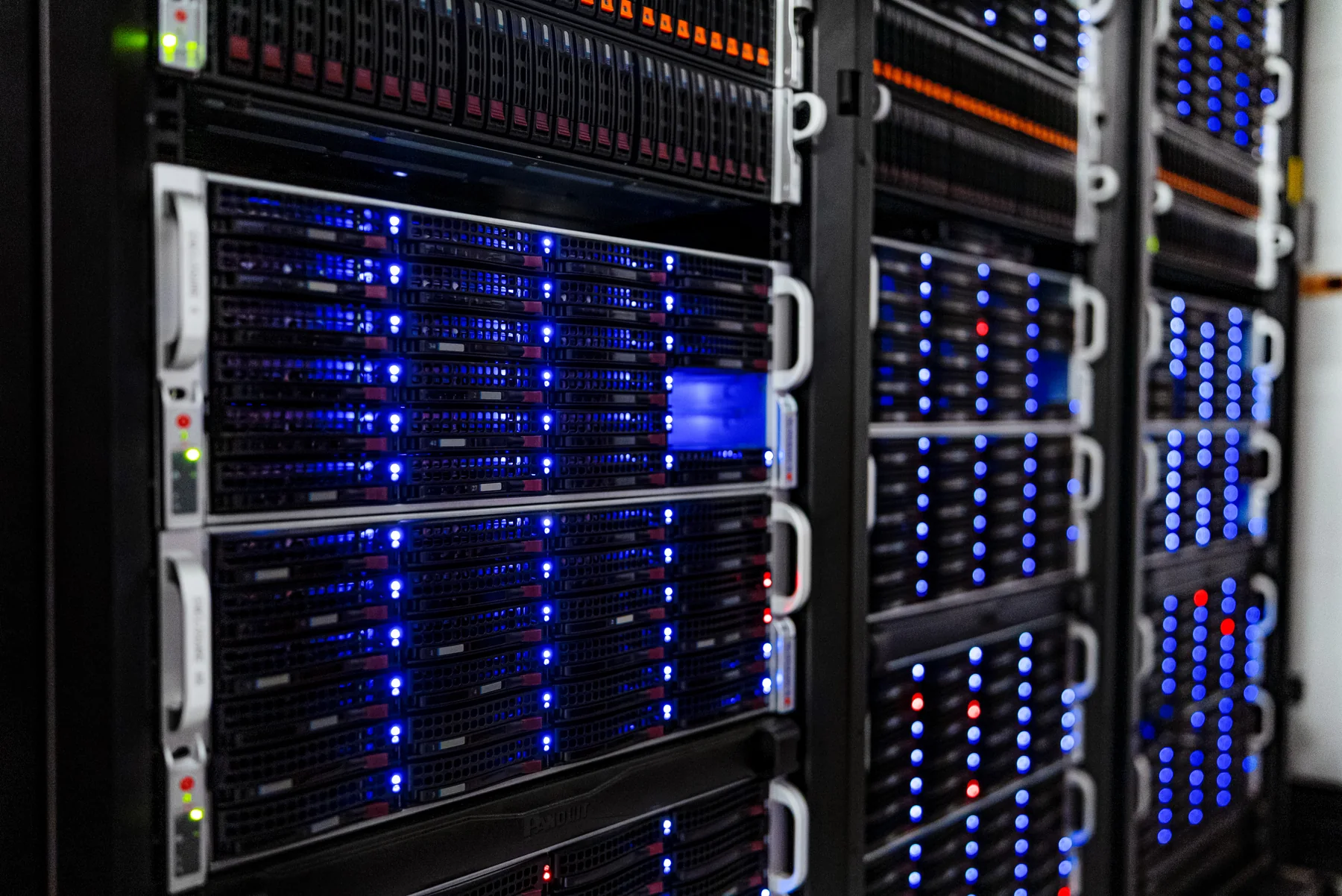
Infrastructure and systems integration / Server-room construction
Data Center Construction
Plan facilities around business growth. Starting with site conditions, IT loads and future needs, Yuqi Intelligent brings racks, compute, storage, networking, power distribution, UPS, cooling, cabling and environmental monitoring into one verifiable delivery plan.
.jpg)
Plan facilities and IT systems together so future expansion has a documented foundation.
01Clarify the site, load and growth first
A server room is more than equipment in a room
Define what the site can support, how equipment enters and is maintained, and how power, cooling, cabling and monitoring support compute, storage and network loads.
Align these relationships before choosing equipment and construction interfaces, reducing rework and making integration tests and operations handover evidence-based.
Site conditions and load are not aligned
Without one record of room area, floor loading, equipment access, rack count and future growth, each becomes a late adjustment.
Facility interfaces are considered too late
When power, UPS, cooling, cabling and monitoring are purchased separately, mismatched paths, capacity or maintenance space may only become visible after racking.
Construction is finished, but handover records are missing
Without port records, configuration, integration results, acceptance evidence and responsibility boundaries, operations teams must reconstruct the site themselves.
02Facility support and IT loads
Make IT equipment and facilities work together
Power distribution, UPS, cooling, cabling, environmental monitoring, racks and site conditions jointly support compute, storage and networking. The diagram shows parallel relationships, not a project construction drawing or a capacity or performance promise.
Site, power, cooling, racks, cabling and environmental monitoring support compute, storage and networking in parallel, informing handover and expansion conditions.

03How Yuqi Intelligent helps
What we can do for your organization
Bring assessment, planning, supply, site integration, professional interfaces, configuration, testing and handover into one scope, confirmed against the actual site and maintenance window.
Assessment and construction planning
Review the site, floor loading, equipment access, IT loads, racks and expansion needs to define scope, constraints and specialist interfaces.
Equipment selection and supply coordination
Support selection, supply and delivery scheduling for compute, storage, networking, racks, UPS, power and monitoring, retaining equipment and interface records.
Site integration and specialist coordination
Coordinate installation of racks, cabling, power, cooling, monitoring and IT equipment. Electrical and fire-safety work remains subject to site requirements and approval by the responsible specialists.
Racking, configuration and integration testing
Rack equipment, configure ports and addresses, check links and monitoring, and test representative business scenarios in phased maintenance windows.
Acceptance records and operations handover
Deliver as-built diagrams, equipment and port inventories, configuration backups, test records, issue resolution, responsibility boundaries and maintenance procedures.
04Implementation, testing and handover
Keep acceptance evidence for each facility interface
Yuqi Intelligent coordinates equipment supply, racking, configuration and representative business testing around the site, racks, compute, storage, networking and facility interfaces. Electrical, fire-safety and other specialist conditions require site-specific approval and coordination with the responsible parties.
- Assessment records for site conditions, IT loads, racks and expansion
- Equipment inventory, supply plan, specialist interfaces and site coordination
- Racking, configuration, link integration, monitoring and business test results
- Acceptance records, configuration backups, resolved issues and handover checklist
For a coordinated review of existing links, ports or subnets, see Network Modernization.

05Frequently asked questions
Clarify site conditions, specialist boundaries and handover evidence.
Should construction start by buying servers and racks?
Not directly. Confirm the site, floor loading, access routes, IT loads, racks and growth needs, then plan power, UPS, cooling, cabling and monitoring. This gives equipment selection a clear boundary.
Does Yuqi Intelligent undertake all electrical and fire-safety work?
This page does not make qualification or construction-scope claims for the responsible specialists. Electrical and fire-safety work requires site-specific approval. Yuqi Intelligent can coordinate IT equipment, interfaces, testing and handover within the agreed scope.
Can the architecture diagram be used as a construction drawing?
No. It explains relationships between facilities and IT systems, not a project construction drawing or a performance commitment. Dimensions, capacity, paths and specialist designs must follow the site survey and approved design.
Next step / ROOM DELIVERY
Start with a site-conditions checklist.
Share the site, load, racks, power, cooling, network and maintenance window to define assessment, equipment, interfaces, testing and handover.