

When SSH reports connection refused, confirm the destination and port, then inspect the server listener through its console. TCP has not connected yet; changing passwords is unlikely to address this stage.
Scope and preparation
This walkthrough covers native OpenSSH on Ubuntu Server 22.04/24.04 LTS with systemd. Obtain an authorised VM console, hardware management console or local terminal first, and retain existing management sessions. Without a fallback console, limit work to reading state. The commands are operating examples, not a report of tests on a customer server. Containers, bastions and cloud security groups require checks along their own paths.
The examples use documentation address 192.0.2.10, port 22 and user ops. Replace them with approved values; the address is not a live company server.
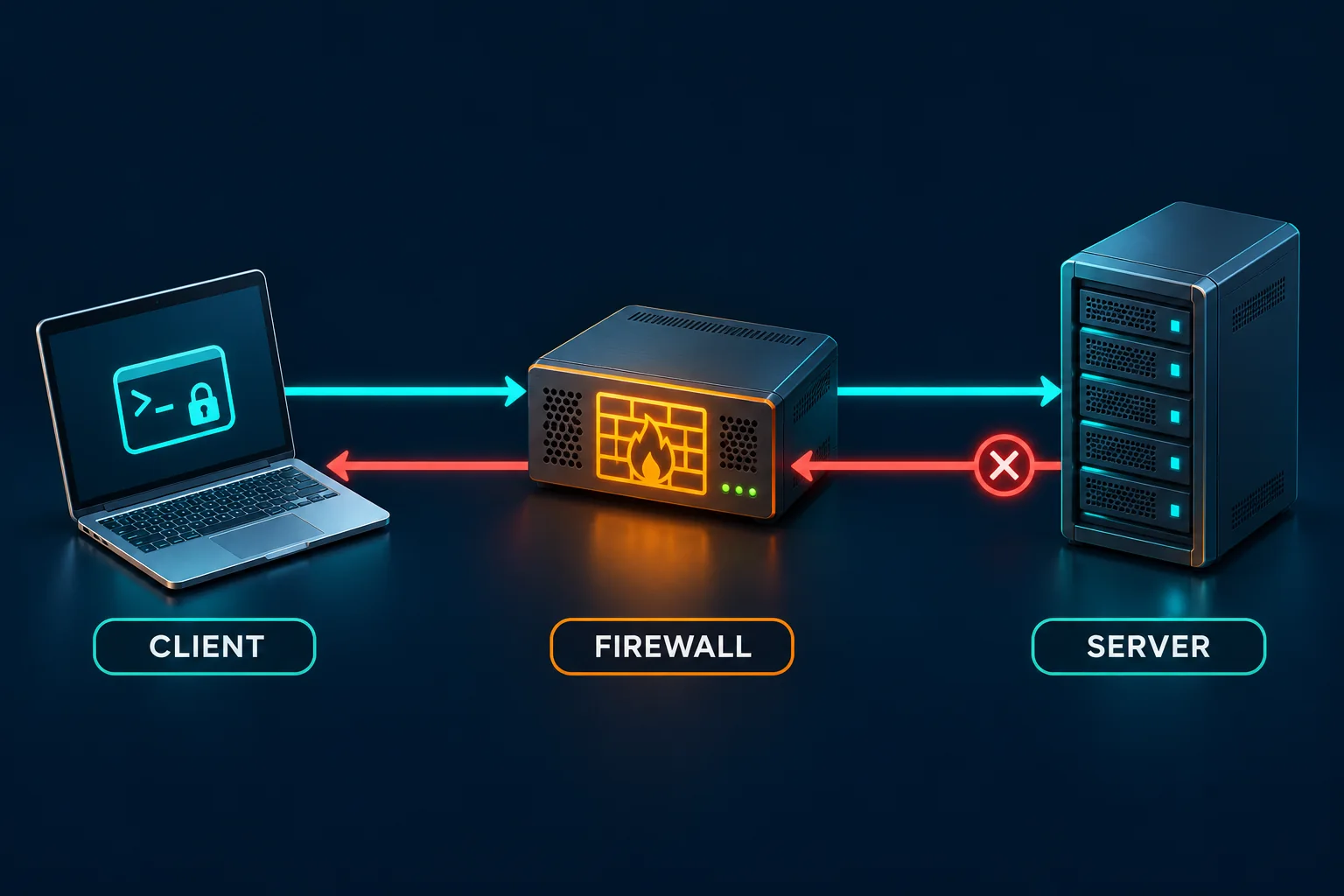
1. Separate refusal from timeout and authentication failure
Run a single detailed attempt from a workstation with an OpenSSH client:
ssh -vv -o ConnectTimeout=5 -o ConnectionAttempts=1 -p 22 ops@192.0.2.10
Read the actual destination address and port in the output. Debug logs can disclose usernames, paths and internal host information; redact them before sharing.
| Observation | Interpretation and next step |
|---|---|
| Connection refused | An active TCP rejection; check destination, listener and reject policies |
| Connection timed out | Investigate routing, VPN, silent filtering and cloud networking |
| Permission denied | Authentication was reached; check the account, key and policy |
| Host key change warning | Verify identity independently; do not bypass the check |
A quick rejection does not establish that the server is down or that it generated the rejection. An intermediate firewall can also reject traffic. See the OpenSSH client manual for diagnostic options.
2. Check the server address and actual listener
Run these commands on the target server console. Confirm that this console belongs to the intended host, then inspect interface addresses and the local address, port and process in each relevant listener record.
hostnamectl
ip -brief address
sudo ss -ltnp
For an IPv4 connection, a listener must cover the destination IPv4 address. A loopback-only listener cannot accept a remote connection. Whether an IPv6 wildcard also accepts IPv4 depends on socket and system settings; do not infer it from the displayed IPv6 row alone. Preserve approved custom ports rather than forcing port 22.
If another process owns the port, identify its purpose before making changes. Do not kill it to reclaim the port.
3. Inspect both the service and the socket
Installation and upgrade history affect the activation mode. Ubuntu documents default socket activation beginning with 22.10 and a generator for address and port settings in 24.04. An inactive service alone does not prove the absence of a listener; compare it with socket state and the actual sockets. See Ubuntu’s activation explanation.
systemctl status ssh.service ssh.socket --no-pager
systemctl cat ssh.service ssh.socket
sudo journalctl -u ssh.service -u ssh.socket -b -n 80 --no-pager
Read active state, failures, listen settings and local overrides. If a unit is absent, record the installation design before reinstalling anything. Resolve the specific invalid address, occupied port or configuration error shown in the logs. Do not switch activation modes merely to match a tutorial.
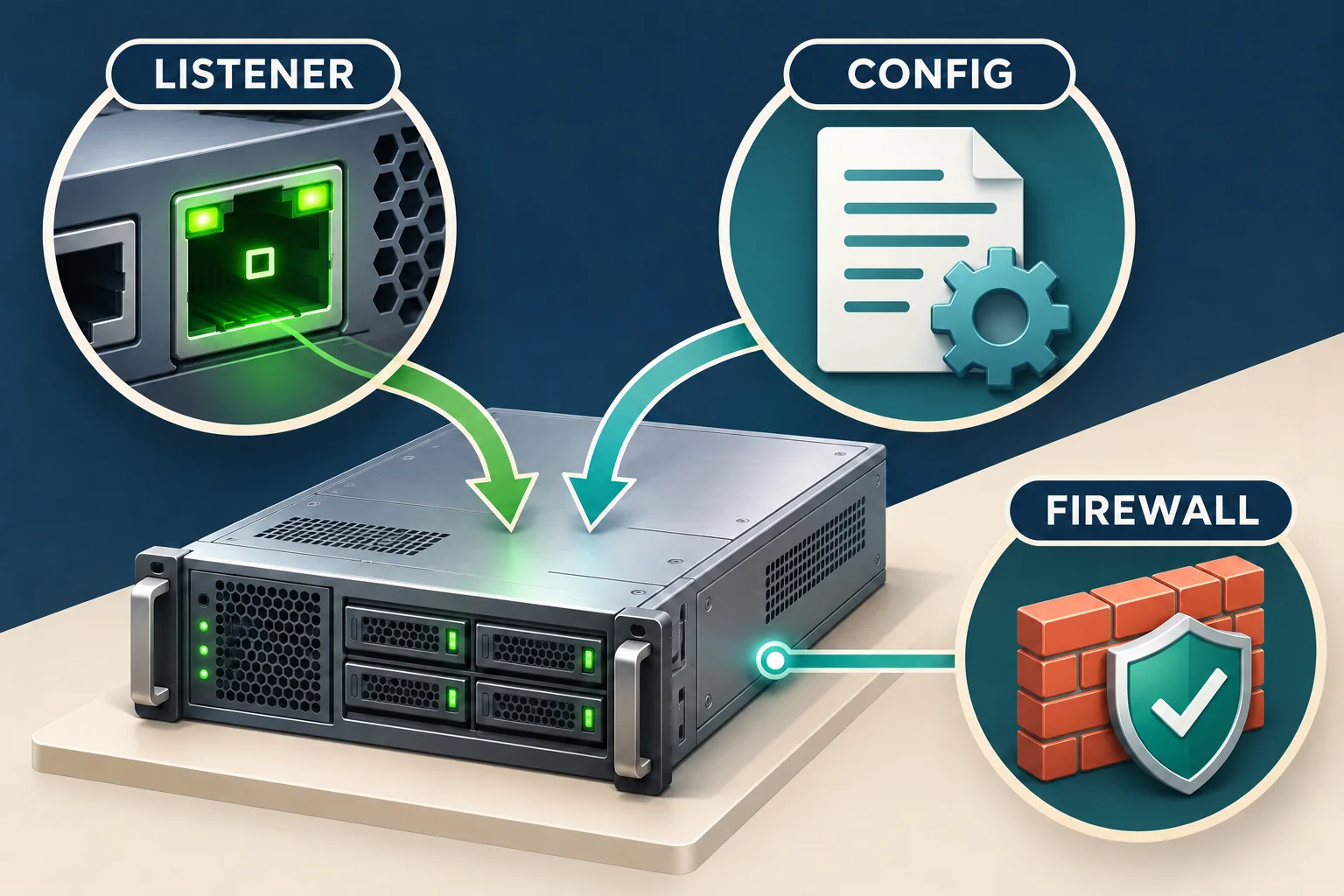
4. Validate disk configuration without confusing it with live state
For the native Ubuntu installation, validate configuration before printing the parsed listen settings. The second command runs only if validation succeeds.
sudo /usr/sbin/sshd -t && sudo /usr/sbin/sshd -T | grep -E '^(port|listenaddress) '
Successful validation with no output means this check found no configuration or basic host-key problem. It does not establish network reachability. Parsed settings describe current disk files, not necessarily the running process or systemd socket. Custom binaries and configuration paths must be checked using the actual service arguments. See the OpenSSH server manual.
5. Repair only the confirmed difference
If socket activation is the approved design, validation succeeds, the configured address exists, and the sole fault is an accidentally stopped socket, start that socket from the console:
sudo systemctl start ssh.socket
If the server intentionally uses traditional service activation without socket activation, and the confirmed fault is an accidentally stopped service, use this alternative:
sudo systemctl start ssh.service
Choose only the branch matching the existing design. Do not run both to experiment, enable startup by default or change the port. If validation fails, restore the file changed in the recorded maintenance operation and validate again; avoid overwriting an existing configuration with a generic template. If the listener is correct but remote rejection persists, inspect rules and counters for the administration source in UFW, upstream ACLs, VPN and NAT. Do not disable the whole firewall. Ubuntu’s OpenSSH deployment guide covers installation and configuration prerequisites.
Photo: Laserlicht / Wikimedia Commons, source, CC BY-SA 4.0. Raspberry Pi 4 hardware reference, not this article’s server, an enterprise site or proof of Ubuntu installation. Resized and converted to WebP; derivative retains the same licence.
6. Verify with a second session and retain rollback access
Try a fresh connection from the original workstation while checking the server listener. Verify any host identity prompt through the console or an existing trusted fingerprint record.
ssh -o ConnectTimeout=5 -o ConnectionAttempts=1 -p 22 ops@192.0.2.10
Acceptance requires the correct target and port, an approved listener, successful identity verification and authorised login in the new session, and unaffected existing access and business services. A password prompt alone is insufficient. Stop expanding changes if startup fails, listening differs from the design or business traffic is affected. Keep the console open and restore the pre-change configuration and activation state; do not stop services that were already in use.
Record the time, source, destination and port, activation mode, cause, exact change and fresh-session result. Leave unexecuted checks for on-site acceptance.
Frequently asked questions
Why can ping work while SSH is refused? An ICMP reply does not establish that a TCP listener exists or that its path is permitted.
Should an inactive service always be started? Check socket activation first. Preserve a working listener and the approved activation design.
Should I reinstall OpenSSH or reboot? Collect evidence first and distinguish a missing package, invalid configuration, changed port and network rejection before choosing a scoped repair.
Related solutions and reading
Yuqi IT operations support can help review management access, maintenance changes and recovery checks. See Windows TCP connectivity troubleshooting for client-side connectivity and Nginx upstream connection refusal for reverse proxy failures. Share a redacted error, timestamp, destination port and completed checks when requesting support.