
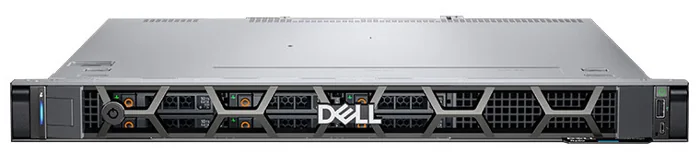
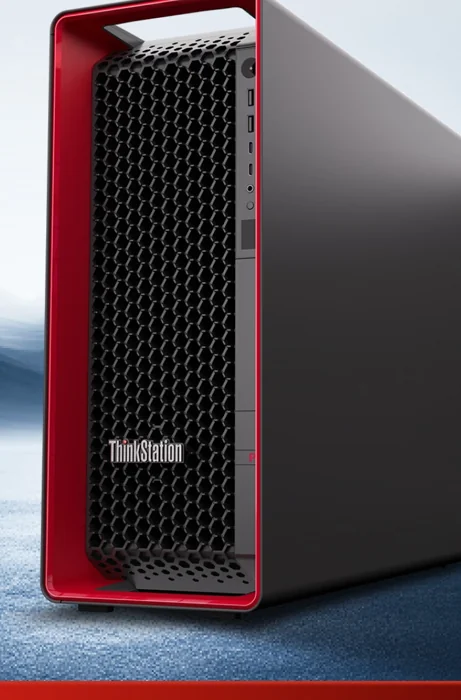
Servers, PCs, networking, access control, video conferencing and business software. Choose by model and use.
The right configuration for your workload
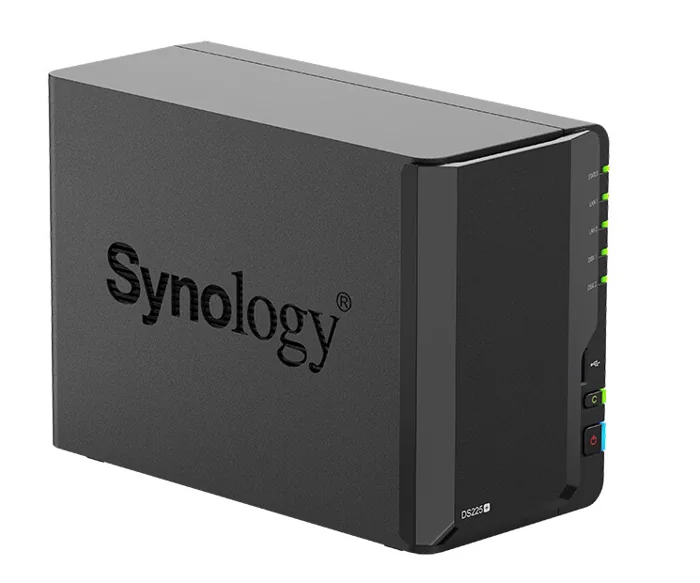
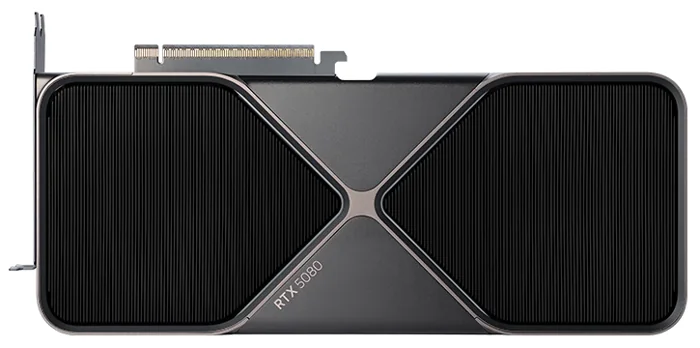
2974 models · 50 categories · 66 brandsCall to confirm hardware configurations and software licensing
From office access and video conferencing to data center equipment and software licensing. Find what fits.
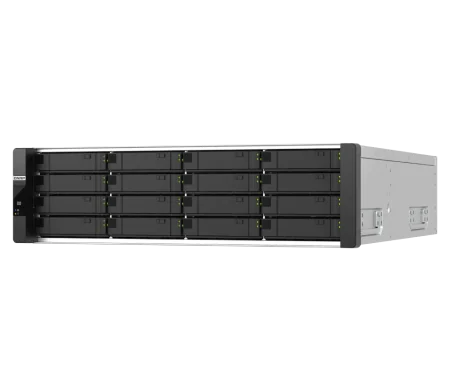
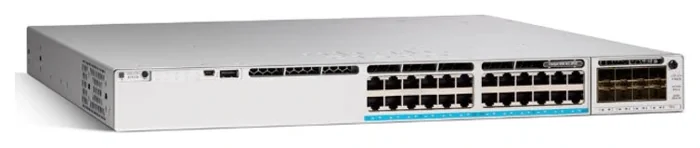
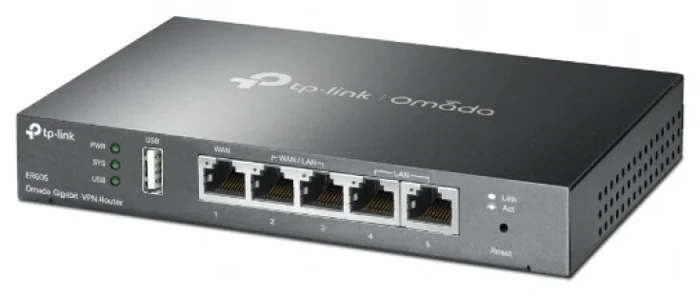
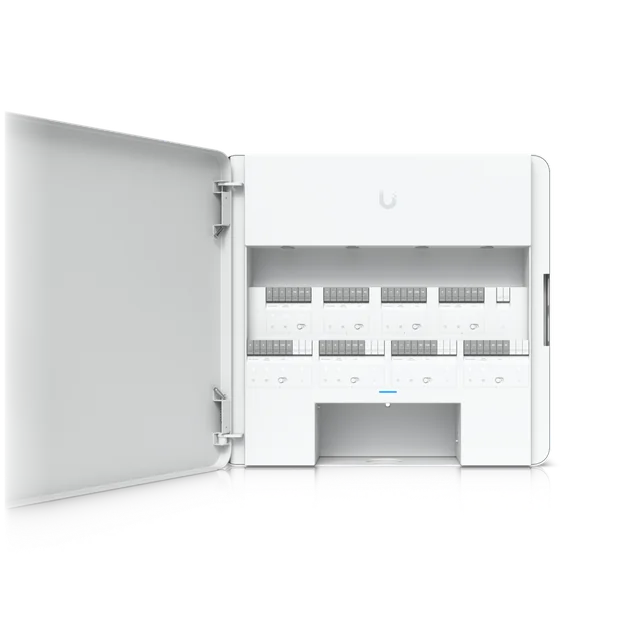

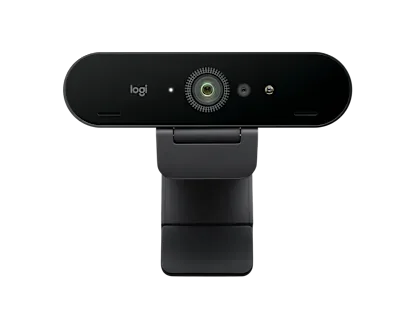
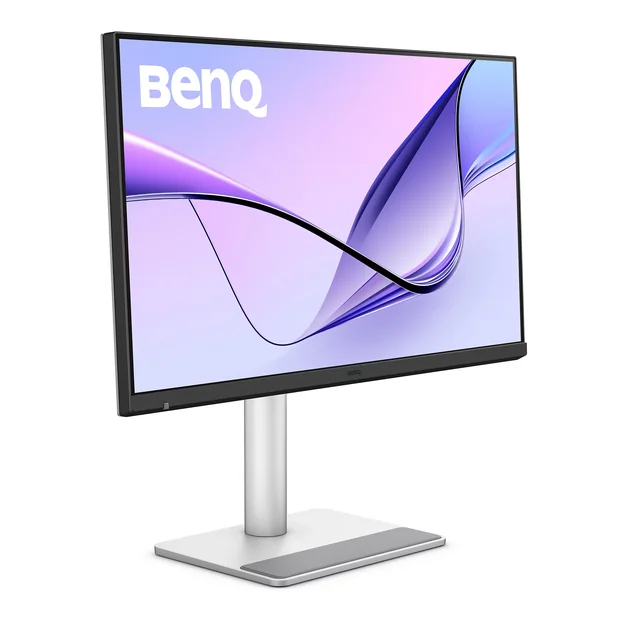
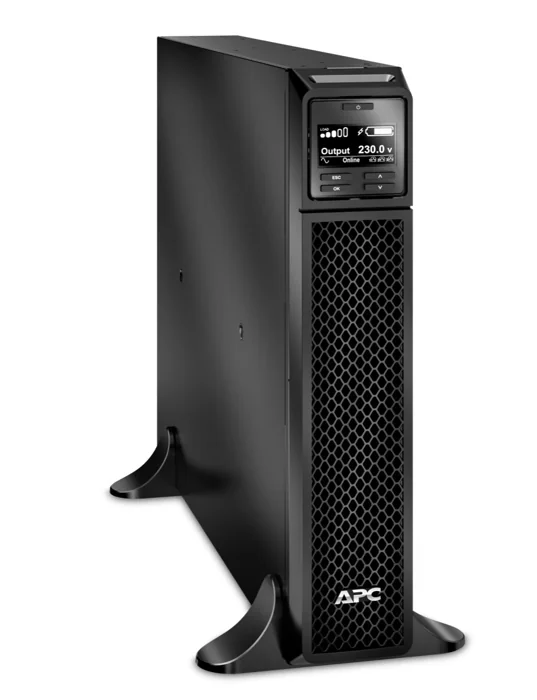
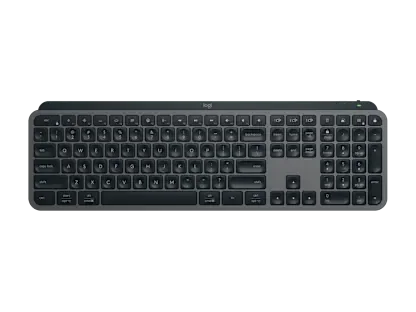
Find hardware models and software editions, build your list, then call to confirm specifications, licensing and delivery.
2974 models
View equipment list ↗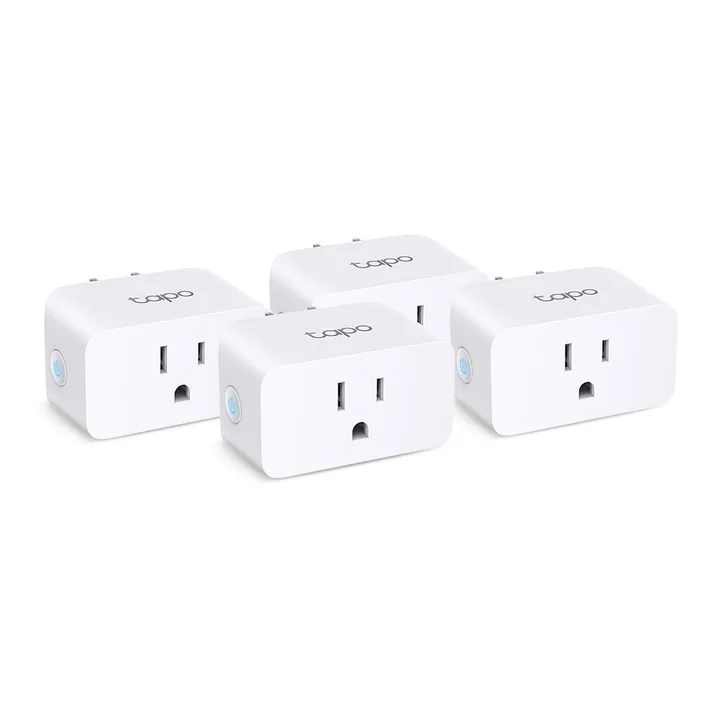
TP-LinkSmart control devices
Mini Smart Wi-Fi Plug, Energy Monitoring
Wi-Fi connectivity; Energy monitoring
Device control and electrical management
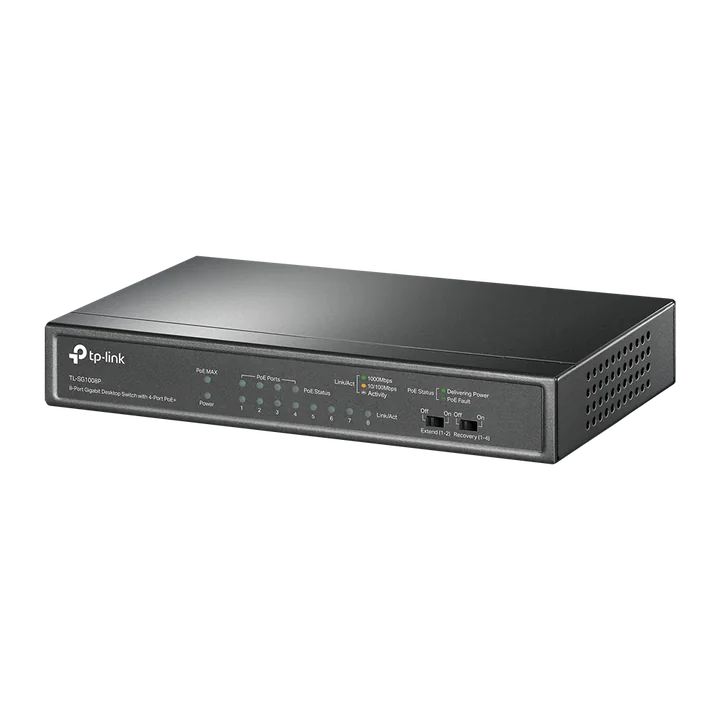
TP-LinkSwitches
8-Port Gigabit Desktop Switch with 4-Port PoE+
8 ports; PoE
LAN access and network interconnection
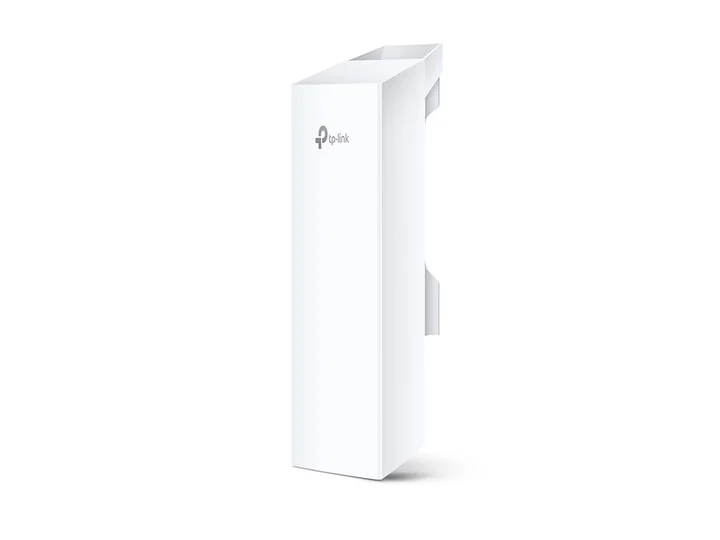
TP-LinkWi-Fi / bridges / controllers
5GHz 300Mbps 13dBi Outdoor CPE
Wi-Fi connectivity; PoE; Wireless connectivity
Wireless coverage and network access
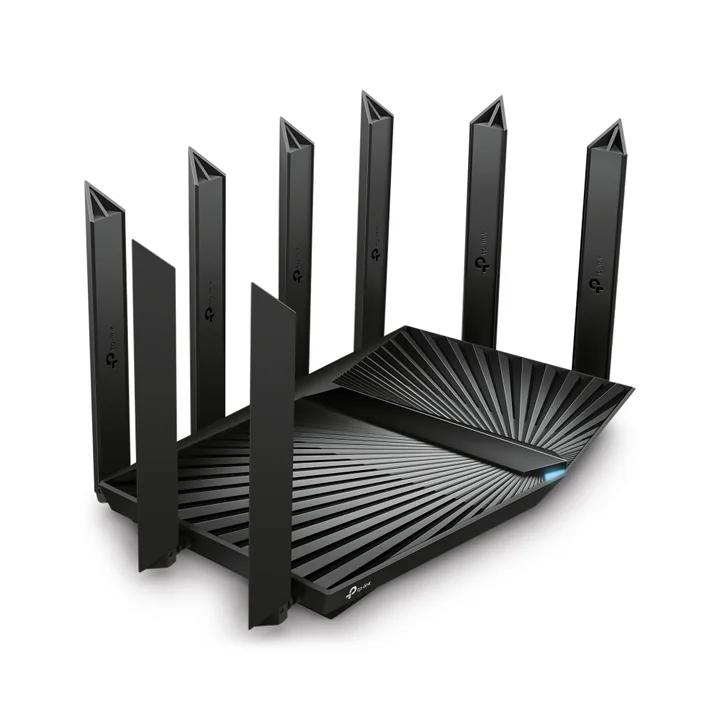
TP-LinkRouters / gateways
AX6600 Tri-Band Wi-Fi 6 Router
Wi-Fi 6; AX6600 class; Wi-Fi connectivity
Office network connectivity and routing
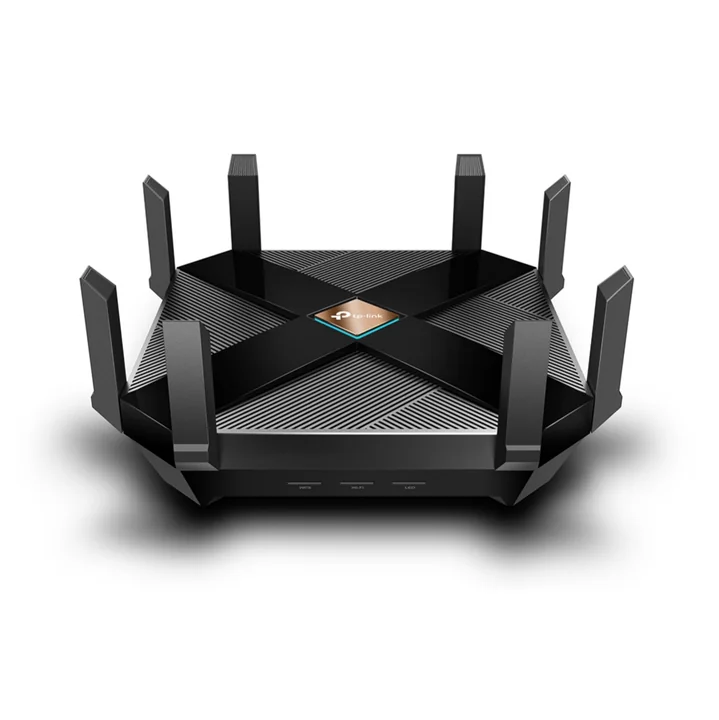
TP-LinkRouters / gateways
AX6000 Next-Gen Wi-Fi Router
AX6000 class; Wi-Fi connectivity; Bluetooth connectivity; Wireless connectivity
Office network connectivity and routing
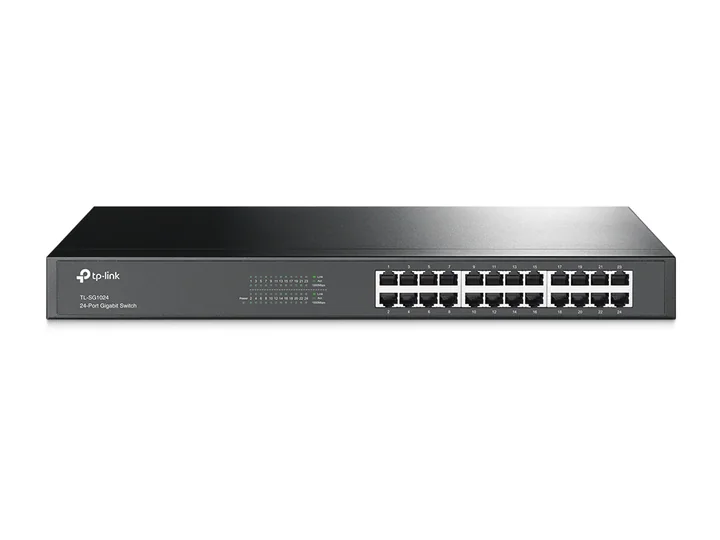
TP-LinkSwitches
24-Port Gigabit Rackmount Switch
19 inch; 24 ports
LAN access and network interconnection
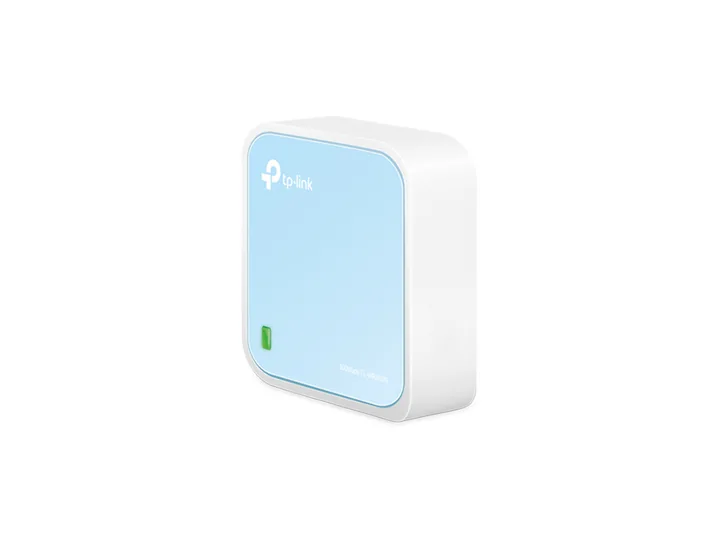
TP-LinkRouters / gateways
300Mbps Wireless N Nano Router
Wi-Fi connectivity; Wireless connectivity
Office network connectivity and routing
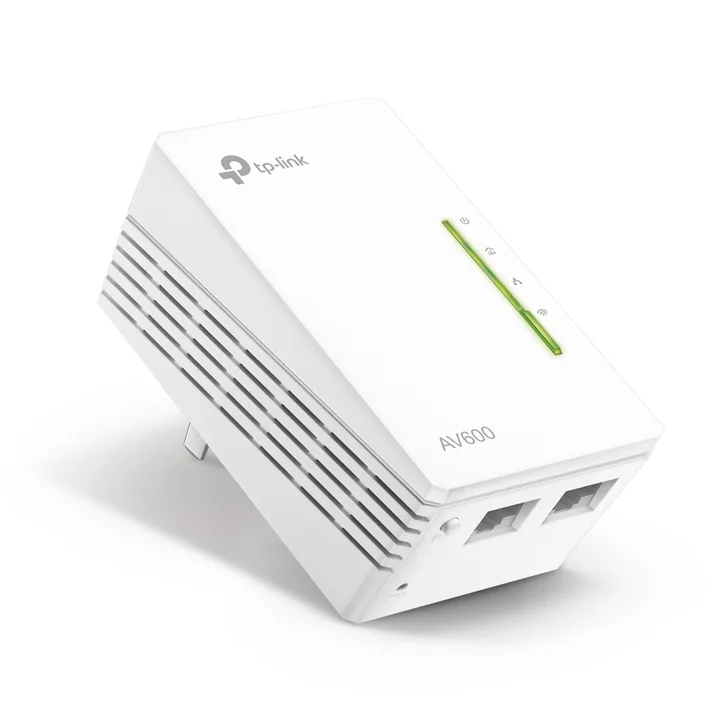
TP-LinkNetwork adapters
300Mbps AV600 Wi-Fi Powerline Extender
Wi-Fi connectivity; Wireless connectivity
Network connectivity for computers and endpoints
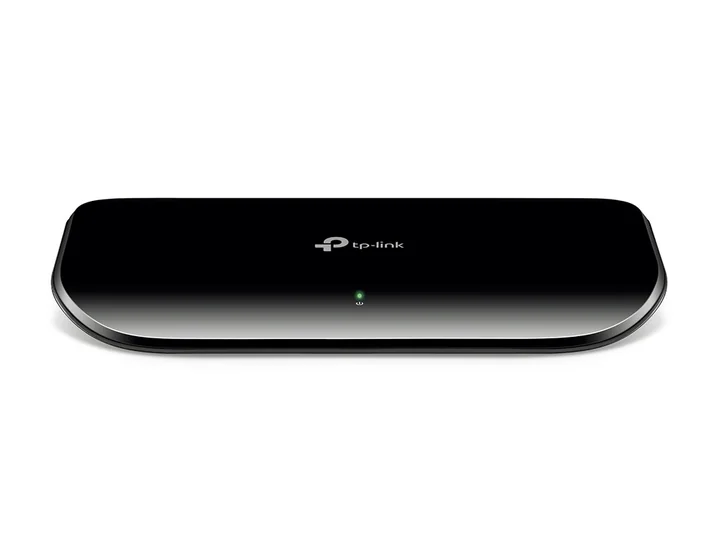
TP-LinkSwitches
8-Port Gigabit Desktop Switch
8 ports
LAN access and network interconnection
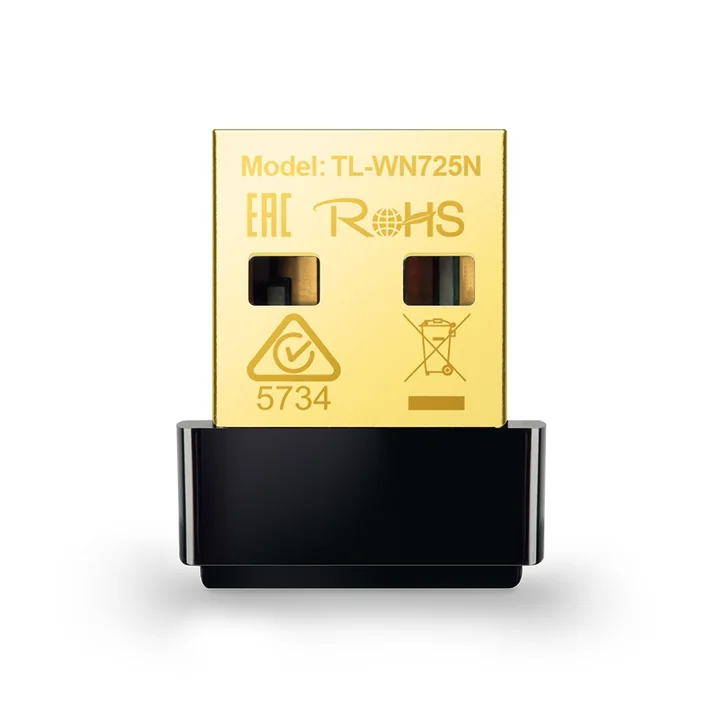
TP-LinkNetwork adapters
150Mbps Wireless N Nano USB Adapter
Wi-Fi connectivity; Wireless connectivity
Network connectivity for computers and endpoints
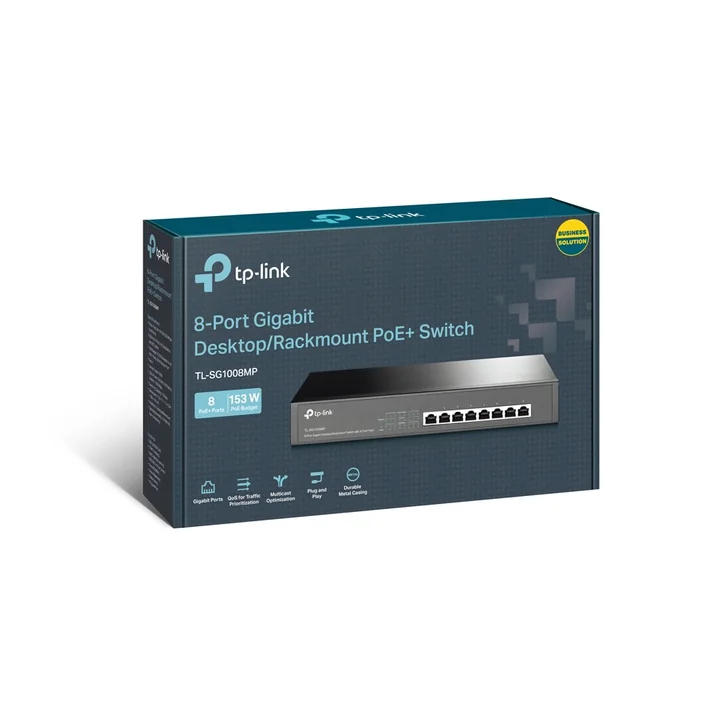
TP-LinkSwitches
8-Port Gigabit Desktop/Rackmount Switch with 8-Port PoE+
8 ports; PoE
LAN access and network interconnection
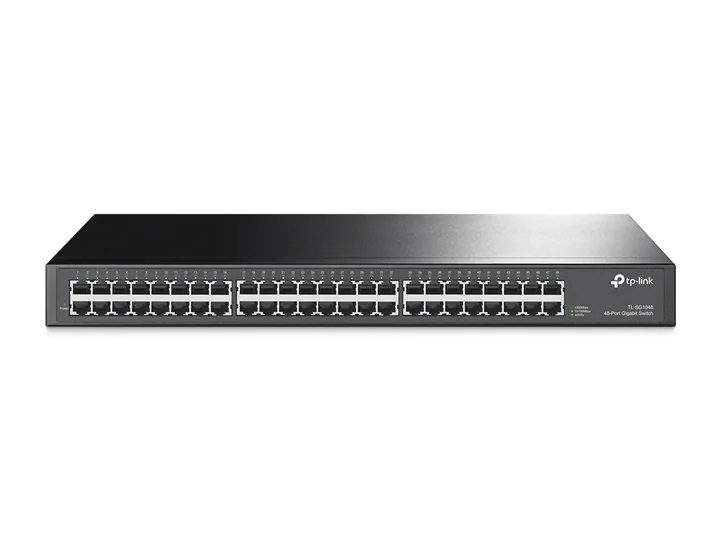
TP-LinkSwitches
48-Port Gigabit Rackmount Switch
19 inch; 48 ports
LAN access and network interconnection
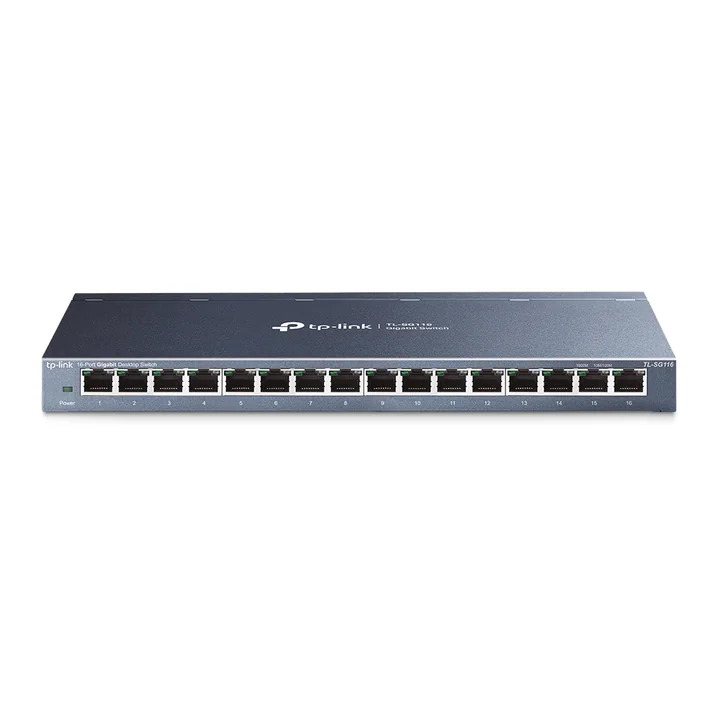
TP-LinkSwitches
16-Port Gigabit Desktop Switch
16 ports
LAN access and network interconnection
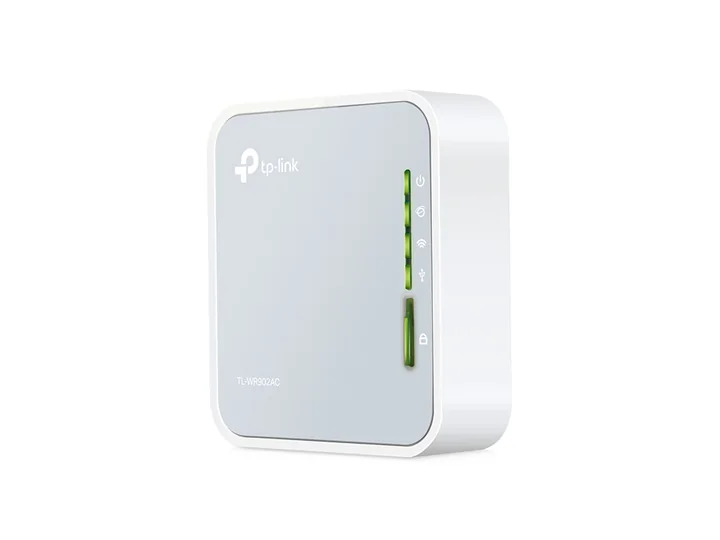
TP-LinkRouters / gateways
AC750 Wireless Travel Router
AC750 class; Wi-Fi connectivity; Wireless connectivity
Office network connectivity and routing
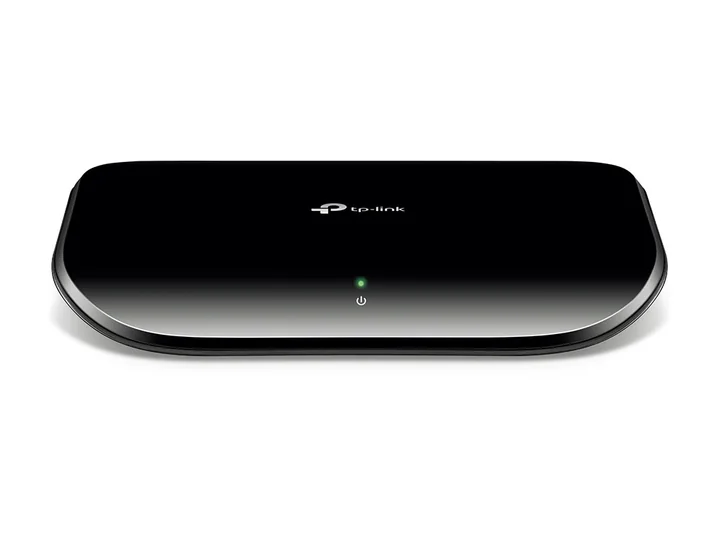
TP-LinkSwitches
5-Port Gigabit Desktop Switch
5 ports
LAN access and network interconnection
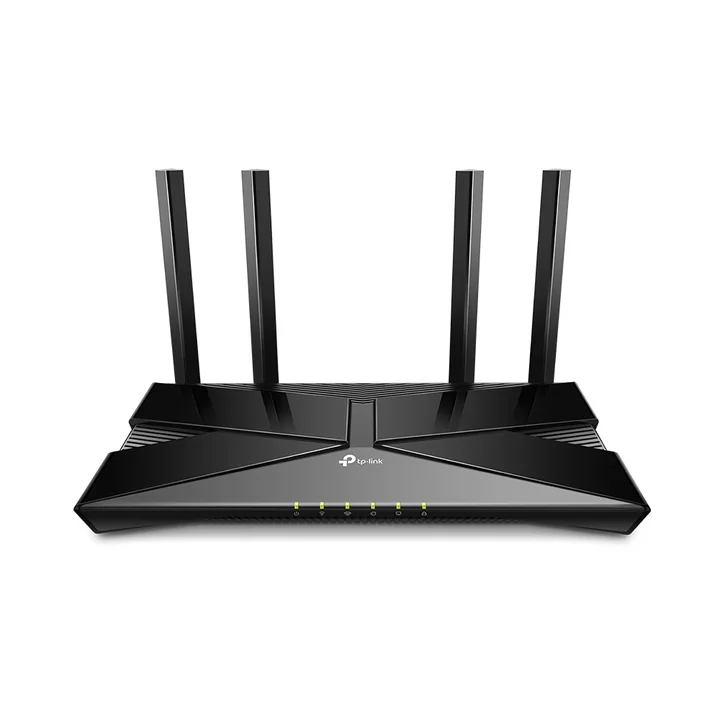 Series illustration
TP-LinkRouters / gateways
AX1500 Wi-Fi 6 Router
Wi-Fi 6; AX1500 class; Wi-Fi connectivity; Wireless connectivity
Office network connectivity and routing
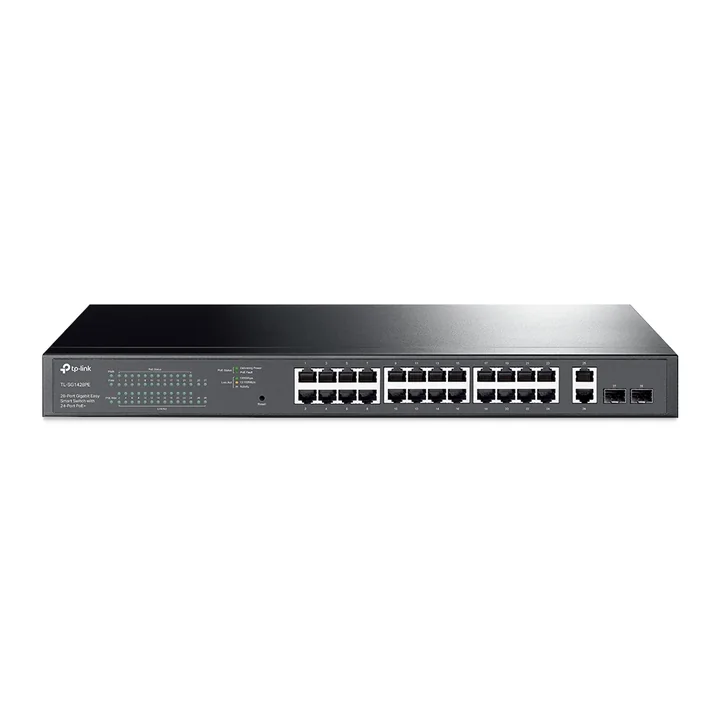
TP-LinkSwitches
28-Port Gigabit Easy Smart Switch with 24-Port PoE+
28 ports; PoE; SFP connectivity
LAN access and network interconnection
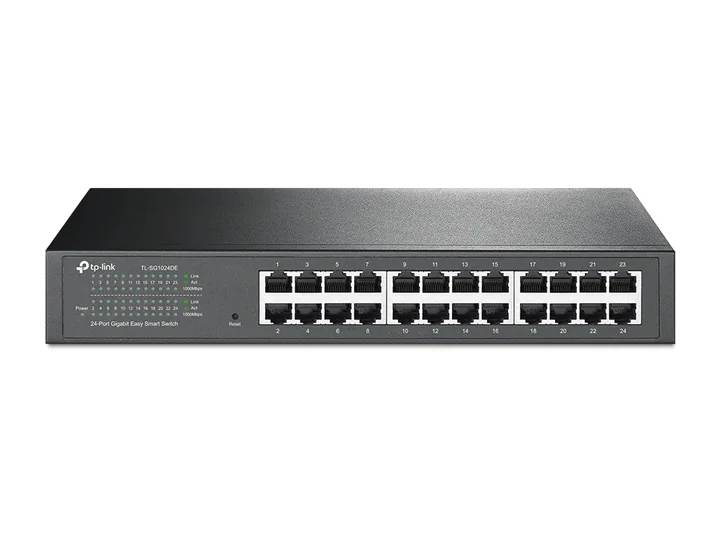
TP-LinkSwitches
24-Port Gigabit Easy Smart Switch
24 ports
LAN access and network interconnection
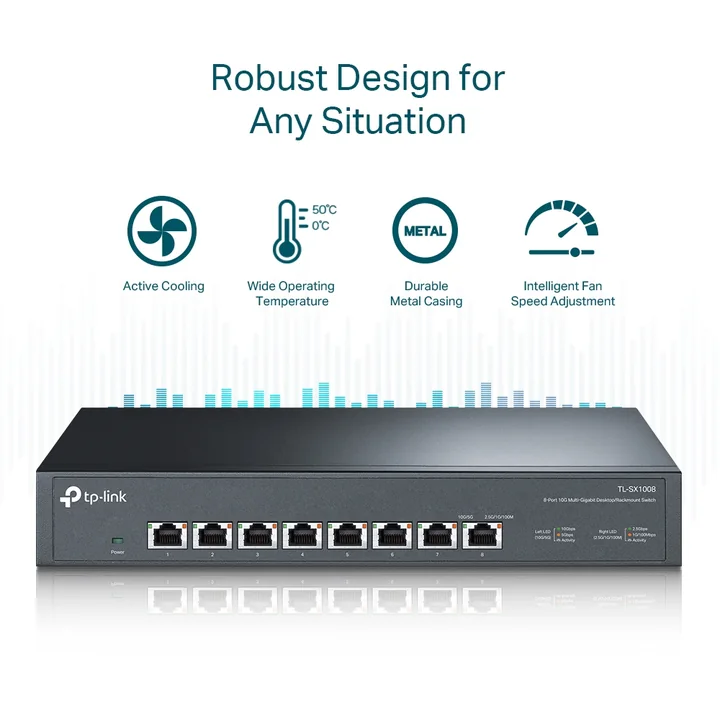
TP-LinkSwitches
8-Port 10G Desktop/Rackmount Switch
8 ports
LAN access and network interconnection
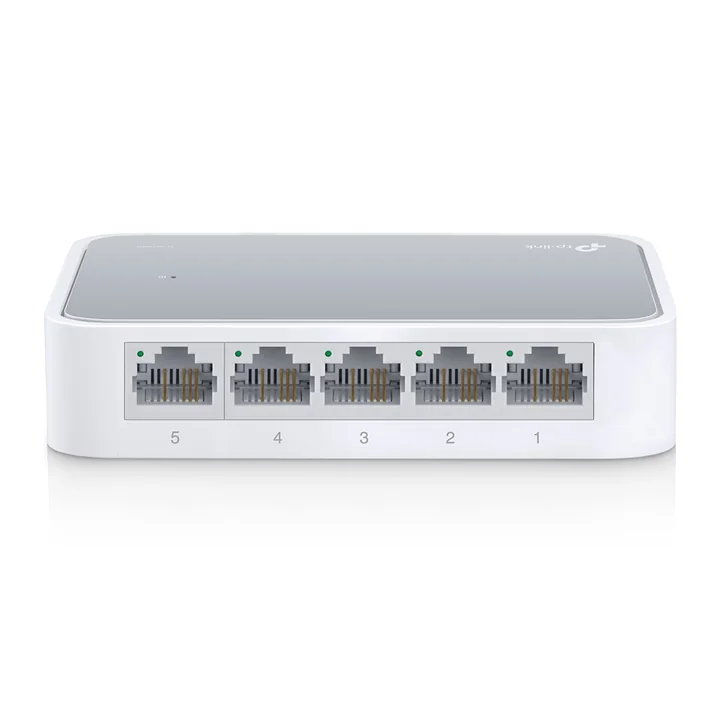
TP-LinkSwitches
5-Port 10/100Mbps Desktop Switch
5 ports
LAN access and network interconnection
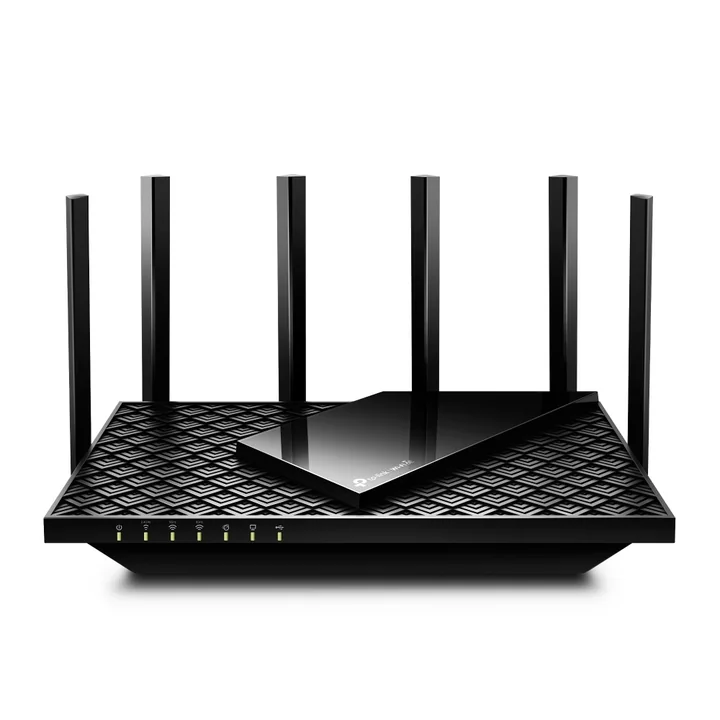
TP-LinkRouters / gateways
AXE5400 Tri-Band Gigabit Wi-Fi 6E Router
Wi-Fi 6E; Wi-Fi connectivity
Office network connectivity and routing
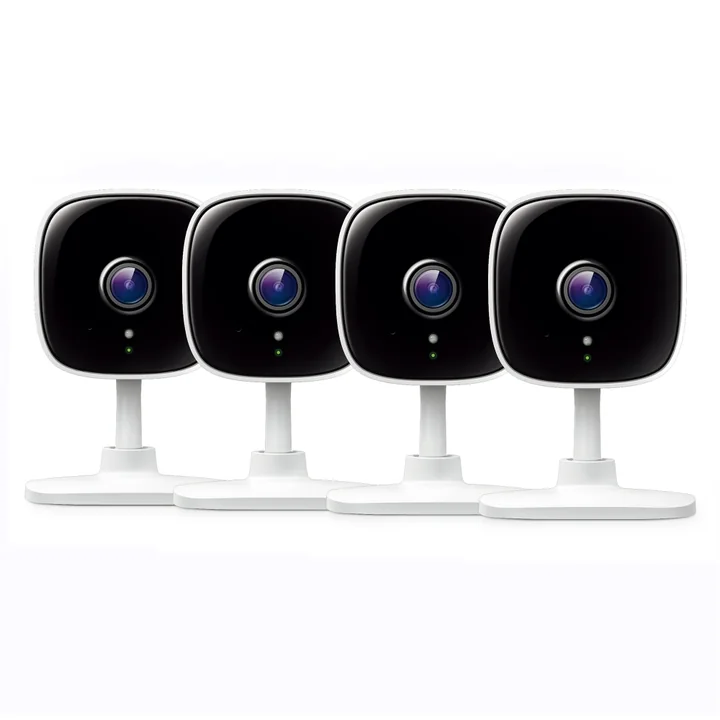
TP-LinkSurveillance cameras
Home Security Wi-Fi Camera
Wi-Fi connectivity; 1080p video; Night vision
Video surveillance system configuration
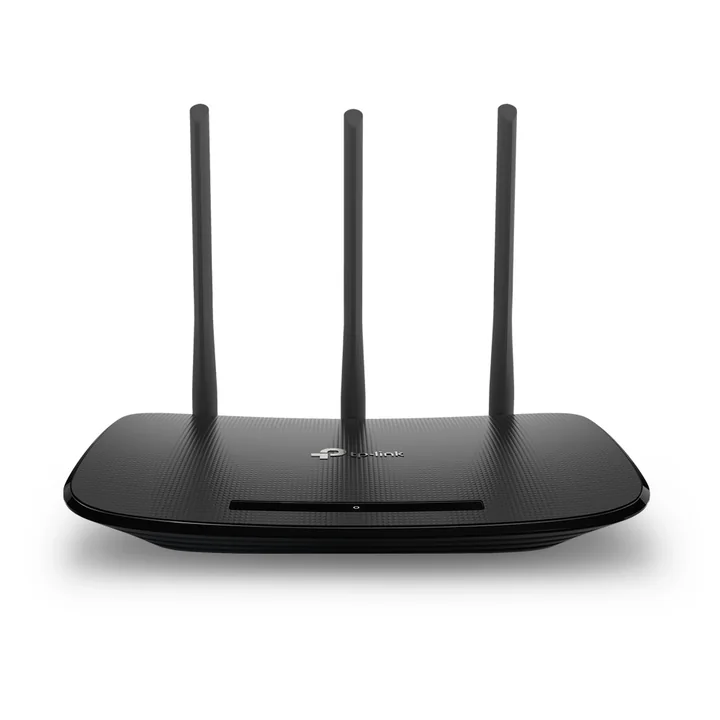
TP-LinkRouters / gateways
450Mbps Wireless N Router
Wireless connectivity
Office network connectivity and routing
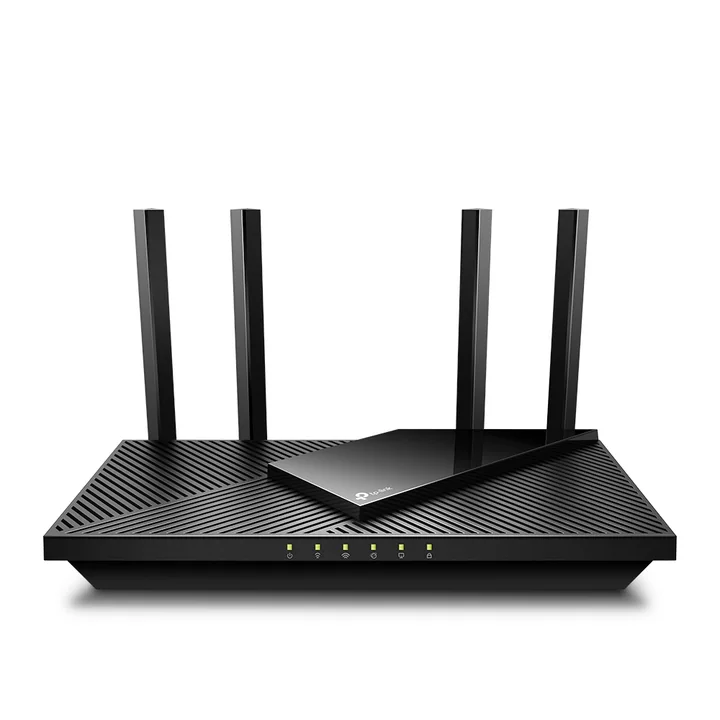
TP-LinkRouters / gateways
AX1800 Dual-Band Wi-Fi 6 Router
Wi-Fi 6; AX1800 class; Wi-Fi connectivity; Wireless connectivity
Office network connectivity and routing
Try a model, software name or use, or call us.
List processor, memory, drives and warranty requirements for servers and PCs. For access, surveillance and conferencing, include locations, interfaces and existing systems so compatibility can be reviewed.
For Windows 11 Pro, Office or server software, specify existing editions, device or user counts, and upgrade or new-deployment requirements so applicable licences can be confirmed.
Specify quantities, delivery area and required dates. Include any racking, cabling, installation, migration or commissioning needs; confirm equipment supply and onsite work separately.
Need onsite installation? Explore access control · video surveillance · video conferencing systems.
Hardware configurations, software licensing, quantities and delivery. Let’s review the details.
Model selection and configuration reviewHardware configurations and software licensing reviewedStock and lead time confirmed per item
Add models from the collection, or call us directly.