
AI training and inference
Training emphasizes model size, GPU memory and node communication. Online inference also requires concurrency, response time and service reliability; the same selection metrics do not apply to both.
Virtualization and cloud platforms / Compute infrastructure
Start with a model, simulation or dataset, coordinating compute, memory, storage and interconnects so valuable resources run workloads rather than wait for data or compete for capacity.
Measure a compute platform by how well it completes work, not merely by GPU count.
What high-performance computing means
HPC uses powerful nodes or coordinated multi-node systems for tasks beyond ordinary office hardware. GPUs suit adapted parallel algorithms, but do not automatically accelerate every application. CPUs, memory and data paths also determine suitability.
Training emphasizes model size, GPU memory and node communication. Online inference also requires concurrency, response time and service reliability; the same selection metrics do not apply to both.
Choose CPU, GPU or mixed configurations by software support and solver behavior. Parallel licensing, memory requirements and numerical accuracy affect usable configurations.
Workload partitioning, file sharing and I/O intensity determine whether to add compute nodes or improve storage and queue management first.
Workload execution architecture
Users submit jobs and resource requirements. Scheduling assigns nodes under queue policies, while compute nodes access storage through the data network. The scheduler manages jobs; it is not the transit point for all workload data.
Scripts / Parameters / Data paths
Request CPU, GPU, memory and runtime
Permissions / Quotas / Priorities
Select Slurm or other schedulers as needed
Matched drivers, libraries and applications
Run jobs and report status
Input data, model checkpoints and results
Multi-node jobs also need suitable node interconnects
Resource records support capacity and cost analysis. Retry and checkpoint recovery depend on application capabilities and scheduling policies.
The diagram illustrates queued jobs. Online inference, interactive development and container services may use different entry points and schedulers. Animation shows relationships, not measured bandwidth or speedup.

Balanced configuration
First confirm that the workload runs, then compare efficiency. Insufficient GPU memory, inter-node communication waits or inadequate data delivery can prevent high-specification hardware from performing effectively.
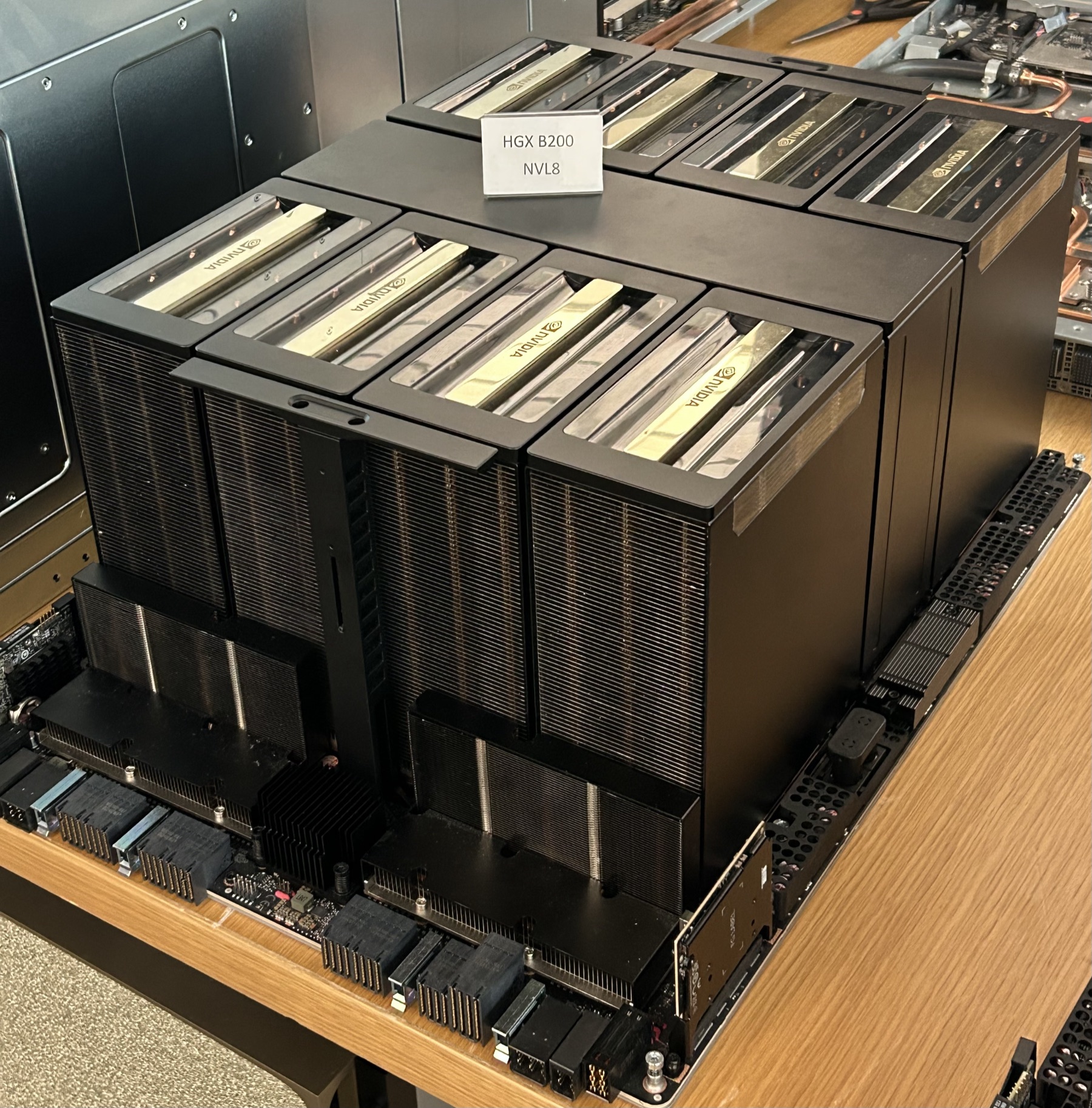
Choose the operating model
| Workload type | Operating model | Primary considerations |
|---|---|---|
| Periodic simulation / Batch training | Queue jobs; allocate and release resources per task | Completion time, fair scheduling, failure diagnosis and reproducibility |
| Interactive research / Development | Controlled development sessions, shared environments or dedicated nodes | Environment consistency, user isolation, resource use and data permissions |
| Online inference / API services | Continuously running services, optionally using container orchestration | Concurrency, tail latency, releases and availability |
For continuously running container services, explore Kubernetes; when combining local and cloud compute, also assess transfer time, cost and workload portability.
Validate the platform with real workloads
Agree reproducible samples and acceptance conditions before installation, tuning and expansion. Record software versions, input size, node count and resource configuration with performance results to avoid comparing unlike measurements.
Confirm correctness, runtime and resource use, identifying environment or application compatibility issues.
Test multi-user sharing, multi-GPU nodes and multi-node behavior, identifying communication and storage waits.
Observe temperatures, power, alerts and failure handling; validate checkpoint recovery where supported by the application.
Frequently asked questions
No. Some simulation, data processing and scientific workloads depend on CPUs and large memory. Only GPU-adapted algorithms can use GPU parallelism. Check software support, licenses and workloads before selecting CPU, GPU or mixed systems.
Not necessarily. Speedup depends on parallelism, GPU memory, node communication, data reads and software implementation. Compare real models or simulations on single GPUs, single nodes and multiple nodes using effective runtime and utilization.
Assess Slurm or similar schedulers for queued jobs, reservations and batch work. Assess Kubernetes and required extensions for container services and application lifecycle. They are not automatically chained together; workload and operations determine the choice.
Provide software and versions, sample jobs, data volume, concurrency, runtime or latency objectives, and facility power, cooling and networking conditions. Sanitized samples are sufficient; handle sensitive data under the agreed process.
Yuqi Intelligent selects and supplies CPU/GPU servers, storage and interconnects, deploys clusters, configures drivers/software, integrates scheduling and tests workloads. Application licensing, algorithm changes and specialist solver results remain subject to the agreed responsible parties.
Next step / Technical discussion
Bring software versions, data scale, concurrency and target runtime improvements to identify the actual bottleneck.