
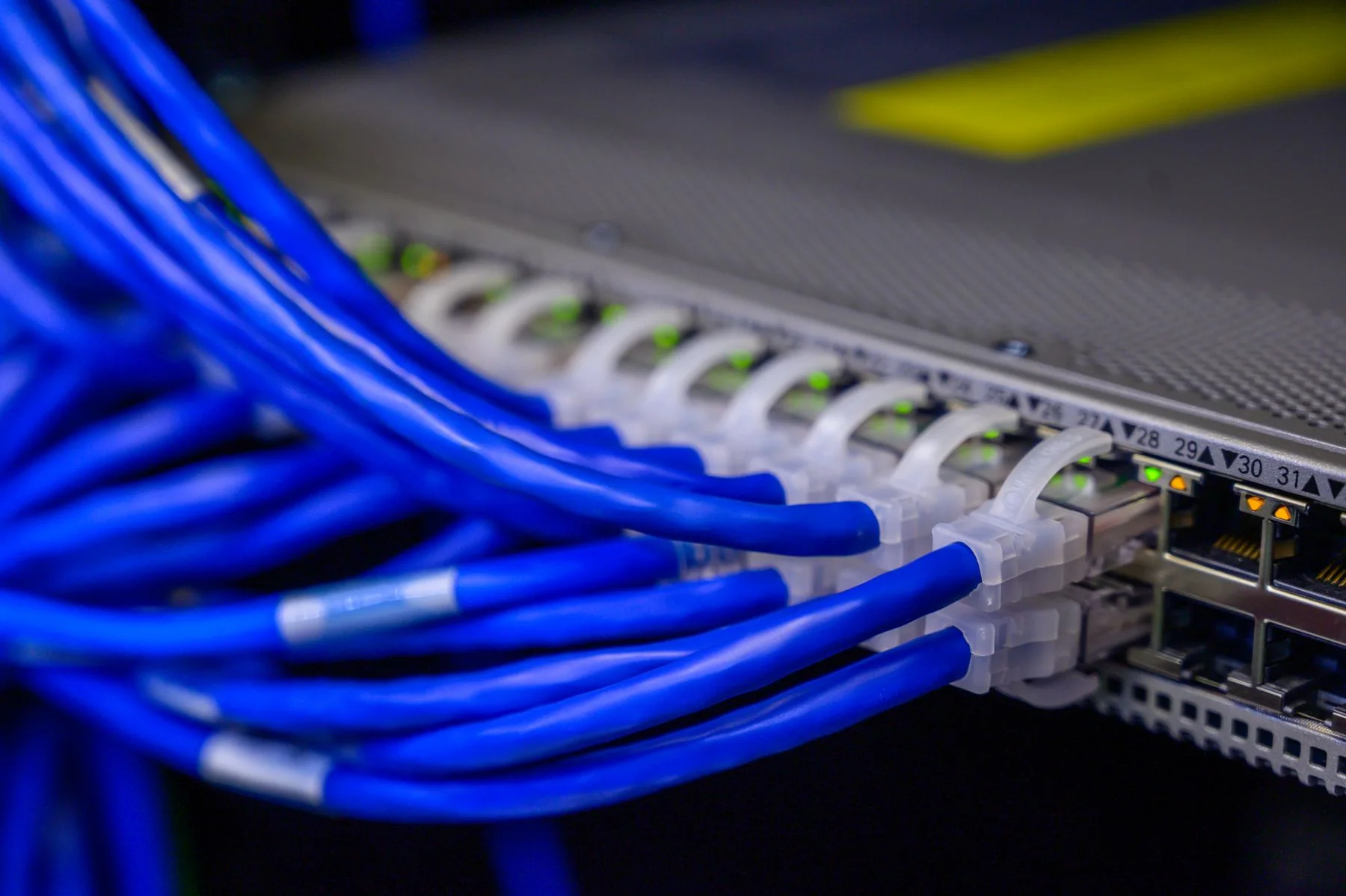
Enterprise network / network modernization
Network modernization
Yuqi Intelligent starts from current-state inventory and business dependencies, maps the legacy network, target topology, addressing and VLANs, redundancy and security policy, then delivers the change through segmented pilots and a rollback-capable cutover plan.
01 Define the legacy network first
Make the legacy network support new business
After network expansion, ageing equipment or changes in office work, the hard part is not buying more equipment but clarifying old links, addressing, VLANs, policy, applications and ownership.
Modernisation starts by restoring the current state and dependencies, then defining the target topology, equipment boundary, migration window and validation method. When entry points are involved, connect naturally to Wireless coverage, Identity & Access Management Platform, Enterprise networking and SD-WAN or Internal Network Security & Access Control, , while each capability retains separate design and acceptance ownership.
Current-state dependencies are unclear
Equipment, links, addressing and business relationships live in scattered experience, so change impact is unclear.
Expansion can affect everything
Legacy VLANs, routing, exits and security policy overlap, making it hard to preserve boundaries for new areas.
Cutover has no independent rollback
A go-live without windows, validation and rollback conditions leaves failure pressure with the site and daily operations.
02 Legacy network to target network
Restore the current state before planning the target network
Start from the legacy network and business dependencies. Confirm equipment, links, addressing, VLANs and security requirements, then split the target topology into verifiable phases with an independent rollback route.
The diagram separates legacy state, dependency inventory, target architecture, phased migration and independent rollback. It is not a monitoring dashboard or a project topology.
- Core and exits
- Addressing / VLAN
- Branches and remote links
- Equipment and link relationships
- Applications and business windows
- Ownership and change boundaries
- Segmented topology and routing
- Addressing / VLAN plan
- Redundancy and security policy
- Representative-area pilot
- Batch cutover
- Connectivity, policy and business validation
- Handover after validation
- Retain legacy links and configuration baseline
- Document trigger conditions first
- Review after rollback before continuing
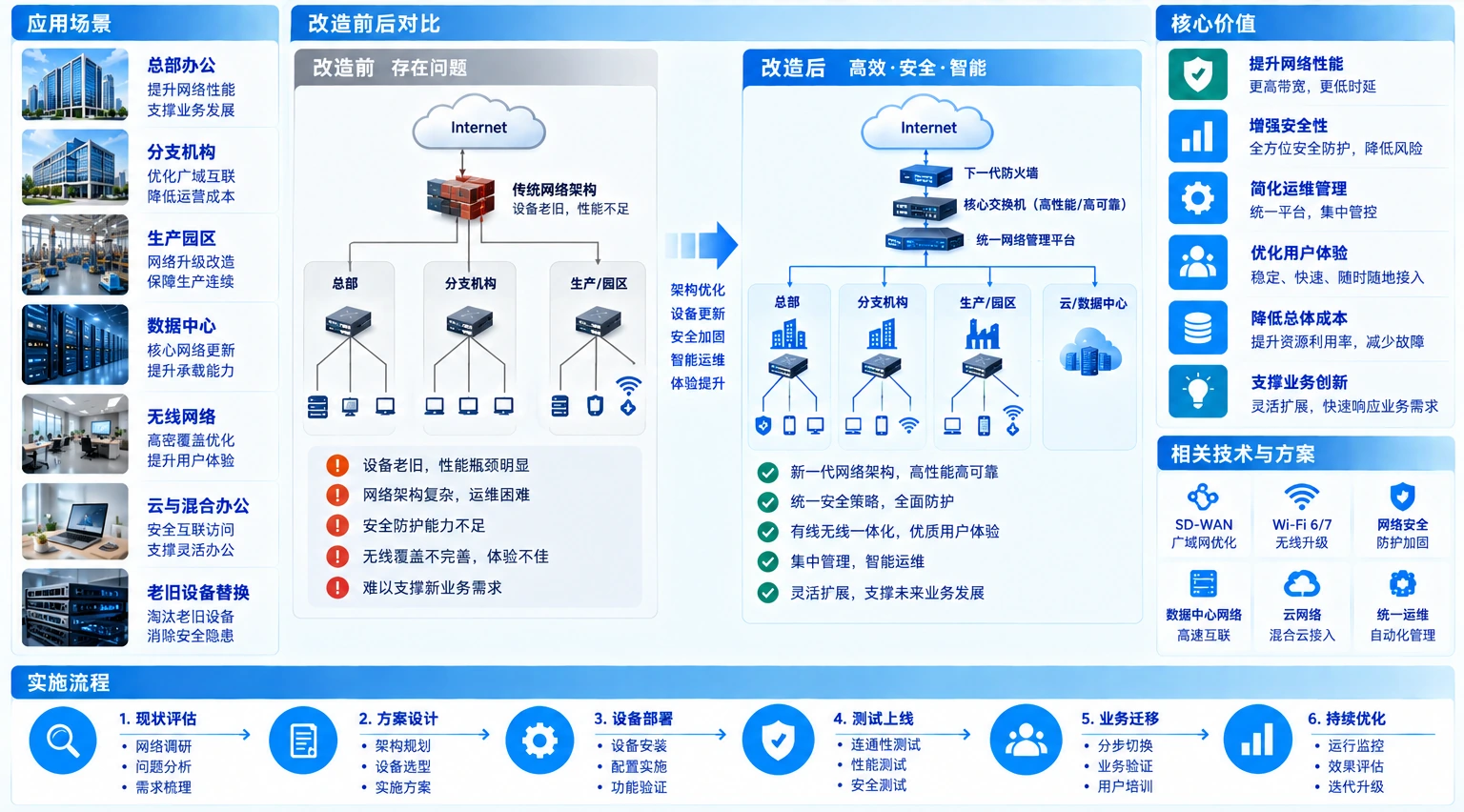
Normal migration ends with validated handover; only predefined conditions use the independent rollback route to the legacy baseline. The diagram is not a client survey, equipment brand or cutover-time promise; the actual plan follows site survey, dependency checks and test results.
03 Modernisation boundaries
Plan topology, addressing and security policy together
Place current dependencies, target architecture and migration acceptance into inputs, decisions and ownership, while documenting equipment support and site conditions.
Legacy network state
Restore equipment, links, addressing, VLANs and business dependencies first; do not assume an unknown dependency does not exist.
Target architecture
Define the new network by business segmentation, routing, redundancy, exits and security policy, stating which equipment is retained, replaced or deferred.
Migration and acceptance
Control change with pilots, batch cutovers, validation records and rollback triggers, keeping every change in maintainable records.
04 Network modernisation services
What Yuqi Intelligent can deliver
From survey, planning and selection through equipment supply, configuration, cabling coordination, migration, testing and handover, we combine site capability and implementation windows into an executable service plan.
Survey and current-state planning
Inventory equipment, links, addressing and VLANs, branches and business dependencies, then confirm maintenance ownership, delivery windows and site conditions that cannot be ignored.
Equipment selection, quotation and supply
Use the target topology, performance, redundancy and existing equipment capability to define explainable selection, quotation, supply and replacement boundaries.
Switching, routing and security policy
Implement switching, routing, addressing, VLAN, exits, redundancy and security policy while retaining a reviewable, rollback-capable configuration baseline.
Cabling coordination and site integration
Coordinate racks, links, cabling, power and equipment go-live conditions so network configuration aligns with site work, suppliers and windows.
Segmented migration and cutover validation
Pilot in a representative area, then cut over in batches by dependency and risk, validating connectivity, routing, permissions, business and rollback triggers.
Documentation, training and support
Deliver old and target topologies, configuration lists, cutover and rollback plans, acceptance records and operations documentation, with training and support as agreed.
05 Implementation and client handover
Modernise in phases with clear handover
Network modernisation affects real business and daily operations. Break change into inventory, design, pilot, cutover, validation and rollback, then hand over topology, configuration, plans and acceptance records rather than only equipment.
Current-state inventory
Restore the legacy topology, addressing and VLANs, links, equipment, business dependencies, risks and delivery window.
Target design and pilot
Define the target topology, routing and addressing, security policy, redundancy and pilot validation for a representative area.
Batch cutover and rollback
Execute migration in batches and record results and exceptions; when a defined trigger is reached, restore the legacy network along the independent rollback route.
Acceptance, handover and expansion
Check connectivity, policy, performance and business results, then hand over topology, configuration, records, training and the basis for future expansion.

06 Client delivery result
Deliver both topologies and the basis for the next expansion
Deliverables follow the project boundary and acceptance conditions. When access and exit relationships also need review, connect to Wireless coverage, Identity & Access Management Platform or Enterprise networking and SD-WAN, and record configuration, policy, logs and maintenance ownership in the documentation.
- Legacy and target topologies with addressing and VLAN list
- Equipment, links, configuration and security policy list
- Segmented pilot, cutover window and independent rollback plan
- Test results, acceptance records, training and operations documentation
07 Frequently asked questions
Clarify windows, rollback and handover first.
Must network modernisation cut over everything at once?
Not necessarily. Split pilots and batches by dependencies, business criticality and windows, validate a representative area first, then decide subsequent migration. Each batch needs clear validation and rollback conditions.
Can network modernisation promise zero interruption?
That cannot be promised without reviewing the current state. Confirm equipment, links, business dependencies and windows, then design risk controls, validation steps and an independent rollback route; actual impact follows project tests and acceptance.
What does the client receive after modernisation?
Deliverables include legacy and target topologies, configuration lists, cutover and rollback plans, test and acceptance records, training and operations documentation; scope follows the project boundary.
Next step / NETWORK REVIEW
Start with a legacy topology or one expansion challenge.
Bring the current topology, addressing and VLANs, equipment list and most sensitive business window. We will define the next step around the target network, segmented pilot, cutover validation and independent rollback.