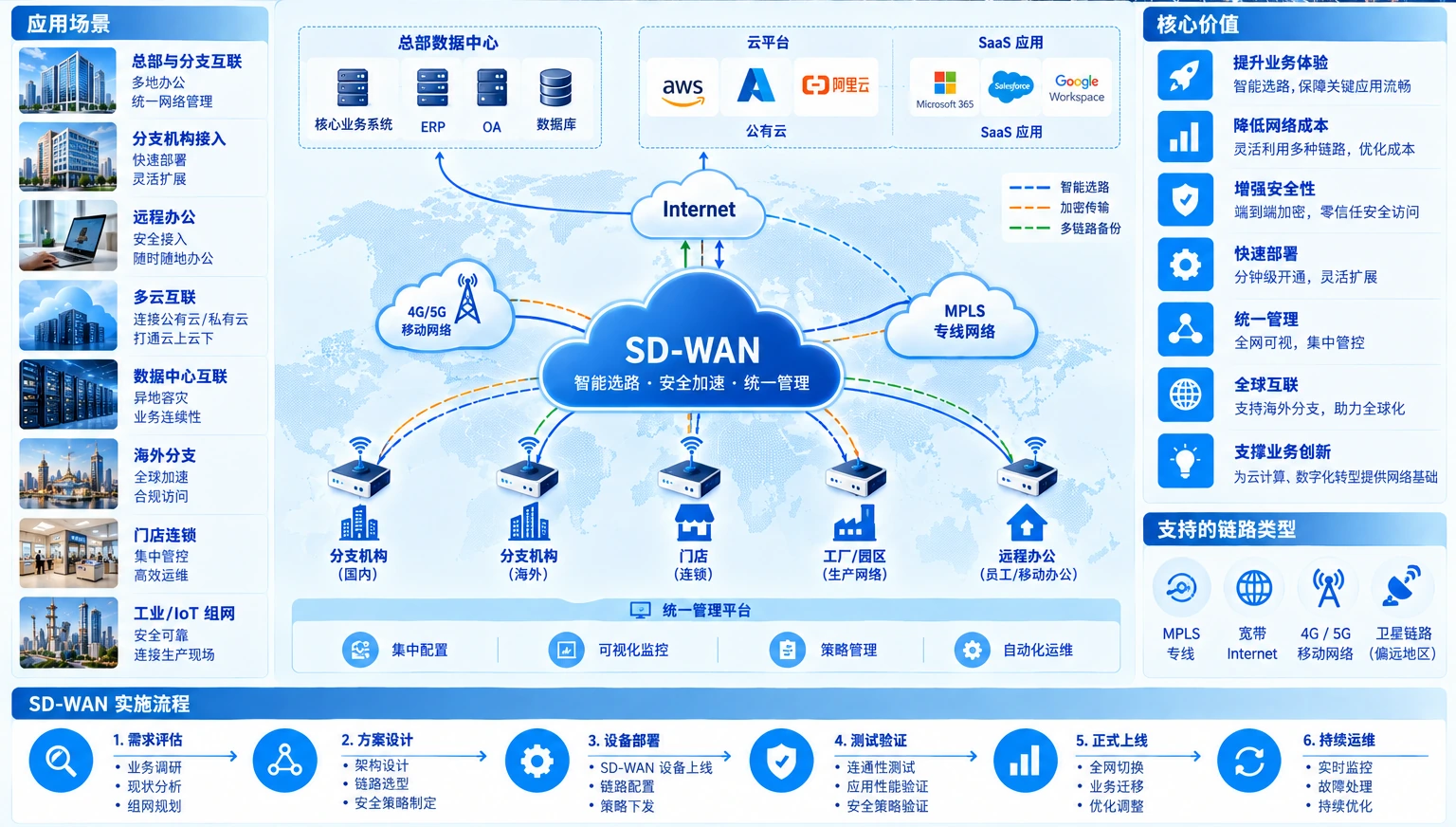
Network structure

Network connectivity path

  1. 01 Sites
  2. 02 Links
  3. 03 Routes
  4. 04 Redundancy
  5. 05 Changeover

03 / Network and information security · Enterprise network infrastructure

Enterprise network infrastructure: switching, routing and structured cabling

Enterprise networking is the physical and logical foundation for offices, campuses, server rooms and business systems. We start with structured cabling, racks, switching, routing, addressing and segmentation, then make the connection logic, acceptance evidence and expansion path clear.

  • 01Cabling / racks / outlets
  • 02Switching / routing / VLAN segmentation
  • 03Testing / as-built / operations baseline
Enterprise campus network racks, structured cabling and uplinks
Enterprise network infrastructure starts with cabling, racks, switching and routing; it is distinct from SD-WAN.

Enterprise networking is more than connecting switches and routers; every port, segment and business path should be explainable

Network problems often start with small site details: unlabeled cables, unmatched ports, unverified uplink capacity, unclear office-to-server boundaries, and missing addressing or configuration baselines during expansion. Infrastructure delivery brings physical construction and logical configuration into one relationship map so operations do not have to guess again.

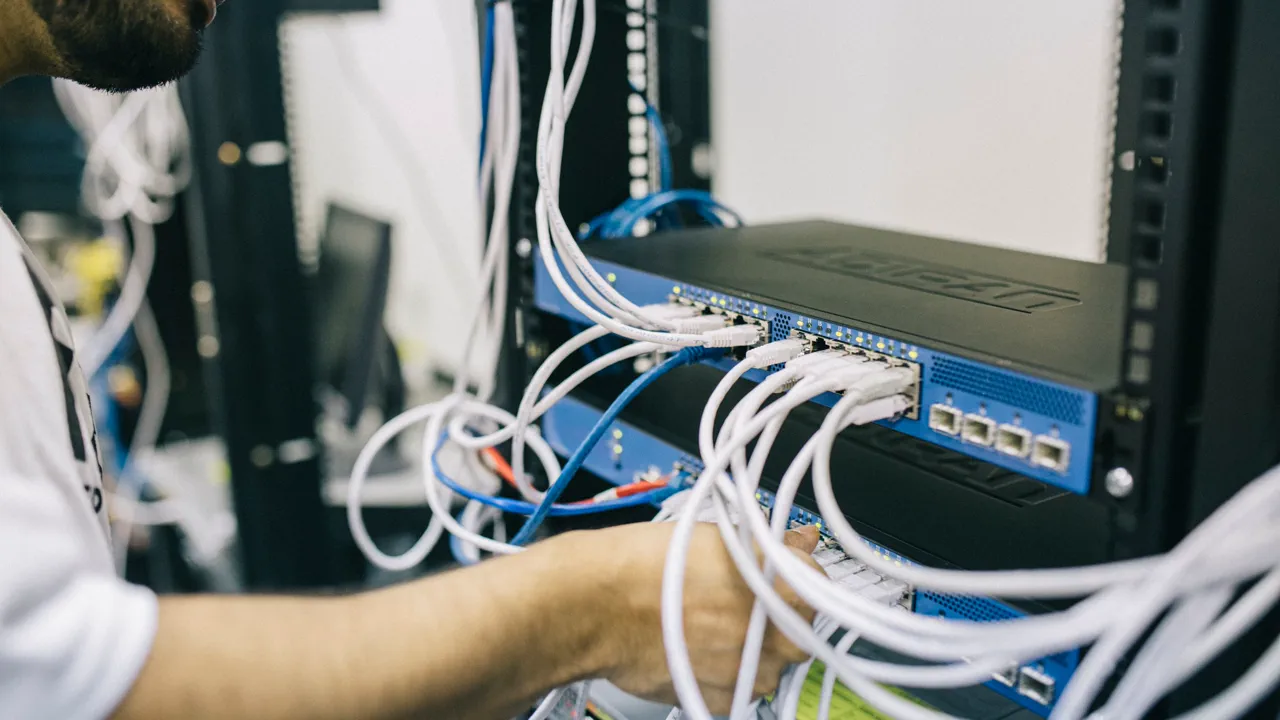
Technician testing data-center network cabling and ports
Cabling and port tests turn the site links into an accepted physical baseline.

A network becomes hard to maintain when its relationships were never made explicit

As offices, branches and server rooms add endpoints and equipment, physical paths, logical paths and ownership drift apart. Without shared IDs, topology, addressing and configuration records, moving one desk or adding one device can affect a live service.

01

Cabling and ports do not map to each other

Outlets, patch panels, switch ports and equipment locations lack shared IDs, so troubleshooting becomes a site-by-site search.

02

Switching and routing layers are mixed

Access, aggregation, core, gateway and uplink relationships lack boundaries, leaving policy dependent on personal experience.

03

Expansion has no reusable baseline

Without addressing, VLANs, configuration backups, capacity trends and test records, every expansion starts with a new survey.

Put cabling, switching, routing and segmentation on one infrastructure view

Architecture starts on site: floors, rooms, outlets, racks, patch panels and uplinks form the physical base; access, aggregation, core, gateways, addressing and VLANs form the logical base. Both must be cross-checkable before equipment and construction are sequenced.

01

Physical layer

Confirm media, distance, routes, patch panels, rack space, power and maintenance conditions.

02

Switching and uplinks

Define access, aggregation, core and uplink relationships around ports, bandwidth and redundancy.

03

Routing and segmentation

Plan segments, gateways, VLANs and access boundaries by business use, including which traffic may communicate.

Enterprise network equipment rack and switching layout
Racks, uplinks, power and maintenance space need one plan.

Complete survey, cabling, installation, configuration and cutover in dependency order

Construction should not start with “install the equipment.” It starts with site and business dependencies, establishes a baseline, completes cabling and installation, verifies links and policy, then cuts over with rollback and acceptance evidence.

  1. 01

    Survey and inventory

    Record rooms, outlets, routes, racks, power, existing equipment, ports and capacity limits.

  2. 02

    Design cabling and racks

    Define media, labels, patch panels, rack locations, uplink routes, headroom and maintenance space.

  3. 03

    Install and configure

    Install and configure switches, routers, gateways, VLANs, addressing, routing and security boundaries.

  4. 04

    Test, cut over and hand over

    Verify ports, uplinks, PoE, gateways, redundancy, representative access and rollback, then update as-built records.

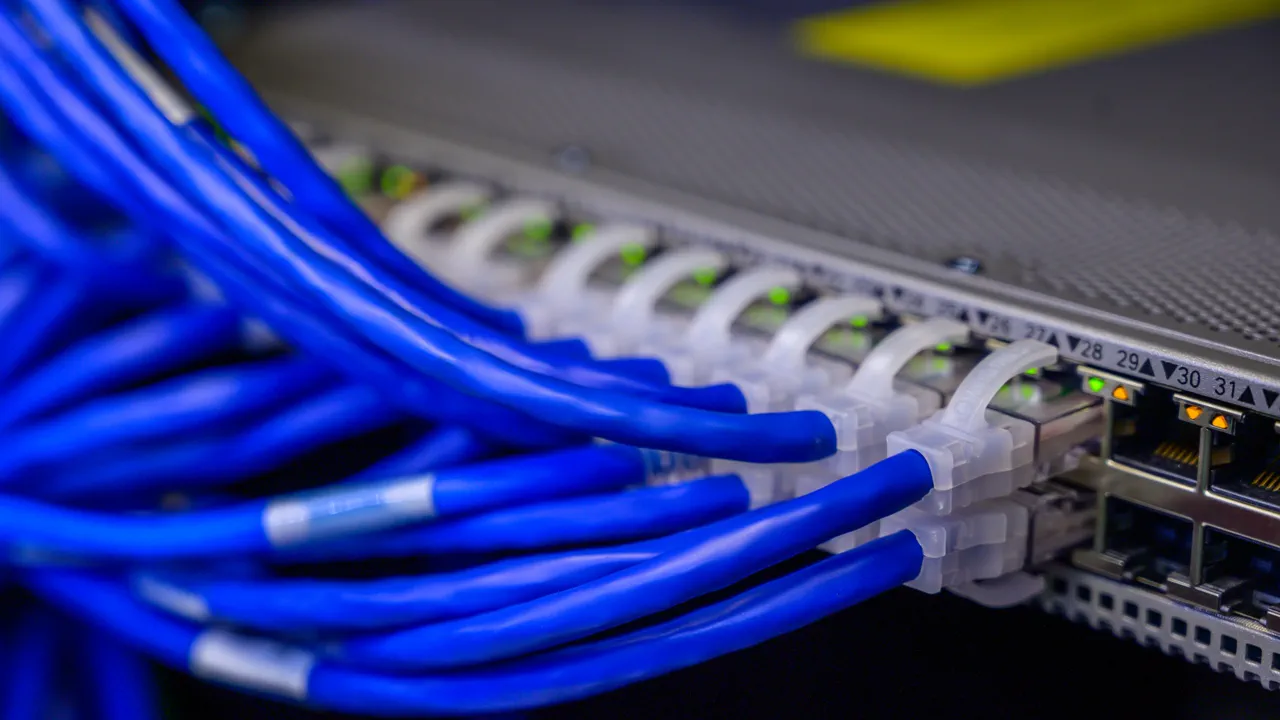
Structured cabling and port connections in an enterprise rack
Labels, patch panels and port relationships support both troubleshooting and expansion.

After handover, the next change should still be understandable

A maintainable network is more than equipment with link lights. Site, topology, configuration, tests, addressing, policy and ownership must remain usable for expansion, troubleshooting and change approval.

01

As-built drawings and port relationships

Keep floor, rack, patch-panel, cable, switch-port and uplink relationships aligned with the site.

02

Addressing and policy baseline

Record IP ranges, VLANs, gateways, routes, management addresses and expected communication or inspection boundaries.

03

Testing and acceptance evidence

Retain test results for copper, fiber, equipment, segmentation, business access and cutover rollback.

04

Ownership and change paths

Explain configuration backups, checks, escalation contacts, change process and out-of-scope items.

Technician installing hardware in an enterprise network rack
Installation, configuration, testing and handover form one infrastructure delivery.

Questions that should be answered before the project starts

Is enterprise networking the same as SD-WAN?

No. Enterprise infrastructure covers cabling, switching, routing, racks and the site network; SD-WAN manages wide-area links and application policy across headquarters, branches and cloud resources.

Can existing switches and routers be reused?

They can be assessed, but port speed, uplink capacity, PoE, software support, redundancy, security capability, configuration quality and service life come first.

How should a future office be added?

Reserve rack, power, uplink, ports, addressing and path capacity, and keep the same naming and configuration baseline.

Start with the current network, users and business paths.

Share the current topology, recurring issue, expansion plan or security requirement. The practical scope can then be confirmed around the real operating environment.

Contact a technical consultant →