
Start by identifying the source actually selected by the affected computer, then follow the domain hierarchy upstream. This guide uses Windows Server 2019/2022 and Windows 11 domain members as operating examples. Confirm local policy and hypervisor integration before changing a production system.
Understand the chain
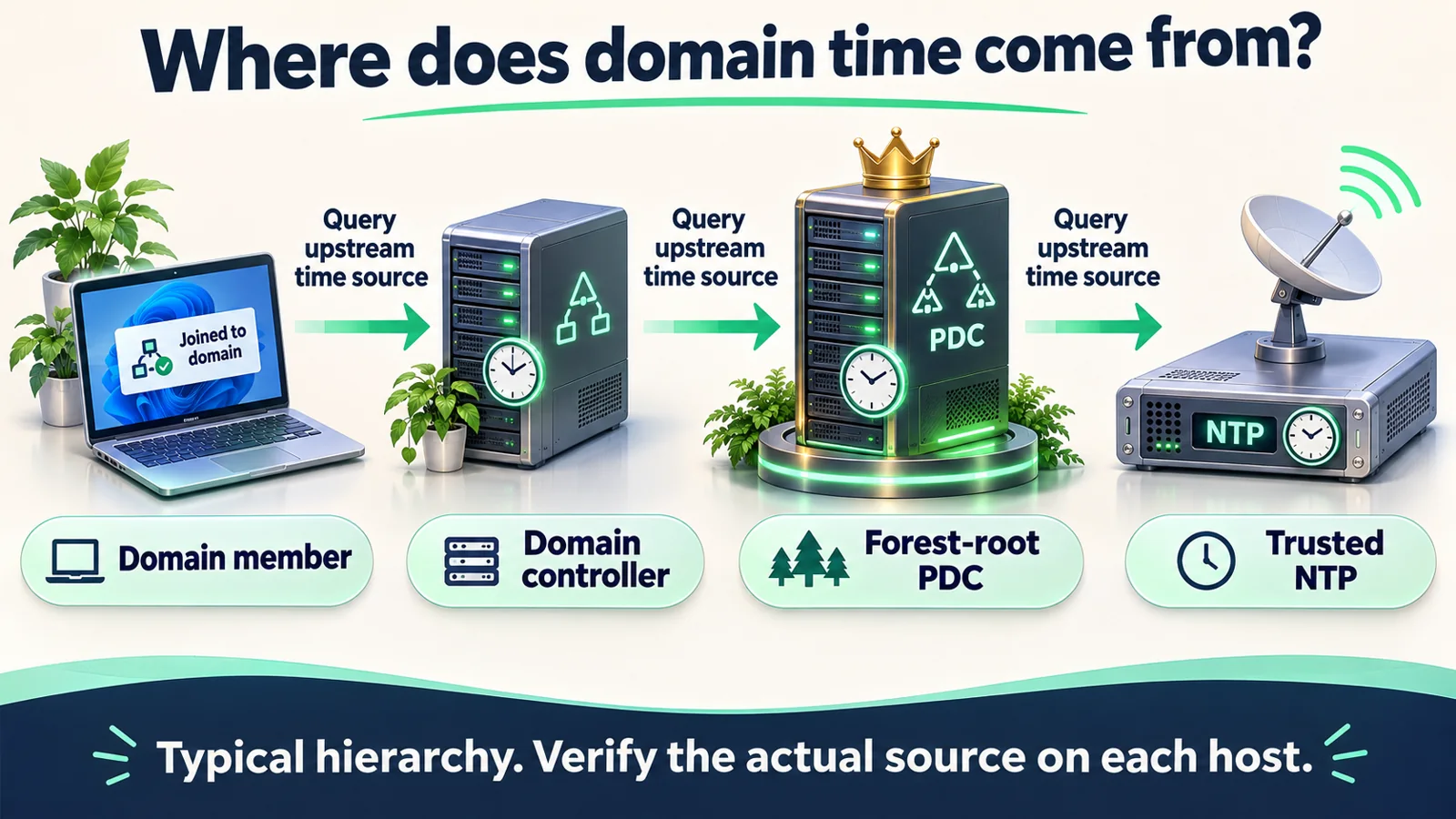
Domain members normally select a domain controller through the domain hierarchy. Controllers follow their upstream hierarchy, while the forest-root PDC Emulator needs an approved reliable source. The diagram represents source selection rather than a fixed connection to one controller for every member. Query each machine in multi-domain and virtualized environments.
1. Collect evidence before changing settings
Prepare an administrative terminal, the domain name, the domain administrator and an approved maintenance window. Distinguish a display time-zone issue from clock offset. An exact-hour difference suggests checking the time zone but does not establish the cause. Record the affected hosts, timestamp and application symptoms.
Get-Date
Get-TimeZone
Get-Service W32Time
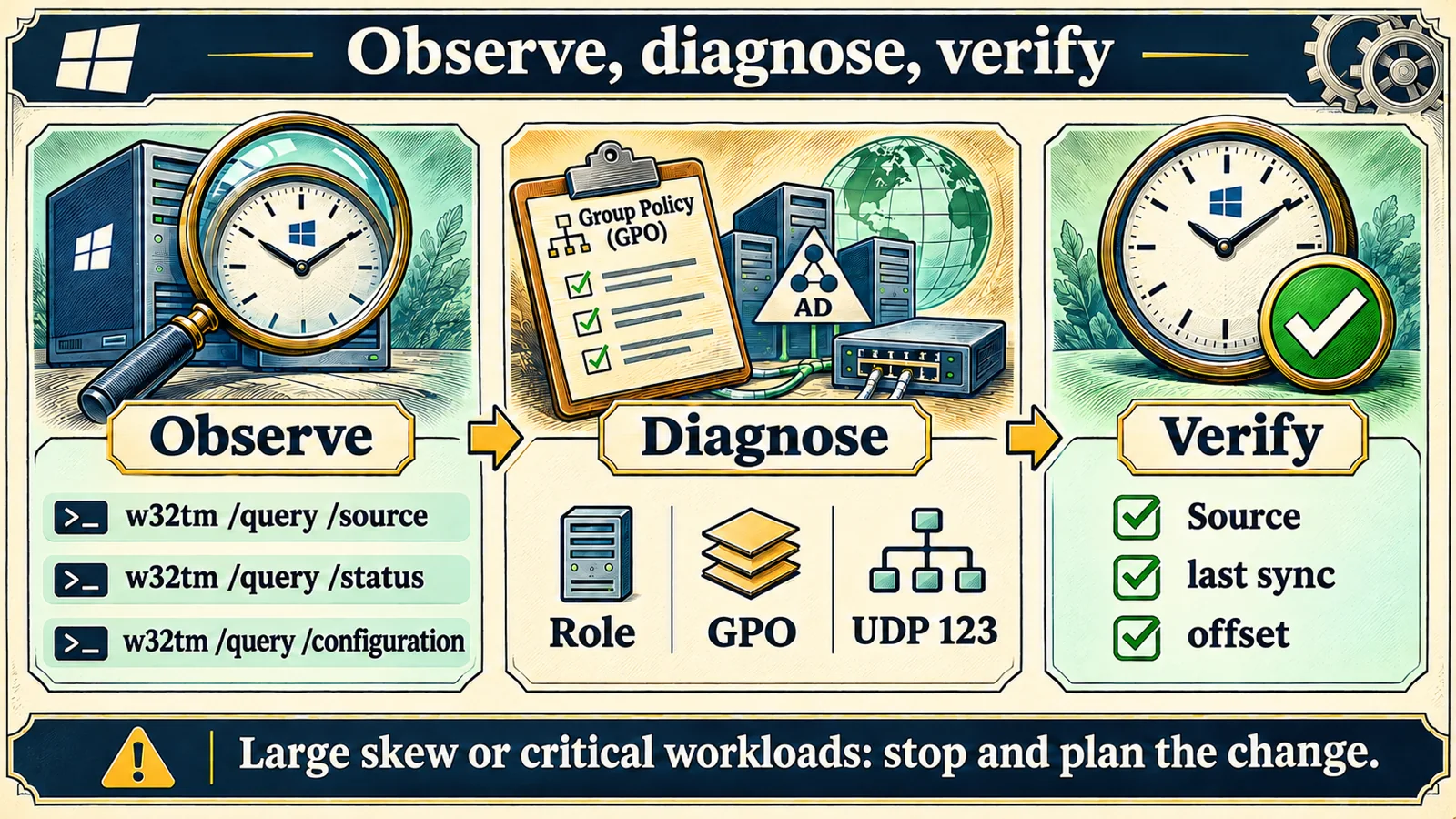
w32tm /query /source
w32tm /query /status /verbose
w32tm /query /configuration
w32tm /query /peers
Record Source, Last Successful Sync Time, Stratum, configuration Type and the origin of each setting. NT5DS is typical for ordinary domain members. A manual NTP setting may be an intentional exception, so compare it with the approved design. Local CMOS Clock or an old synchronization timestamp requires more investigation; a successful query alone does not establish healthy synchronization.
2. Find the forest-root PDC and the affected scope
With the ActiveDirectory RSAT module already installed and suitable query permissions, identify the forest-root role holder. Otherwise ask the domain administrator; do not install components on a controller merely to follow this example.
Import-Module ActiveDirectory
$forest = Get-ADForest
Get-ADDomain -Identity $forest.RootDomain | Select-Object DNSRoot,PDCEmulator
Repeat the initial queries on one affected member, its selected controller and the forest-root PDC. A single failing member points toward local policy or its path. Multiple hosts sharing a bad upstream point toward that upstream. Avoid changing every member to conceal a PDC source problem.
3. Separate reachability from service synchronization
Replace the example name with the verified internal source.
Resolve-DnsName dc01.example.internal
w32tm /stripchart /computer:dc01.example.internal /samples:5 /dataonly
Stripchart shows responses and relative offsets. Its source-port behavior differs from the Windows Time service, so a successful stripchart does not prove the service traffic passes. NTP normally uses UDP 123. Check the target, firewall, routes and return path. Test-NetConnection port checks test TCP and cannot certify UDP 123. A timeout alone does not identify a firewall fault: correlate DNS, service state, packet capture and network-device logs.
4. Check policy, then make a narrow correction
In Group Policy Management, inspect Computer Configuration → Policies → Administrative Templates → System → Windows Time Service → Time Providers. Review Enable Windows NTP Client and Configure Windows NTP Client and their scope. Collect the current result before changing a domain-wide policy.
gpresult /scope computer /r
w32tm /query /configuration
Settings marked Policy must be corrected in their owning GPO. A local registry or command-line change may otherwise be overwritten. If one ordinary domain member was incorrectly configured with a manual source, and no approved exception requires it, restore domain hierarchy during the authorized window. Do not apply this recipe to the forest-root PDC.
w32tm /config /syncfromflags:domhier /update
w32tm /resync /rediscover
If no time data is available, retain the complete error and return to source, policy and network checks. Repeated service registration or restarts do not identify a cause. Investigate why a stopped service is stopped before starting it under the organization's procedure. The domain administrator should choose the PDC upstream using approved trust, network and redundancy requirements.
5. Verify and define rollback
Save the previous query output and configuration or GPO before a change. Afterwards verify the selected source, a new successful synchronization timestamp, offset and event logs. In Event Viewer, inspect Windows Logs → System for the relevant Time-Service/W32Time provider; naming varies by release. Additional Time-Service logs can help, but do not leave high-volume debugging enabled indefinitely.
w32tm /query /source
w32tm /query /status /verbose
w32tm /query /configuration
w32tm /stripchart /computer:dc01.example.internal /samples:5 /dataonly
| Check | Acceptance evidence | If missing |
|---|---|---|
| Source | Matches approved domain design | Trace upstream |
| Successful sync | New timestamp in the change window | Inspect service and UDP path |
| Policy | Type and origin match design | Find owning GPO |
| Business | Original symptom cleared | Investigate other authentication causes |
Stop and escalate for date-scale jumps, database or transaction risks, conflicting controller sources, or an unknown policy owner. Large manual adjustments can affect authentication and applications. Do not weaken security thresholds to hide drift. Roll back only the configuration or policy changed in this window using the saved baseline, then verify again.
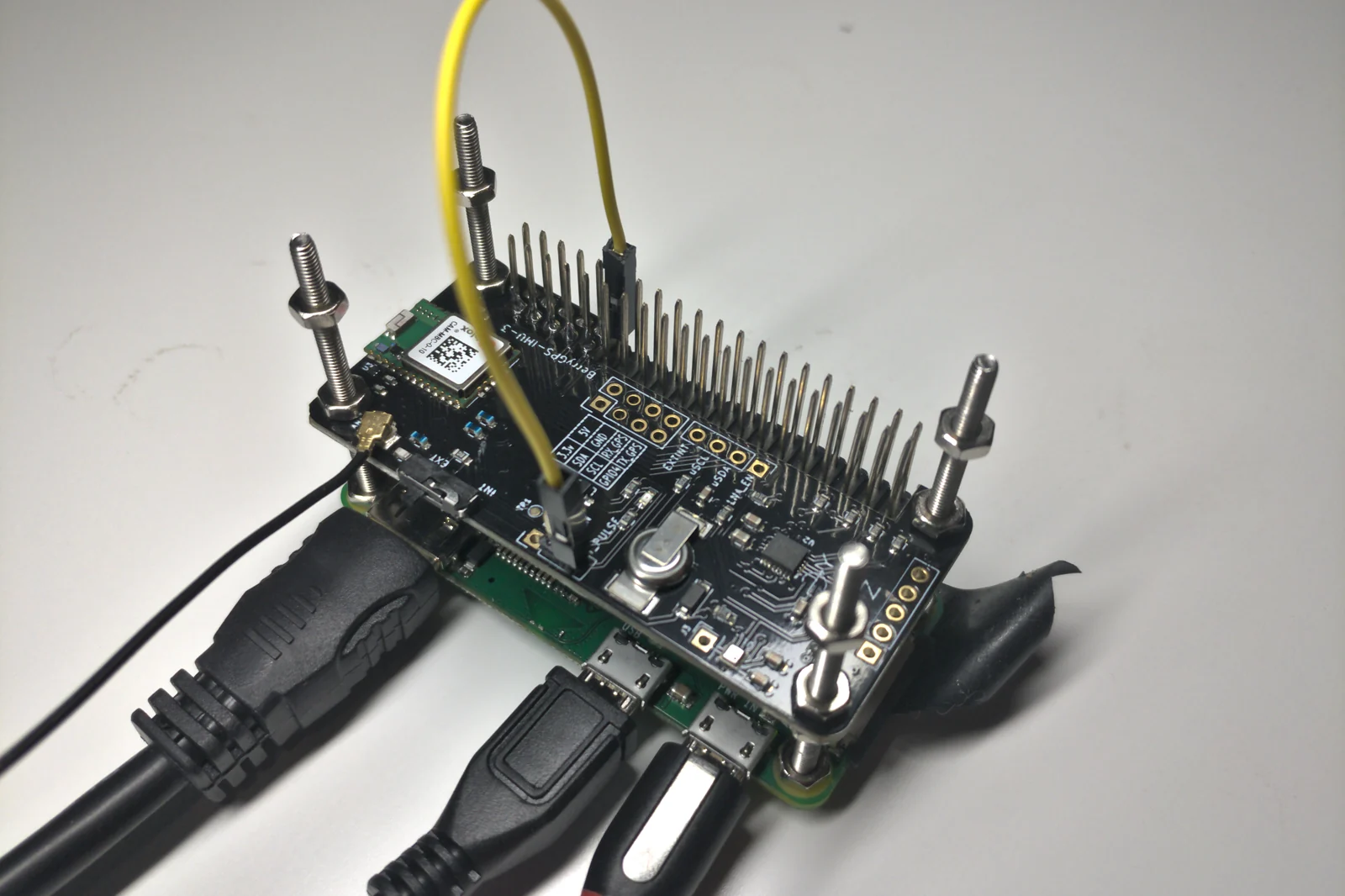
Photograph: Steven Baltakatei Sandoval, Compact Stratum 1 NTP time server hardware, October 2020, CC BY-SA 4.0, cropped and compressed. It illustrates a standalone Stratum 1 device, not the example Windows domain, operational evidence or a purchase recommendation.

FAQ
Should every member use one public NTP service? Keep the approved domain hierarchy unless an intentional design requires an exception. Separate member and controller sources can create inconsistent time.
Does a successful command mean the problem is fixed? Verify actual source, recent successful synchronization, offset and the business symptom. Writing a configuration and completing synchronization require different evidence.
What if a virtual machine keeps changing time? Check both guest W32Time and hypervisor time integration. Have platform and domain administrators agree on authority before disabling integration across hosts.
Related solutions and further reading
For name-resolution dependencies, see Windows Server DNS forwarder troubleshooting. Yuqi can assist with coordinated domain, time-source and firewall troubleshooting in an agreed maintenance window.
References: Windows Time tools, service architecture, and forest-root PDC guidance. Commands are operating examples, not evidence that your domain has been tested.