
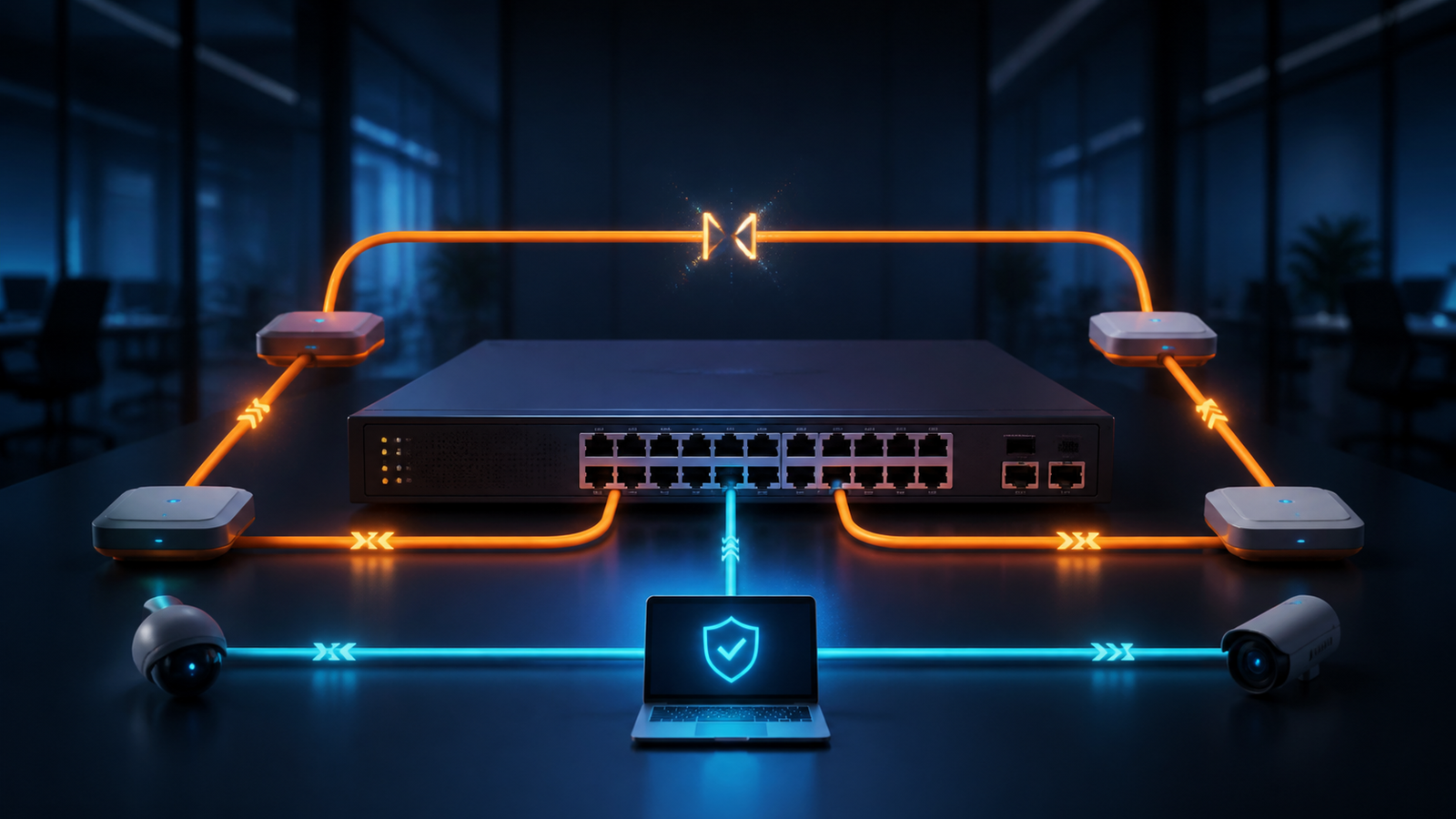
One cable connected to the wrong ports can disrupt an entire floor or office. The usual assumption is that an extra cable can affect only one desk. In a switched network, however, two ports connected into a loop can allow broadcast and some unknown-destination traffic to circulate across multiple paths. Links and switches become occupied with repeated traffic, while internet access, printing, access control, file sharing, and business systems slow down or stop.
Effective network switch loop prevention does not depend on reminding people to be careful. It asks why one cabling mistake was able to pass through every technical and operational safeguard.
Redundancy is not the same as an unmanaged extra cable
Keeping redundant links between switches is a valid design choice. The risk appears when several Layer 2 paths remain active without a working loop-prevention mechanism.
Cisco describes how the Spanning Tree Protocol exchanges BPDUs, selects an active path, and places selected interfaces into a blocking state to prevent loops. Juniper likewise notes that Ethernet loops can cause broadcast storms and that STP and RSTP preserve redundancy while preventing those loops.
An extra link therefore improves resilience only when the topology and protocol behavior are intentional. A cable added casually is not a resilience plan.
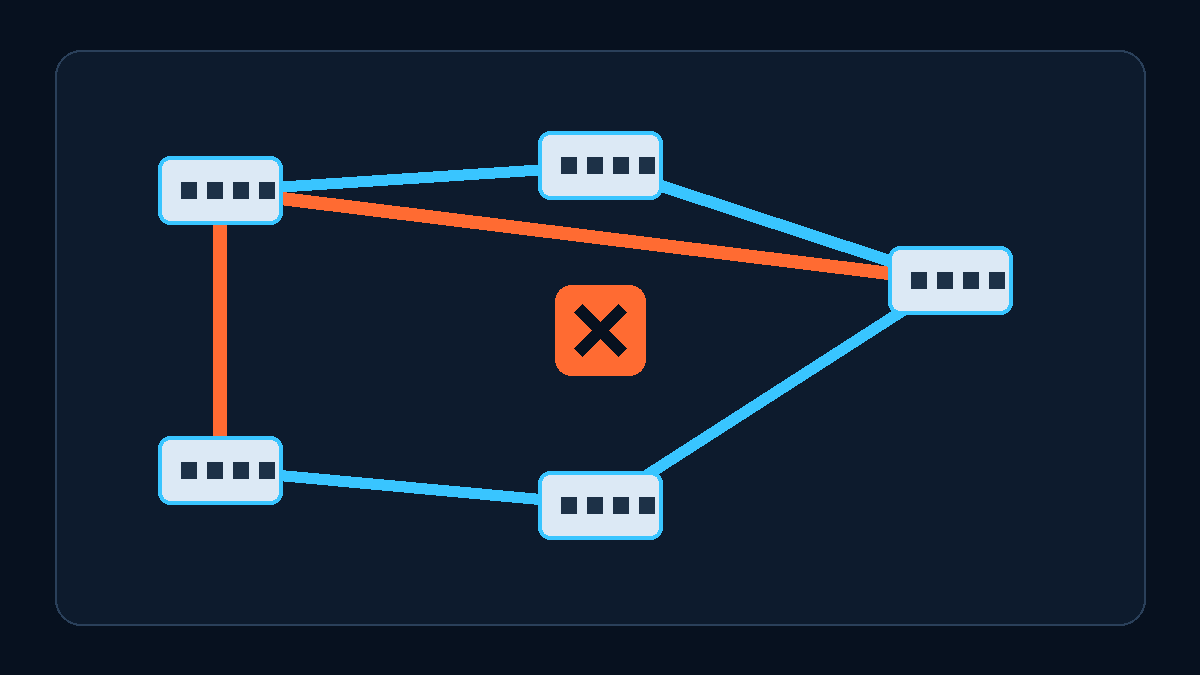
Four common places where office loops begin
The first is a small switch under a desk or in a meeting room. Someone needs more ports and connects two wall outlets to the same device without realizing that both outlets lead back to the same switching network.
The second is a temporary move, exhibition, or capacity expansion. Two available ports are connected in the hope of improving reliability before anyone checks the uplink relationships.
The third is a switch replacement. Old and new equipment run in parallel during migration, while multiple uplinks become active before spanning-tree compatibility, port roles, and device capabilities have been reviewed.
The fourth is an unmanaged switch or consumer router introduced into the office LAN. The device may appear to work, but it may not participate in the organization's topology visibility, alerts, configuration standards, or protection policies.
These are not simply user-training problems. They expose missing port labels, cabling records, device controls, and change procedures.
The impact may extend beyond conventional internet access when an organization uses IP phones, wireless access points, cameras, door controllers, and time-attendance devices. These endpoints often share an access switch, uplink, or power path, so one fault can appear as simultaneous failures across several systems. An incident record that says only “computers cannot connect” may hide the common network scope.
The topology inventory should therefore identify the area, endpoint types, uplink ports, and critical services carried by each switch. During an incident, the team can compare shared paths before rebooting individual endpoints without a hypothesis.
Why pulling a cable rarely explains the root cause
A loop may produce confusing symptoms. Some devices fail to receive an address, some applications work intermittently, and phones, cameras, or printers may fail at the same time. A technician disconnects a suspicious cable, service returns, and the incident is considered closed.
That action may break the loop, but it does not explain who made the connection, which ports were involved, or why protection did not respond. Without switch logs, topology-change timestamps, affected ports, and a record of the physical cabling, the next investigation starts from zero.
Some protection policies intentionally block a port. If the team mistakes that response for a malfunction and forces the port back online, the loop can immediately return.
Five controls a business should make operational
1. Record the real topology and label ports. Document core and access switches, uplinks, wall outlets, and temporary switching devices. The diagram does not need to be beautiful; it must answer where each important cable leads.
2. Verify that STP or RSTP is actually working. Do not stop at seeing an enabled checkbox. Confirm protocol compatibility, the intended root bridge, and the state of redundant paths. Settings vary by platform and should be reviewed by someone who understands the live topology during a controlled change window.
3. Apply appropriate protection to edge ports. Where supported, evaluate BPDU protection, loop detection, and broadcast controls. A protection action can make a port unavailable, so the team must first distinguish user-facing ports from switch uplinks instead of applying one template everywhere.
4. Preserve evidence in monitoring. Track spanning-tree topology changes, repeated port transitions, and unusual broadcast activity, and keep current switch configuration backups. Record the time, scope, and affected ports before making isolation changes.
5. Treat cabling as a network change. New switches, office moves, temporary events, and dual-link work should include a topology check, implementation steps, observation, and rollback. A production network is not the place to test loop protection by casually connecting a cable.
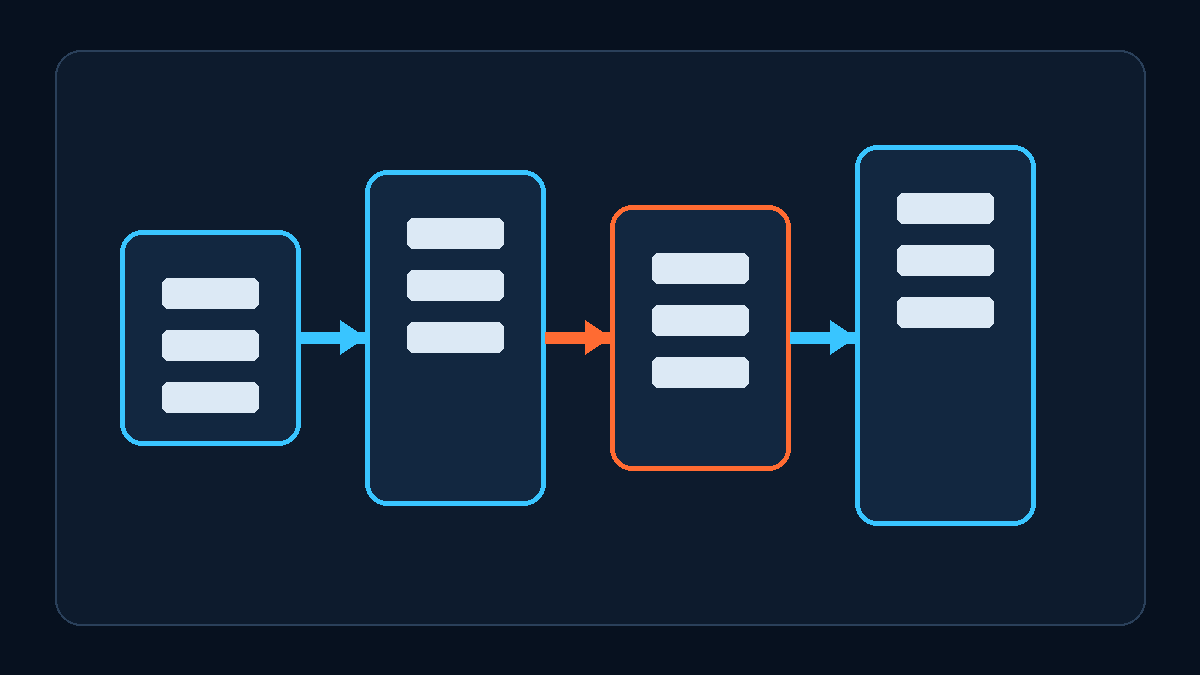
Keep a reusable incident checklist
When a loop is suspected, narrow the affected area, isolate the candidate port, record the time and affected services, preserve logs and configurations, verify spanning-tree state after recovery, and update the topology and labels.
Avoid rebooting every switch before understanding the business impact. The reusable outcome is not merely that the network came back. It is that the next cabling mistake triggers protection first and gives the team enough evidence to investigate quickly.
The core point: a network switch loop may start with one cable, but the outage reflects a combined failure of topology control, protection, monitoring, and change management.
Yuqi Intelligence helps businesses review switch topology, edge-port safeguards, network monitoring, and change records. The assessment starts with the current network, critical services, and acceptable maintenance windows before recommending configuration or equipment changes.