
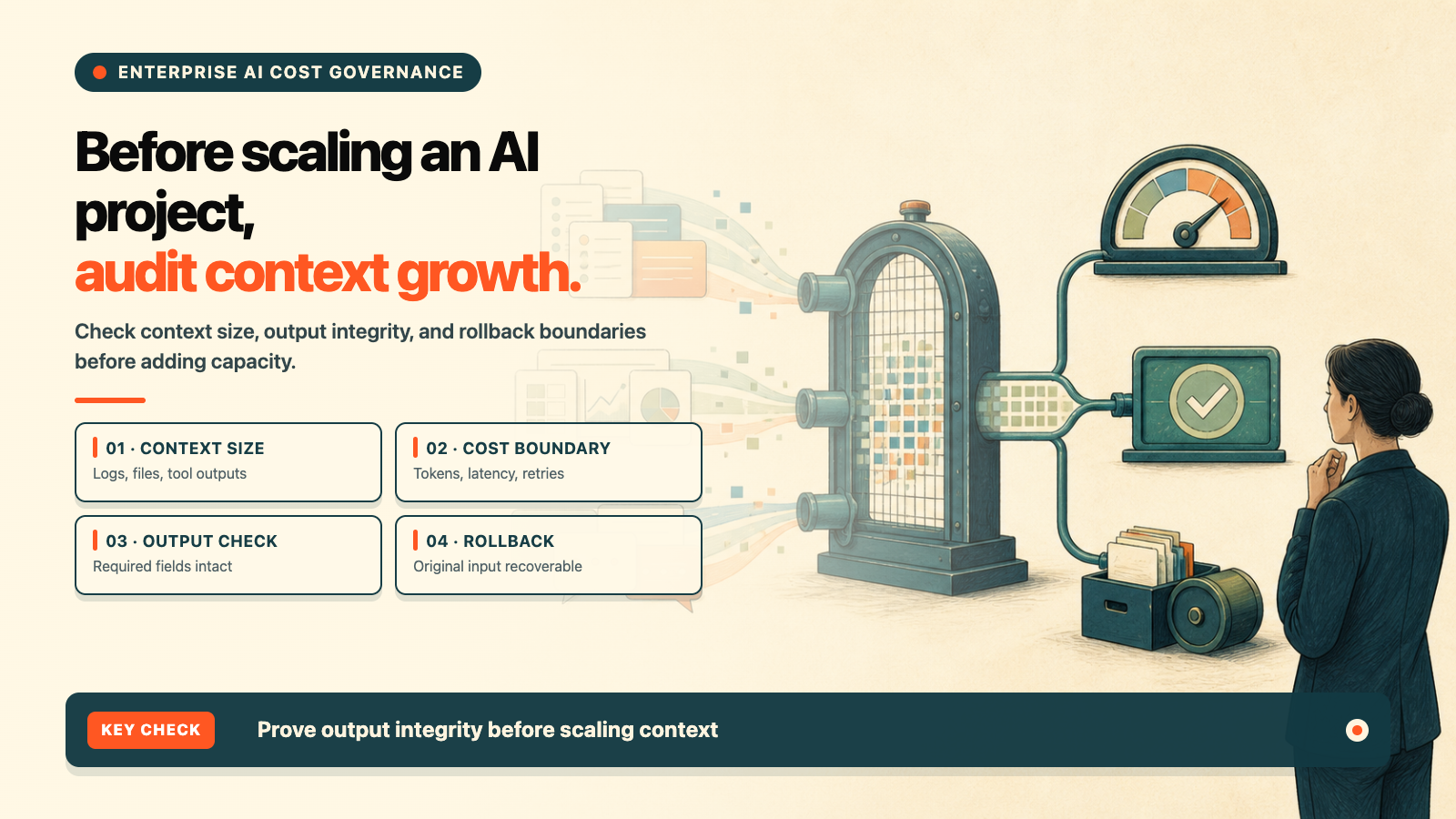
Many enterprise AI projects start as a small question-and-answer interface. Then they add retrieval, files, tools, and business logs. The feature list grows, responses slow down, and the bill becomes harder to explain. The first reaction is often to choose a larger model or add more servers. The input context may be the part that has actually grown.
This guide uses a safer order: take one redacted sample, measure input size, output integrity, runtime behavior, and rollback, and only then decide whether to scale.
This article is based on the Headroom repository and README, the official pyproject.toml, the Apache-2.0 LICENSE, and the v0.37.0 release. We did not install Headroom, start its proxy, connect a real model, or reproduce the README’s compression figures on this machine. Commands and performance figures are labeled as official instructions or project-reported information.
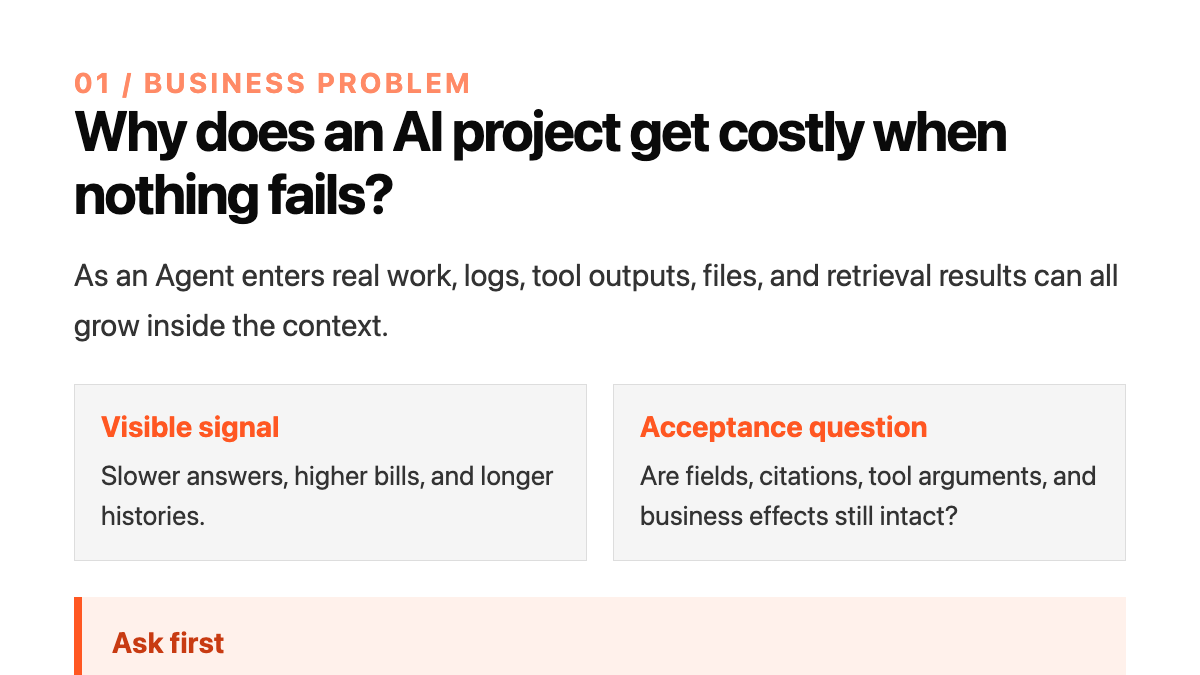
Separate token savings from business quality
Headroom is an open-source context compression layer. Its README describes library, proxy, agent-wrap, and MCP integration options for tool outputs, logs, files, retrieval chunks, and conversation history, with a path to retrieve original content.
An enterprise should measure two layers. The cost layer includes input size, latency, timeouts, and retries. The business layer includes required fields, citations, tool arguments, and the final business effect. A smaller token count is not enough if the answer or record is incomplete.
Use the official minimum path first
The project metadata requires Python 3.10 or newer, and the current repository version is 0.37.0. The README gives this basic path:
uv tool install --python 3.13 "headroom-ai[all]"
headroom deploy
headroom doctor
headroom perf
For a lower-code integration, the README also shows:
headroom proxy --port 8787The npm headroom-ai package is a TypeScript SDK; it does not provide the headroom CLI. Optional extras can also require additional Python packages, a compiler, model support, or platform-specific setup. One install command is not a production qualification for every machine.
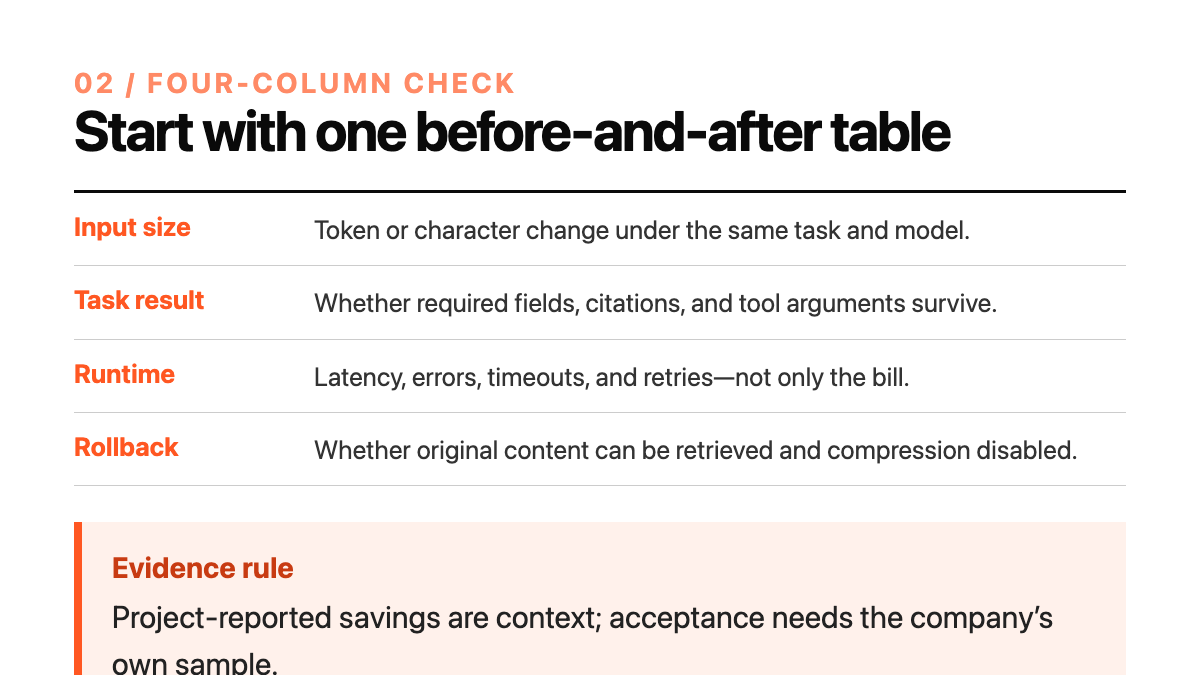
Start with a four-column audit
Choose one fixed task, one fixed model, and one redacted sample. Run the same task before and after compression, and record:
- Input size: token or character change;
- Task result: required fields, citations, tool arguments, and structured output;
- Runtime behavior: latency, errors, timeouts, and retries;
- Rollback: whether original content can be retrieved and compression can be disabled safely.
The Headroom README reports comparisons for several workloads. Those figures explain the project’s direction; they are not the enterprise’s own savings rate or a billing guarantee.
Keep the integration sequence small
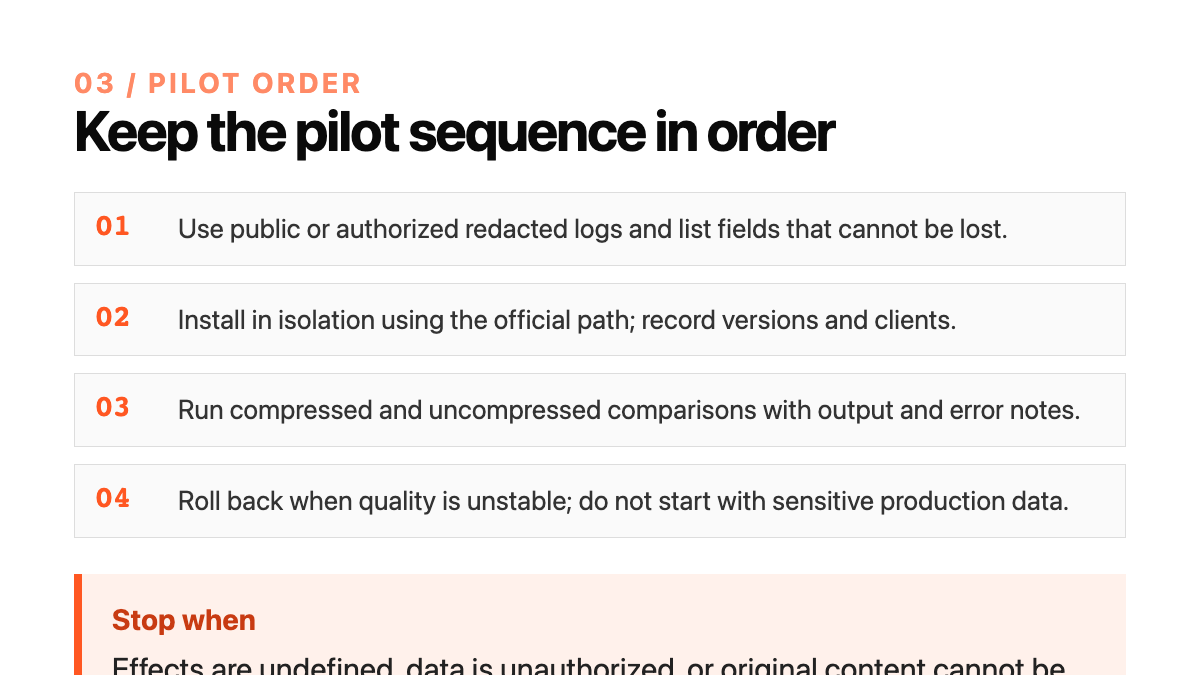
Do not change a production Agent’s global configuration first, and do not test on customer data. Use public or authorized redacted logs, list the fields that cannot be lost, record Python, Headroom, model, and client versions in an isolated environment, run doctor or perf, and compare the same task before selecting Library, Proxy, or MCP integration.
The official material notes that agent wrapping may change user-level configuration and start a local service. Record the change and keep an undo path. “Local” does not automatically mean that the target system, model provider, and logs stayed inside the company’s control.
Seven days to validate the next step
Day one defines a low-risk task, a fixed model, and fields that cannot be lost. Day two redacts the sample and records permission, retention, and deletion rules. Day three installs through the official path and records the environment. Day four runs the before-and-after comparison. Day five introduces oversized JSON, repeated logs, or unstable tool output and observes whether the workflow stops safely. Day six shows a one-page report to three possible buyers and asks only whether they would provide a redacted sample. Day seven decides whether to continue, narrow, or stop.
Possible buyers include internal IT leaders, digital-transformation owners, and local technology service providers. Sample inventory, configuration, regression acceptance, and ongoing review can become service items. This article contains no price, customer, order, savings, or revenue evidence.
Four stop conditions
Stop expansion when required fields or citations are lost, tool arguments change, original content cannot be retrieved or the exception path cannot roll back, or the sample has no clear authorization and owner. Preserve the evidence, pause the change, return to the uncompressed path, and reconcile with the business and IT owners.
Fit and service boundary
Headroom fits context governance and acceptance work for teams that already use AI agents, retrieval, or tools but cannot explain why inputs keep growing. It is not a model-quality guarantee, and it does not prove that every client, model, or log format is compatible.
Shanghai Yuqi Intelligent Technology Co., Ltd. can help businesses in Shanghai and nearby areas inventory AI workflow samples, build an isolated validation path, configure regression checks, and prepare handoff documentation. The target system, data permissions, model-provider terms, and service scope remain subject to company approval, official documentation, and target-environment testing.