
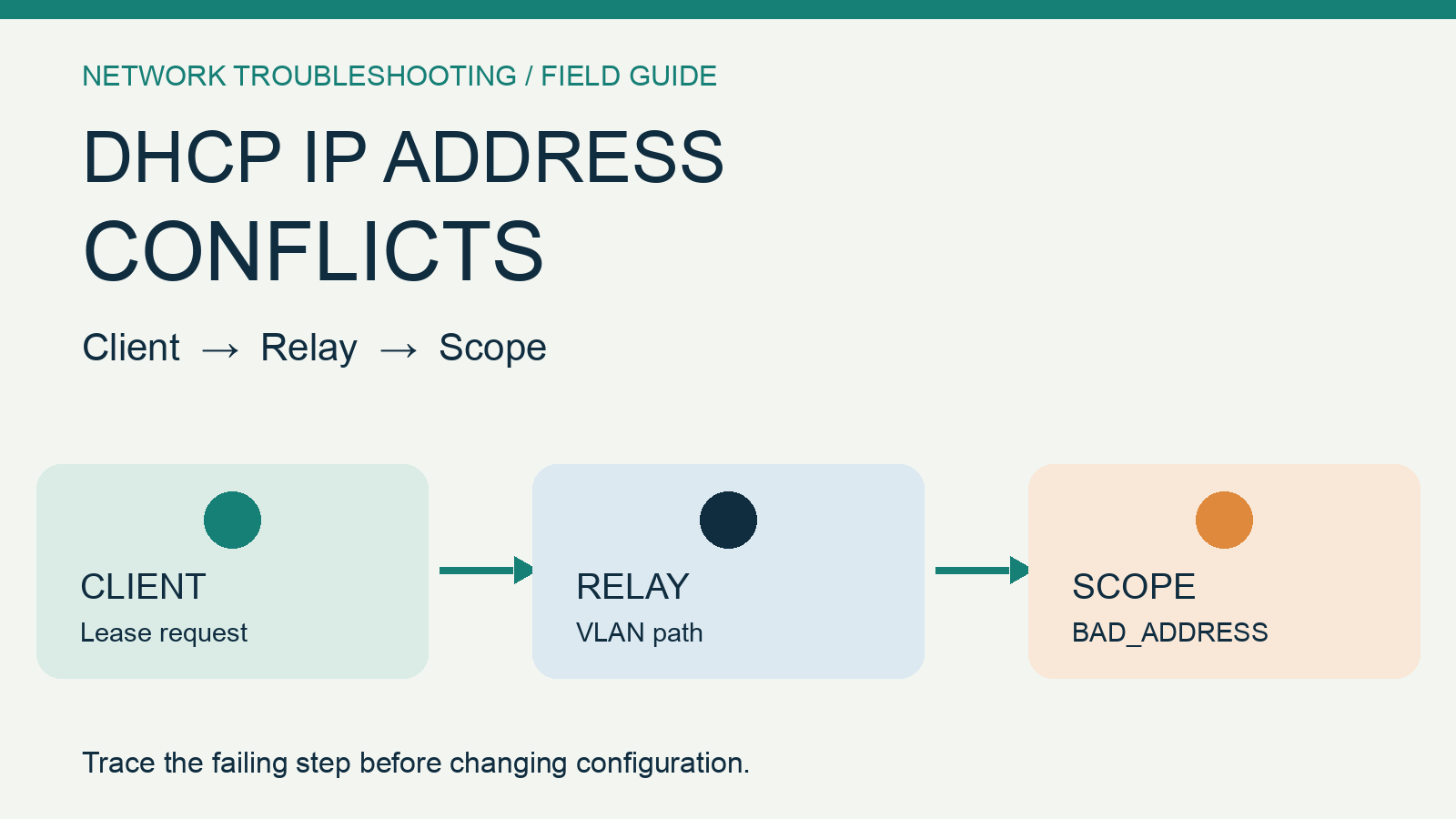
When one workstation fails to obtain an address, a client-side check is reasonable. When an entire VLAN fails, the investigation must also cover the address scope, relay, and intermediate network devices. A series of BAD_ADDRESS entries in Windows DHCP is a useful signal, but it is not, by itself, a root-cause report or proof of a rogue device.
This field guide gives the person responsible for an SME network an evidence-led sequence. The diagnostic matrix below is an illustrative checklist based on public vendor documentation, not a Yuqi customer case or a lab result. Commands that change production devices are deliberately omitted because the right action depends on topology, vendor, version, and authorization.
Establish the blast radius before changing a setting
Record when the failure started, whether it affects one client or a subnet, which VLANs are involved, and what changed immediately before the first failure. Keep a client ipconfig /all capture, the relevant DHCP scope's remaining lease capacity and audit log timestamps, and the relay/IP Helper configuration for the affected VLAN. Align these observations on a single timeline.
Do not start by deleting BAD_ADDRESS entries, expanding the scope, or disabling conflict detection. Those actions may hide a still-active conflict without telling you where the lease process fails. Microsoft's DHCP troubleshooting guidance separates client, server, and relay checks and describes how a two-sided capture can isolate missing DHCP packets.
Troubleshoot by symptom: where to look and what to keep
The following is a reusable diagnostic sequence, not five one-to-one fault codes. The same symptom can have more than one cause.
A few clients on the same subnet have no address
Check first: Adapter status, switch port/VLAN, DHCP Client service, and available scope leases. Keep: ipconfig /all, the client event log and scope statistics. Decide next: Is this a local access issue or a server-side lease failure?
An entire remote VLAN has no lease
Check first: Relay/IP Helper, gateway, VLAN and intermediate path. Keep: Before/after configuration, gateway address and server-side request visibility. Decide next: Did the request never arrive, or did the server decline it?
Many BAD_ADDRESS entries appear
Check first: Static IPs inside the dynamic pool, duplicate use and conflict-detection events. Keep: The affected IP, MAC, audit-log time and device ownership. Decide next: Identify actual occupancy or a detection-path issue before cleanup.
The server sends an OFFER but the client receives no lease
Check first: Return-path loss or intermediate controls such as DHCP snooping and DAI. Keep: Synchronized client/server captures tied by transaction ID. Decide next: Find where DISCOVER, OFFER, REQUEST or ACK disappears, within an authorized window.
A lease exists but the hostname is wrong
Check first: Dynamic DNS updates and stale A/PTR records. Keep: Lease time, DNS records and update owner. Decide next: Treat DNS as a follow-on branch, not proof that DHCP failed.
For example, Microsoft's Event ID 4199 guidance describes a particular address-conflict detection interaction with network-device ARP behavior. It does not imply that every conflict event has that cause.
Three checks behind a BAD_ADDRESS pattern
First, compare the dynamic scope with manually configured addresses for printers, gateways, servers and other fixed devices. A static address inside a dynamic pool is a plausible conflict that an address plan should prevent.
Second, verify which DHCP server actually responds on the affected subnet. Routers, firewalls and wireless appliances can have DHCP services, but the presence or absence of a response should be established from the lease exchange rather than inferred from an inventory alone.
Third, correlate the server's event time and address with the client and the network path. DHCP snooping, Dynamic ARP Inspection, relays and ARP probing may be relevant, depending on the environment. Their appearance in Microsoft's troubleshooting checklist is a reason to inspect them, not a recommendation to turn off security controls.
Escalate to packet capture—and know when to stop
If the client, scope and relay checks still disagree, an authorized maintenance window may be needed for synchronized client/server packet capture. Match the same transaction ID: a client-side DISCOVER absent at the server suggests an upstream path issue; a server-side OFFER absent at the client points toward the return path. Microsoft documents the DISCOVER–OFFER–REQUEST–ACK comparison in its official guide.
If the incident widened after a switch, VLAN, relay or gateway change, preserve the previous and current configurations and the rollback condition before making another change. This article cannot identify the failing device without actual logs and topology, and it does not authorize configuration changes in a production network.
Where Yuqi's network service fits
Yuqi's network equipment and switching/routing service covers switch, router, gateway and link relationships, address/VLAN/routing baselines, cutover verification and rollback planning. When the evidence points to relay, VLAN or device-change validation, bring the affected scope, the three-sided timeline and the change record to a scoped diagnostic conversation. Not every DHCP conflict is a network-device fault, and no fixed recovery time is implied.
Sources and limits
- Microsoft: DHCP troubleshooting guidance — client/server/relay checks,
BAD_ADDRESS, scope and DORA capture method. - Microsoft: Event ID 4199 and DHCP conflict detection — a specific ARP-related failure mechanism, not a universal diagnosis.
- Cisco: Troubleshoot DHCP in Enterprise Networks — vendor-side reference; device commands are platform-specific.
Two public Microsoft Q&A problem reports illustrate address-pool exhaustion and a persistent conflict investigation. They are evidence that these situations occur, not evidence of search volume, regional prevalence, conversion potential or a completed Yuqi customer delivery. Q&A replies come from community or independent responders; they are not Microsoft’s official technical guidance. The Microsoft documentation above is the authority for the technical claims in this article.