
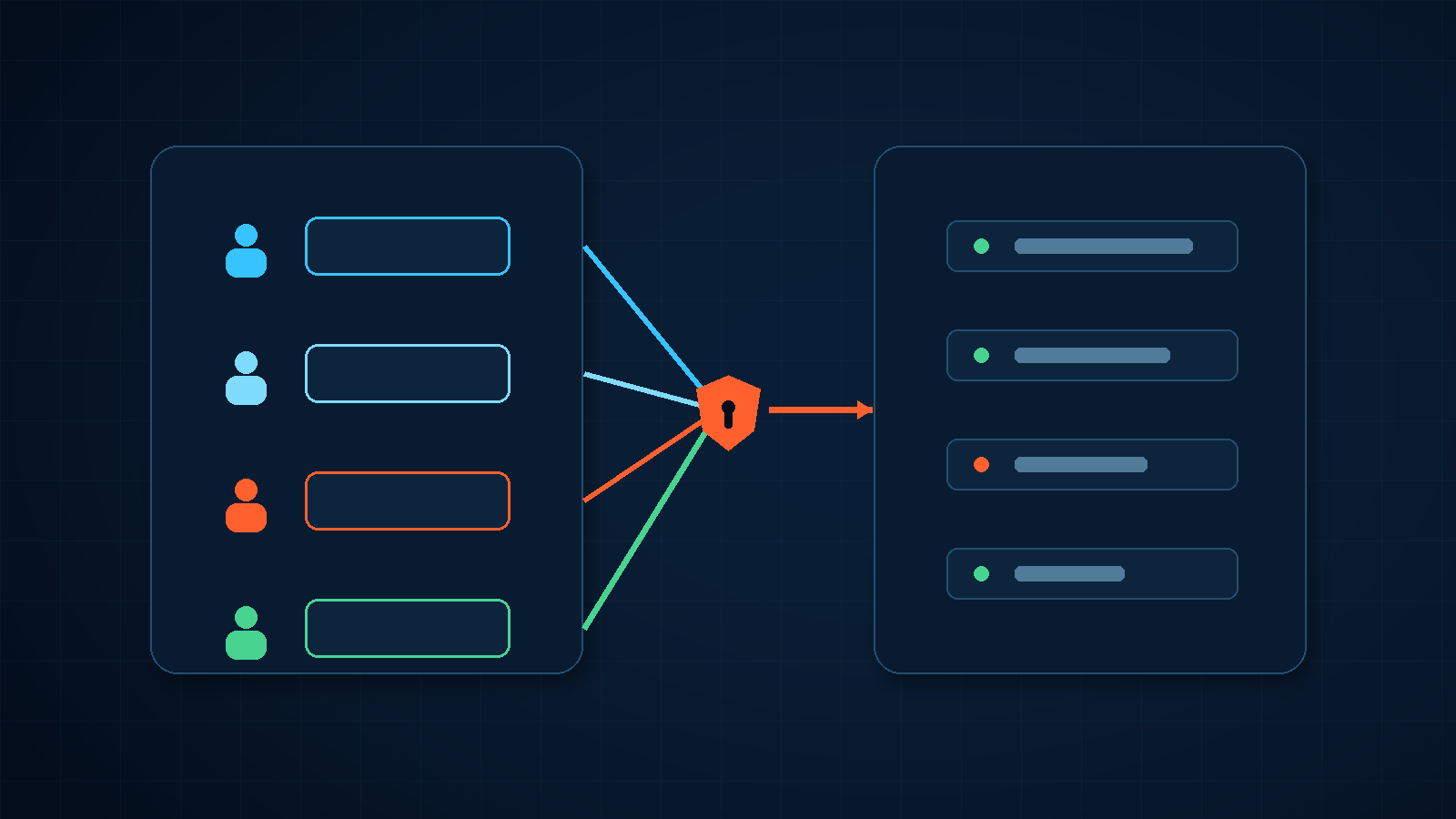
Many small businesses have only one account for the email administration console. The owner, office administrator, outsourced IT provider, and temporary support engineer all receive the same username and password when they need access. It feels convenient until something changes: a forwarding rule is created, an employee account is removed, or a security policy is weakened. The audit trail may show only the same generic administrator identity.
That is the central problem in business email administrator account security. The risk is not limited to password exposure. A shared credential ties identity, privilege, accountability, and recovery to one entry point.
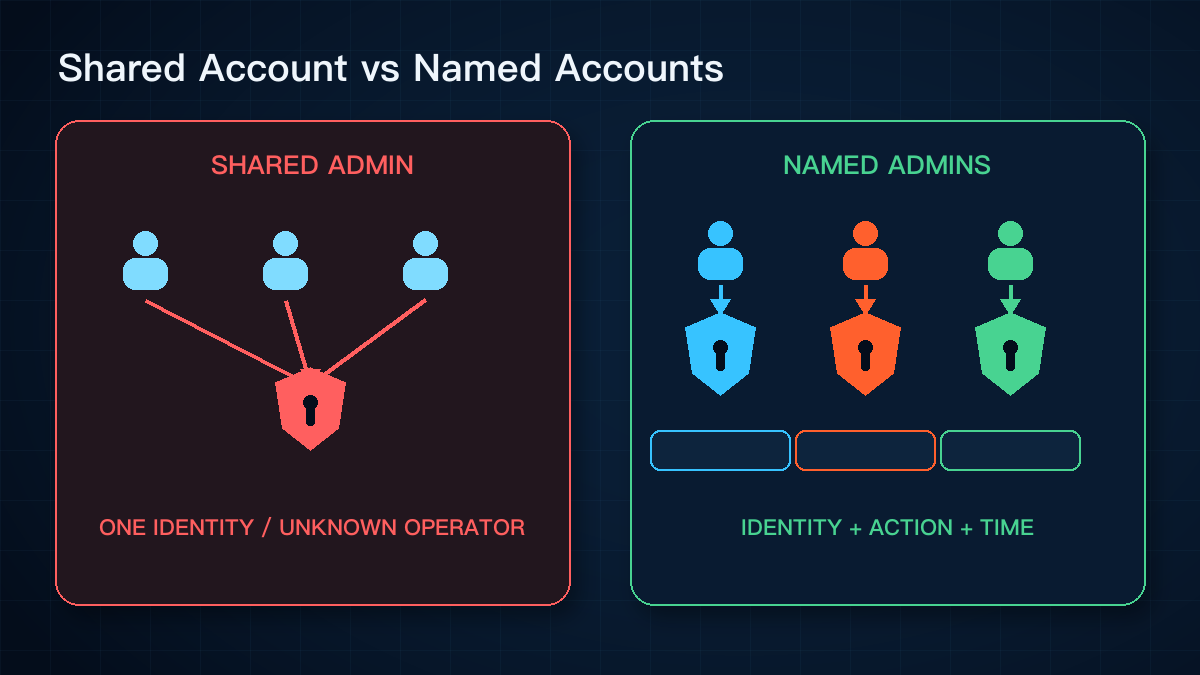
Shared credentials remove individual accountability
Google Workspace's administrator security guidance says not to share administrator accounts. Each administrator should have an identifiable account. When several people sign in as the same generic administrator, the audit log cannot reliably identify which person performed a specific action.
Offboarding also becomes harder. If an employee leaves or an outsourced contract ends, the business must either change the shared password for everyone or accept that a former user may still know it. Revoking one person's access becomes a redistribution of the entire key.
Administrative and everyday accounts should be separate
Administrators still read email, open attachments, and browse the web. If they perform those routine activities with a highly privileged account, a phishing attempt, unsafe consent request, or exposed browser session can affect far more than one mailbox. It may reach user creation, password resets, forwarding settings, security policies, and data access.
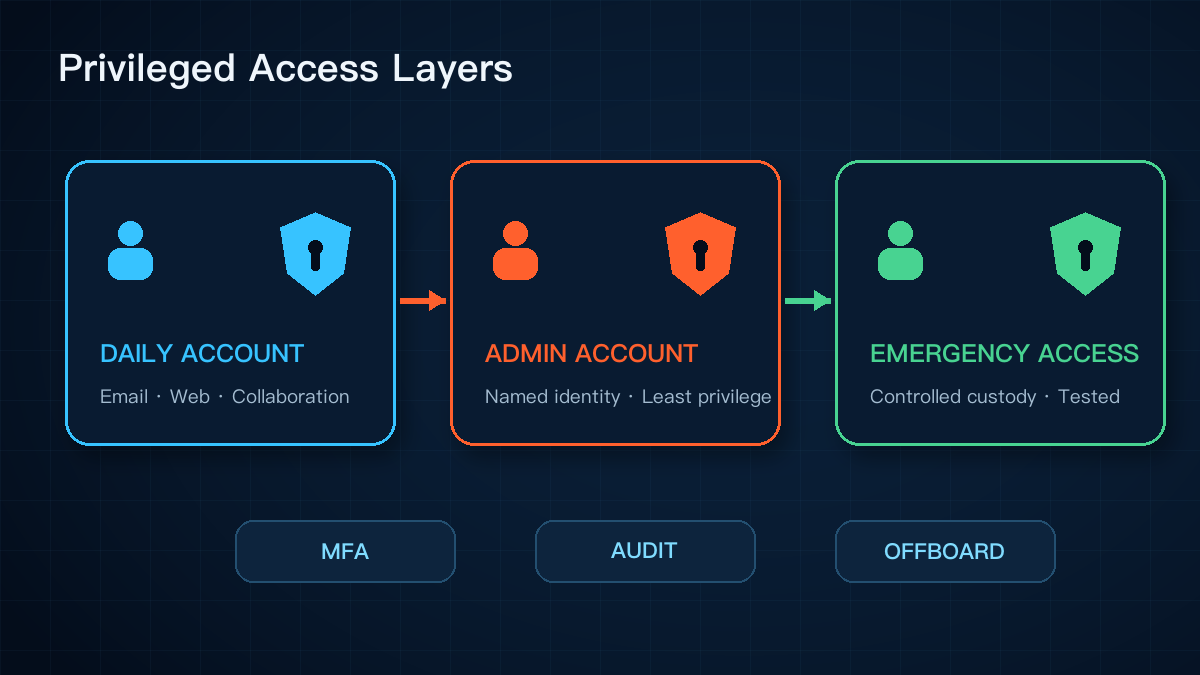
Google recommends separate administrative and everyday user accounts and the delegation of routine tasks to roles with fewer permissions. CISA likewise recommends separate user and privileged credentials, strong authentication, and auditing for privileged access.
This does not require an elaborate privileged-access platform. Even a small organization with two administrators can separate everyday work from administrative actions and sign out of high-privilege sessions after the task is complete.
MFA and named identities solve different problems
CISA advises small and medium businesses to prioritize MFA for administrators and employees handling sensitive data and to move toward phishing-resistant methods where possible. Depending on the platform, that may include security keys, passkeys, or other strong authentication on managed devices.
MFA helps establish that the person signing in possesses an additional factor. A named account establishes who that person is. Enabling MFA on one shared administrator account does not restore individual accountability.
Emergency access is not another shared daily account
A business also needs a recovery path when normal administrator identities are unavailable. Microsoft Entra guidance recommends multiple emergency access accounts, restricted to break-glass scenarios, monitored for every use, and tested regularly.
The exact implementation varies by platform, but the governance principles are consistent. Emergency credentials need defined custodians, activation conditions, secure storage, usage records, and a post-use review. They should not become a convenient account for routine vendor access.
Five practical checks
- Inventory privileged accounts across email, domains, file storage, backups, security devices, and business systems. Record ownership, role, custodian, and last review date.
- Stop creating generic shared administrators. Give each administrator a named account and phase out existing shared credentials only after checking dependencies.
- Use ordinary accounts for email, web browsing, and collaboration. Reserve privileged identities for administrative actions.
- Review MFA, recovery methods, backup factors, and managed devices. Avoid concentrating every recovery path with one person or one device.
- Define who can use emergency accounts, when they can be activated, who reviews the logs, and how their availability is tested.
The core point: named administrator accounts are not bureaucracy. They make each privileged action attributable to a person, a defined permission set, and evidence that can be reviewed.
Yuqi Intelligence helps businesses review administrator identities, MFA, offboarding, and emergency access across email, cloud platforms, and critical systems. The assessment begins with the existing platforms and account ownership before recommending a phased remediation plan.