
Short answer
When an employee loses Wi-Fi while walking from a meeting room to a corridor, do not add an AP first. Have one device follow a fixed route while recording signal and loss, AP/BSSID changes, authentication events, and the gateway it receives after the handoff. Persistently weak signal points to RF coverage. A normal signal with an authentication failure points to 802.1X/RADIUS. A device that stays attached to a distant AP points to client roaming decisions or controller policy. Those causes require different fixes.
This article answers one question: how to investigate a Wi-Fi drop during enterprise roaming. Device names, times, addresses, and logs are illustrative, not customer data or a local production test.
Fix the route and acceptance signal first
Choose a route employees actually use, such as desk → meeting room → corridor. Keep one client, one SSID, one business action, and one time window. Do not change AP placement, SSID, and authentication together; that removes the evidence needed to identify the cause.
| Observation | Evidence | What it answers |
|---|---|---|
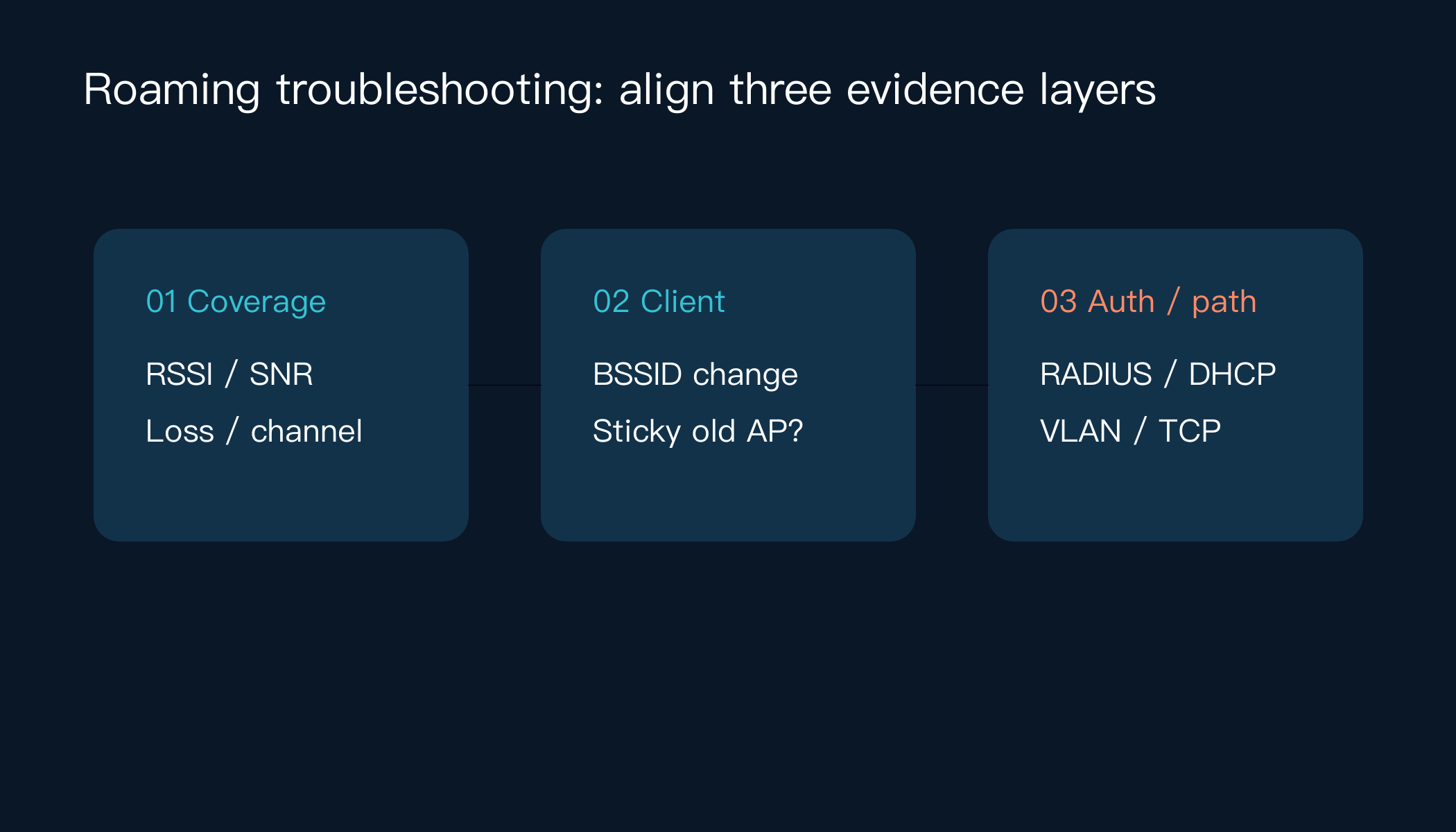
| RF coverage | RSSI, SNR, loss, channel, band | Did the client leave usable coverage before the handoff? |
| Roaming | Client BSSID, handoff time, old/new AP | Did a handoff occur, or did the client stay sticky? |
| Authentication | 802.1X/EAP, RADIUS accept/reject, session time | Did authentication fail or time out during the handoff? |
| Network continuity | DHCP, gateway, business TCP test | Did the new AP preserve the expected VLAN and path? |
Microsoft lists unreliable roaming among common wireless scenarios and recommends identifying the scenario and collecting a baseline before using connection state and ETW evidence to isolate the stage. Cisco’s enterprise WLAN material treats roaming, controllers, VLANs, and mobility design as separate concerns. These references establish the method; they do not imply a specific vendor deployment here.
Step 1: If signal is weak, check RF coverage
Walk the fixed route and record RSSI, SNR, loss, and BSSID every few seconds. An illustrative record:
10:14:20  BSSID=AP-A  RSSI=-58  SNR=31  loss=0%
10:14:35  BSSID=AP-A  RSSI=-79  SNR=12  loss=18%
10:14:42  BSSID=AP-B  RSSI=-61  SNR=28  loss=0%
If RSSI/SNR has already degraded before the drop, check AP placement, wall attenuation, channel utilization, transmit power, and 2.4/5 GHz planning. Seeing an SSID is not the same as having stable business coverage. If RF evidence is acceptable, move to authentication and client behavior.
Step 2: If signal is usable but the handoff stalls, check sticky clients
When RSSI remains usable but the client holds the old BSSID near a better AP, inspect whether the client supports and uses 802.11k/v/r, whether the controller enables the relevant capability for the SSID, and whether the endpoint driver has conservative roaming thresholds.
Support for 802.11k/v/r is not a guarantee of a successful handoff. The final decision involves the client, AP, controller, and security exchange. Change one variable at a time: keep the SSID and VLAN fixed, then compare handoff time before and after a roaming-assistance policy change. If the handoff becomes faster but the application still breaks, investigate authentication or the return path instead of adding more APs.
Step 3: If the BSSID changes but the session breaks, check 802.1X and the return path
A BSSID change does not prove that the session recovered. Align client, RADIUS, controller, DHCP, and firewall logs to one time zone:
10:14:42  client roamed AP-A -> AP-B
10:14:43  RADIUS Access-Reject reason=timeout
10:14:47  client received no DHCP response
This is a formatting example, not a customer log. A RADIUS reject or timeout calls for checks of certificates, EAP method, roaming key caching, RADIUS reachability, and time synchronization. If authentication succeeds but DHCP or business TCP fails, check the new AP’s VLAN, gateway, ACL, and return path. Do not disable 802.1X or widen an ACL just to make the handoff look healthy.
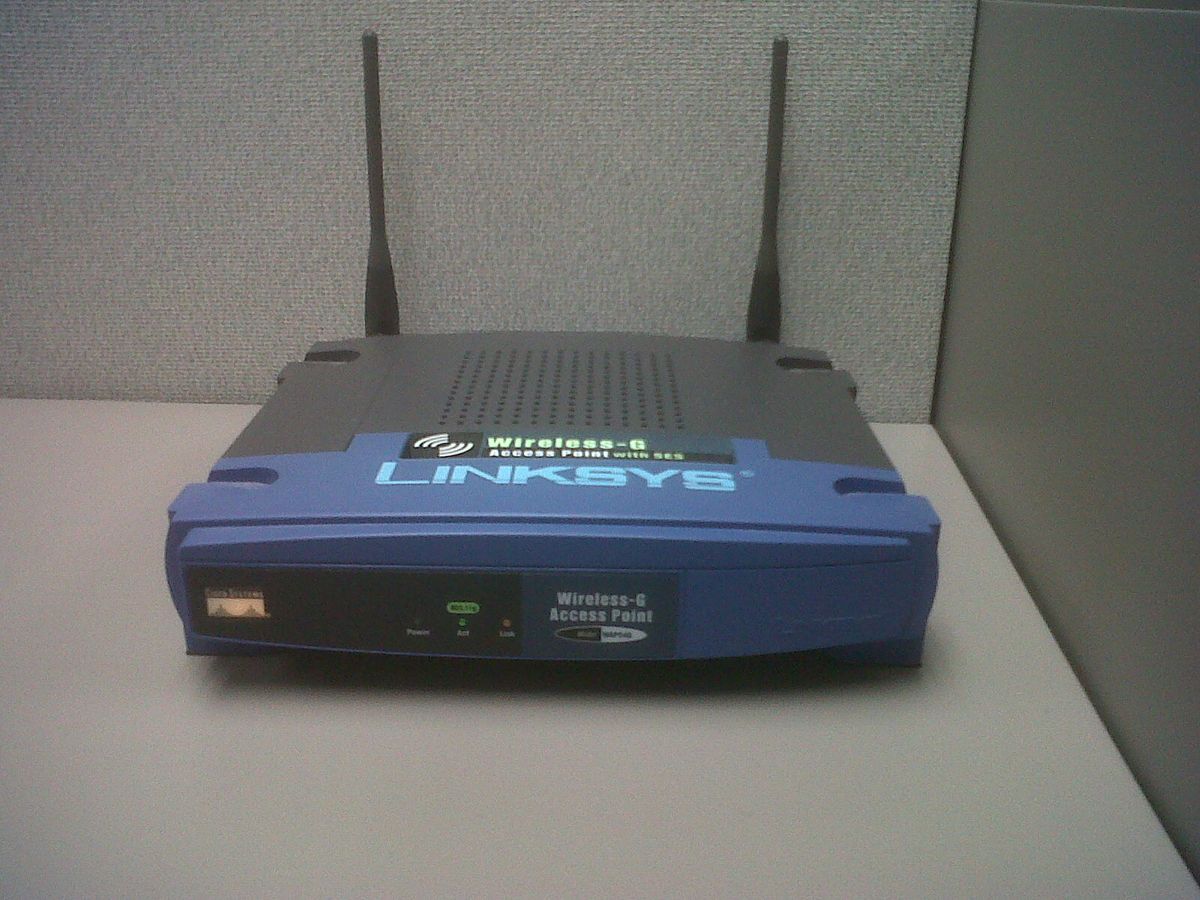
This is a public-domain wireless access point photograph used to show AP equipment and placement. It is not the network in this example or a Yuqi customer site. Photo: Pjpearce / Wikimedia Commons, released under CC0 1.0. The local file was resized to 1200×900 without added text or simulated site context.

Handoff checklist
- fixed route, client model/driver, SSID, VLAN, and test time, redacted to the organization’s privacy standard;
- RSSI, SNR, loss, channel, band, and BSSID at each sample point;
- old AP → new AP handoff time and whether reauthentication occurred;
- 802.1X/RADIUS Accept, Reject, Timeout, certificate, or EAP errors;
- DHCP, default gateway, DNS, and target business TCP test after the handoff;
- controller/AP roaming policy, power/channel changes, and change time;
- one-variable before/after comparison rather than “it feels more stable.”
Common misdiagnosis and scope boundary
Adding APs solves only some coverage problems. It does not fix RADIUS timeouts, a wrong VLAN, or a sticky client. This package contains no enterprise controller, endpoint ETW, or RADIUS telemetry, so the examples do not establish any vendor parameter for production. IPv6, tunnels, voice roaming, guest isolation, and multi-controller mobility may require additional evidence.
FAQ
Why does Wi-Fi drop while the signal still looks strong?
The signal value describes the current AP. It does not prove that the client selected the right AP or that authentication, DHCP, and business TCP recovered. Record BSSID and authentication events.
Must 802.11r be enabled?
Not universally. Confirm endpoint, authentication, and controller compatibility, then run a fixed-route single-variable test while observing RADIUS, DHCP, and application continuity.
Should we replace APs or check authentication first?
Start with RSSI/SNR and BSSID. Weak signal points to coverage. A BSSID change with RADIUS rejection or timeout points to authentication. Successful authentication with a broken application points to VLAN, gateway, or return-path evidence.
Related solution
When the evidence crosses AP placement, wireless controllers, authentication, and switching, organize the survey, VLAN, identity, and change records before evaluating enterprise wireless network planning and implementation.
Further reading
For faults that cross wireless and wired routing or policy, see the network equipment and switching/routing service.
Next step
If you have a redacted roaming timeline and logs, use Yuqi contact to describe the network scope. This article does not promise a specific repair time or outcome.
Sources and notes: The troubleshooting framework follows Microsoft Learn and Cisco official material. Addresses, times, logs, and device relationships are illustrative; the real photo is CC0 Wikimedia Commons wireless AP media and does not depict a customer site.