
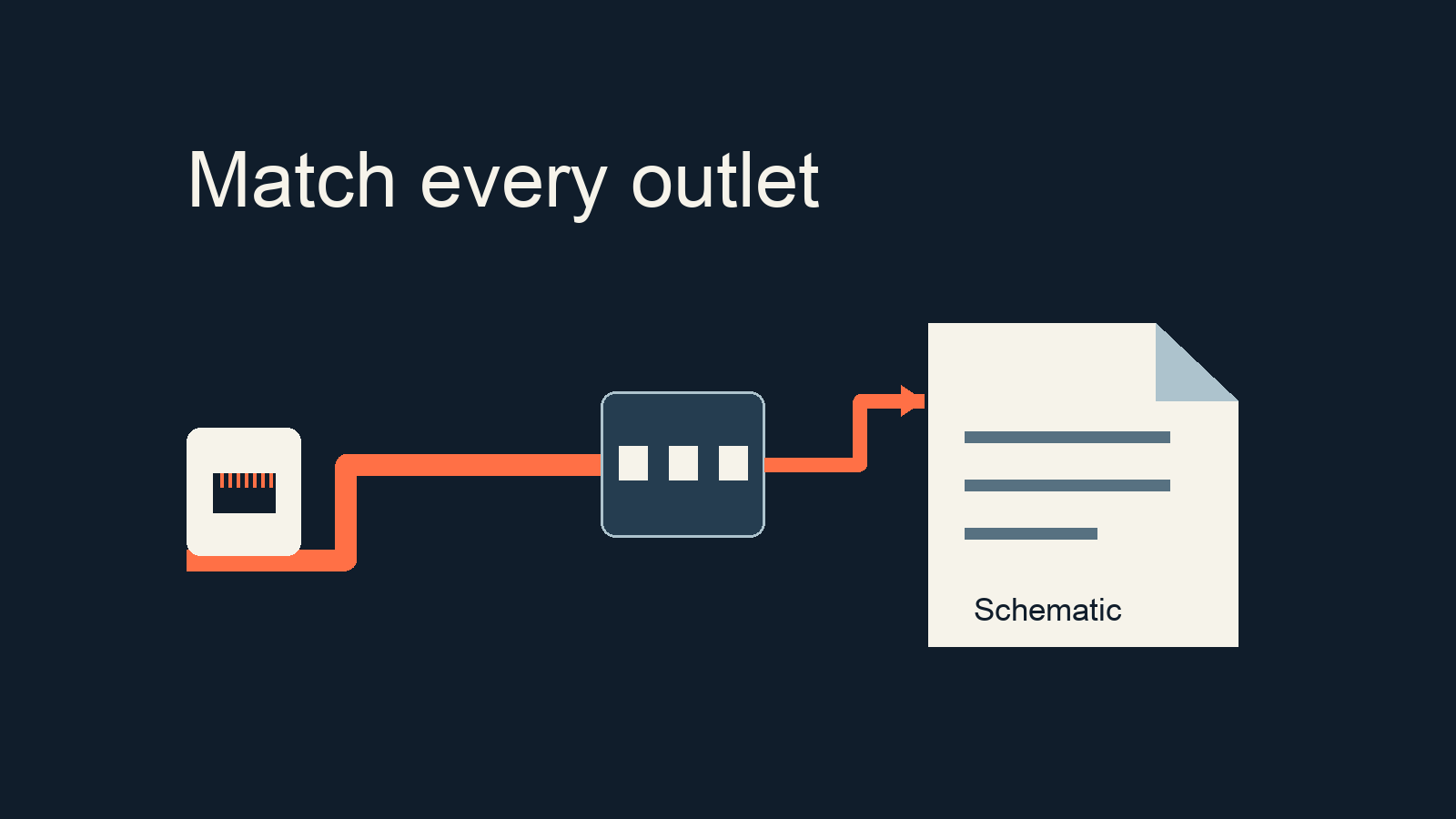
A contractor sends a report marked as passed, but the receiving IT team cannot identify which entry belongs to a meeting-room outlet. A cabling test report handover should make that relationship traceable: agree the test scope, match each cable ID to both physical ends, and connect unresolved issues to their final records. A total count of passed tests cannot replace that mapping.
This checklist is for facilities and IT leads receiving an office fit-out or relocation in Shanghai and nearby areas. It covers the documentation review for fixed copper cabling. It is not a certification report, an account of a completed customer project, or a substitute for the agreed technical acceptance process. Fiber, wireless coverage, switch configuration and application testing need their own scope.
What belongs in a cabling test report handover?
Start with three coordinated records: an outlet register, the complete test report and the as-built drawing. The register connects a room and outlet to a rack and patch-panel port. The report identifies the tested link. The drawing locates the installation as delivered, including approved changes. Together, they should let the next engineer move from either physical end to the relevant result.
Agree a common link identifier before making changes to labels or filenames. If old identifiers must remain, keep a cross-reference rather than silently renaming separate records. Physical tracing should be carried out by authorized personnel after checking whether the connection supports a live service. Documentation review alone is not a reason to unplug an occupied office.
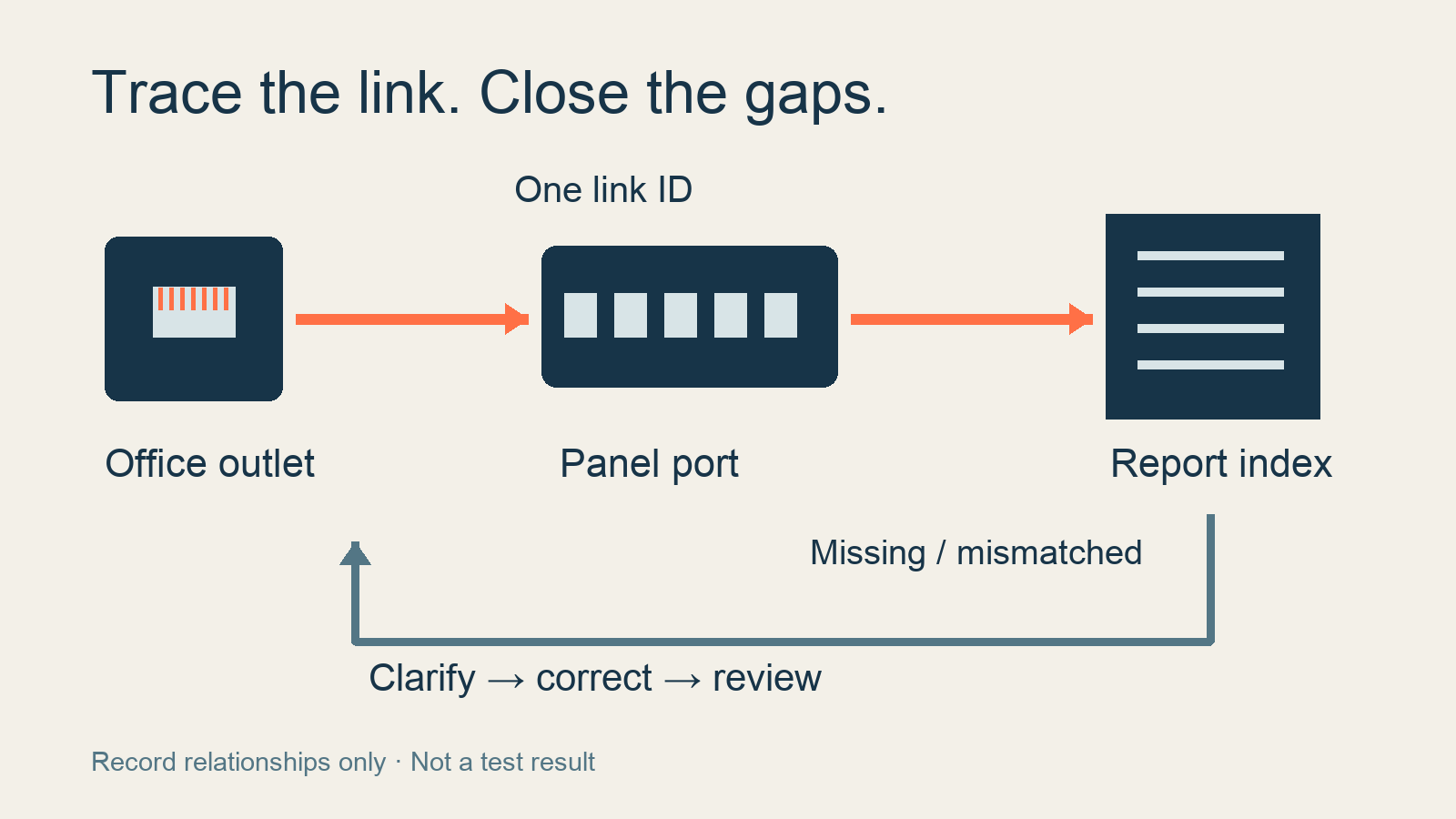
The diagram represents record relationships, not a tester connection setup or a measured certification outcome.
A pass is meaningful only within its test scope
Fluke Networks distinguishes basic verification, qualification for a particular network application, and certification against defined cabling performance limits. These answer different questions. An operational demonstration should therefore not replace certification when certification is the agreed deliverable. Conversely, a troubleshooting visit should not be described as a completed certification project without supporting work. See the manufacturer's explanation of verification, qualification and certification.
Ask the technical owner to confirm what the contract requires: the test type, cabling category or class where applicable, link configuration and deliverable files. Establish whether the result concerns the fixed installation or a channel including patch cords. Do not assume that two reports with the same cable ID evaluated the same scope.
This article does not prescribe one standards edition, limit value or calibration interval for every project. Those choices depend on the applicable requirements, equipment and agreed scope. If a result carries an unfamiliar qualification or the setup is unclear, ask the testing professional to explain it before the receiving team records acceptance.
Review the summary, then follow each link
Fluke's public introduction to reading a copper certification report describes a summary containing cable IDs, outcomes and the test limit, followed by detailed results for individual links. The practical implication is that the summary is an index, not the entire evidence package. This article uses the page's public text; it does not claim to have watched or reproduced the webinar demonstration.
Use the following review sequence. It is an editorial handover checklist, not a checklist issued by the manufacturer.
- Confirm project and revision. Check the delivery area, report version and test dates against the current handover batch. Where a report omits a project field, use the delivery index to establish the association. A previous-floor report is not evidence for the new floor.
- Check the specified test setup. Ask the technical owner to compare the reported test limit and link configuration with the agreed requirements. Confirm relevant equipment identification and calibration documentation where required, without inventing a universal expiry rule.
- Map a unique identifier to both ends. Locate the room outlet and patch-panel port for each report entry. Flag duplicate identifiers, missing labels and ambiguous room names for clarification.
- Find the individual result. Make sure the complete record requested for that link is available. A summary count does not resolve missing detail. Preserve result wording and refer unexplained flags or inconsistent settings to the testing professional.
- Identify the final record. Link any corrective action and retest to the same physical link. Retain the earlier record for traceability, while making clear which version the final delivery index references.
Count unique links within the agreed scope, not report pages or test attempts. Several attempts for one outlet do not represent several delivered outlets. Separately list missing results and outlets excluded from the current batch, with the reason and next action. Sampling documentation can reveal a problem, but it does not replace a contractual requirement to test and deliver records for every applicable link.
A register your receiving team can use
Give each link one register row with the following groups of fields. Expand it for the actual site, but do not mark unsupported information as confirmed.
- Physical identity: floor, room, outlet label, link ID, rack and patch-panel port.
- Record references: drawing revision and location, report filename and entry reference, test date, test type and reported limit or configuration.
- Review status: result wording as issued, physical-label check, missing information and questions requiring technical review.
- Issue closure: issue reference, responsible person, agreed due date, retest reference, final documentation revision and confirmation status for both parties.
Consider an illustrative example. The register lists SAMPLE-L017, the outlet label says Meeting-2, and the report contains L017 plus L017-R. Similar names do not establish a match. Ask the contractor to verify the physical association and whether one entry is a retest. Keep the cross-reference and identify the final record before counting the delivered link. These are invented identifiers for explanation, not customer data or test results.
For the broader installation context, see the structured cabling engineering overview. The task here is narrower: making the delivered records usable by the team that inherits the office.
When should an item remain open?
A report with no identifiable outlet, a missing required detail record, an unexplained limit mismatch or a repair without a linked retest needs an open item. Incomplete paperwork does not automatically prove that a cable failed. It also does not establish that the documentation obligation has been fulfilled.
Separate receipt of files from technical review, physical-label verification and agreement on remaining work. Record who will resolve each discrepancy and what evidence will close it. Whether the project can be received with outstanding items is a decision for the responsible parties under their agreed process; this checklist does not make that decision for them.
Assign an owner for the register after handover. Port moves, label changes and additions should update the relevant records. The technical owner should assess the need for retesting after a physical change. Without that ownership, a carefully reconciled handover can become unreliable after the first office adjustment.
Questions before the receiving team signs
Can we review a PDF alone? You can check what it actually contains. If the agreed individual results or native files are missing, record the omission and request them rather than reconstructing the data yourself.
Does a passed cable report prove the office network works? No. Its outcome is tied to the tested conditions. Switching, loops, wireless coverage, internet access and business applications require their own checks.
Does a label change require every link to be retested? First distinguish a naming change from a physical change. Maintain an auditable cross-reference for renamed identifiers. The technical owner should determine the retest scope from the actual change and applicable requirements; editing a PDF is not evidence of a new test.
Plan the handover around your site
Bring the office area, intended outlet scope and known documentation gaps to a discussion through Yuqi's structured cabling service. Work for businesses in Shanghai and nearby areas depends on the site conditions and the service scope agreed by both parties.
Prepared by Shanghai Yuqi Intelligent Technology Co., Ltd. with AI-assisted drafting and source review. The original diagrams are deterministic process illustrations, with no customer installation, fabricated certification result or manufacturer endorsement. Sources reviewed on September 5, 2026.